
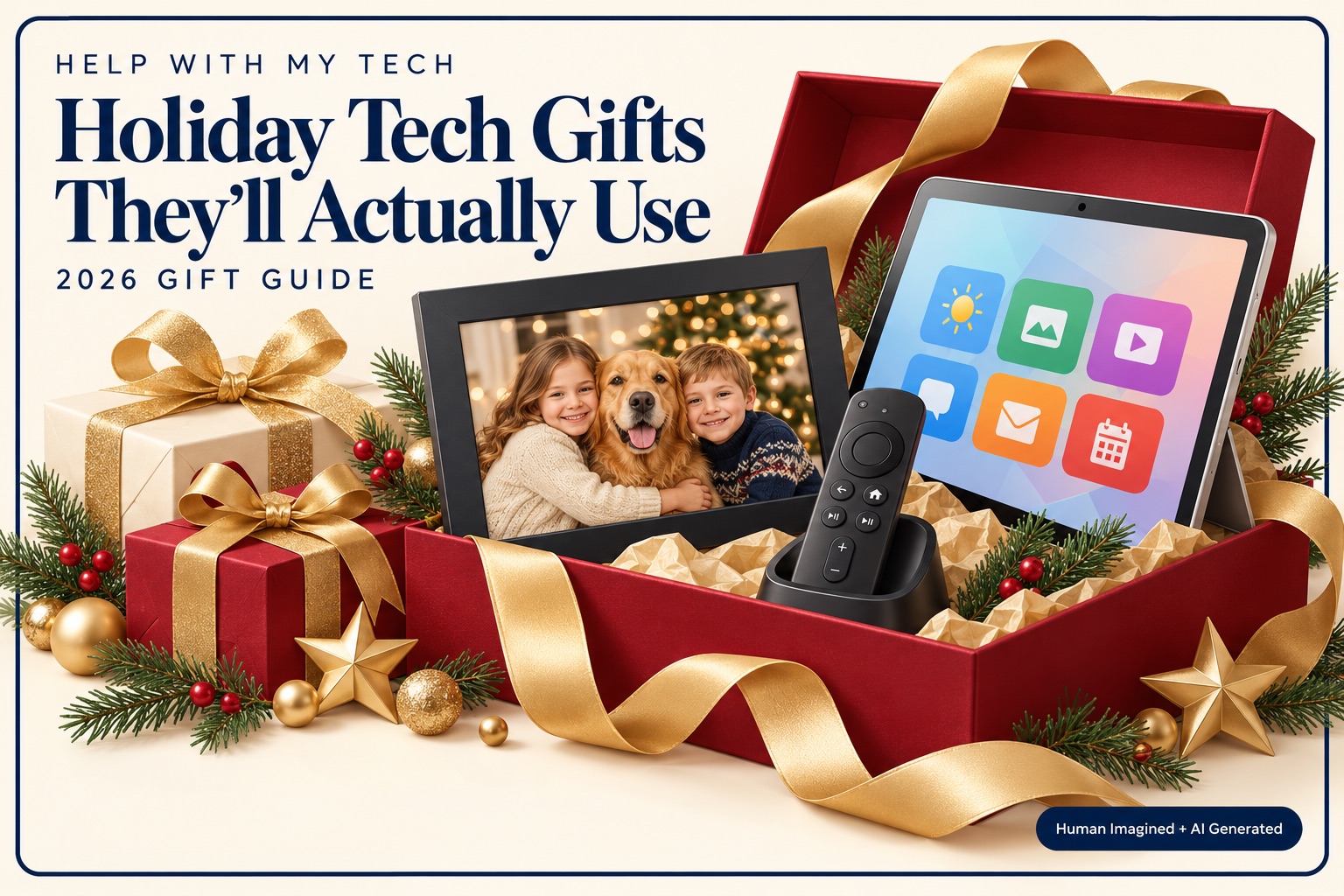
Looking for a holiday gift for an older parent, grandparent, spouse, or friend? Start with something they already enjoy—and include the help that makes it easy to use.
A photo of the grandchildren appearing on the mantel. A comfortable way to read on the couch. A remote that makes movie night less frustrating. The best technology gifts often make an ordinary day a little better.
At Help With My Tech, we recommend choosing for the person: their hobbies, preferences, home, and comfort level. Some seniors love exploring every feature. Others want one familiar button that does what they expect. Both deserve a thoughtful gift.
1. A digital photo frame filled with family memories

Best for: Someone who loves family photos and would enjoy seeing new pictures without opening a phone app every day.
An Aura digital photo frame is worth considering. Aura supports preparing a gift with photos and a personal message, and invited family members can contribute more pictures later. Its photo service currently has no subscription fee; the frame needs Wi-Fi and power, and setup uses Aura’s app and an account.
Make the gift personal before wrapping it. Choose a mix of everyday moments, old favorites, pets, and recent adventures. A carefully chosen collection is more enjoyable than hundreds of near-identical snapshots.
- Check before buying: Is there dependable Wi-Fi and a convenient outlet where the frame will sit? Will someone help with setup?
- Make it ready: Follow Aura’s gift-preparation instructions. Arrange the final connection at the recipient’s home. Plugging in and claiming a prepared gift on your own Wi-Fi can interfere with that process.
- Keep the gift going: Ask a few family members to add occasional new pictures. Discuss who is invited to contribute.
2. An iPad set up around what they love
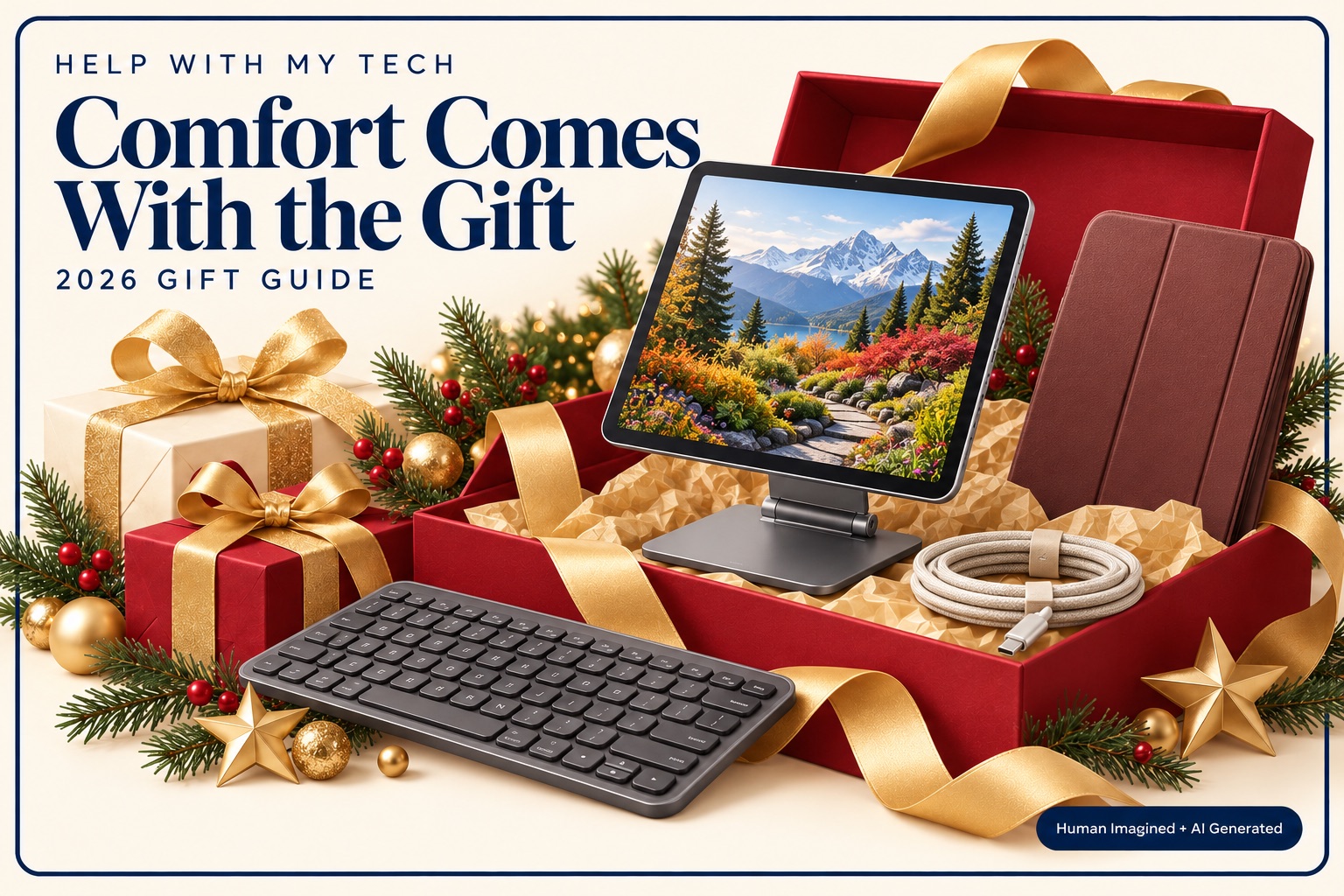
Best for: Someone who wants a larger view of family photos, video calls, recipes, reading, puzzles, or everyday browsing.
An iPad can be a lovely gift when those activities appeal to the recipient. We would begin with a mainstream model that meets their needs, then put part of the budget toward a protective case, a stable stand, and setup. If they already enjoy an Android tablet, staying with something familiar may make more sense.
Let them try the size and weight when possible. A larger screen can be easier to see, but a heavy tablet can be tiring to hold. A stand often makes the biggest difference.
- Check before buying: Which apps do they want? How much storage will their photos and downloads need? Will they use home Wi-Fi, or do they actually need a cellular model and a separate data plan?
- Make it comfortable: Adjust text size and contrast with them. Apple provides display and text accessibility settings, including larger and bolder text. Keep the apps they want easy to find.
- Plan ongoing costs: Some apps, books, streaming services, and cloud storage cost extra. Explain any subscription before starting it.
- Practice one enjoyable task: Make a video call together or open a favorite recipe. Let the recipient do the tapping while you guide.
Use the recipient’s own account with their involvement. Signing in with the gift giver’s personal account can mix photos, messages, purchases, and other information. Keep recovery details accessible to the account owner.
3. A better remote for a familiar TV setup
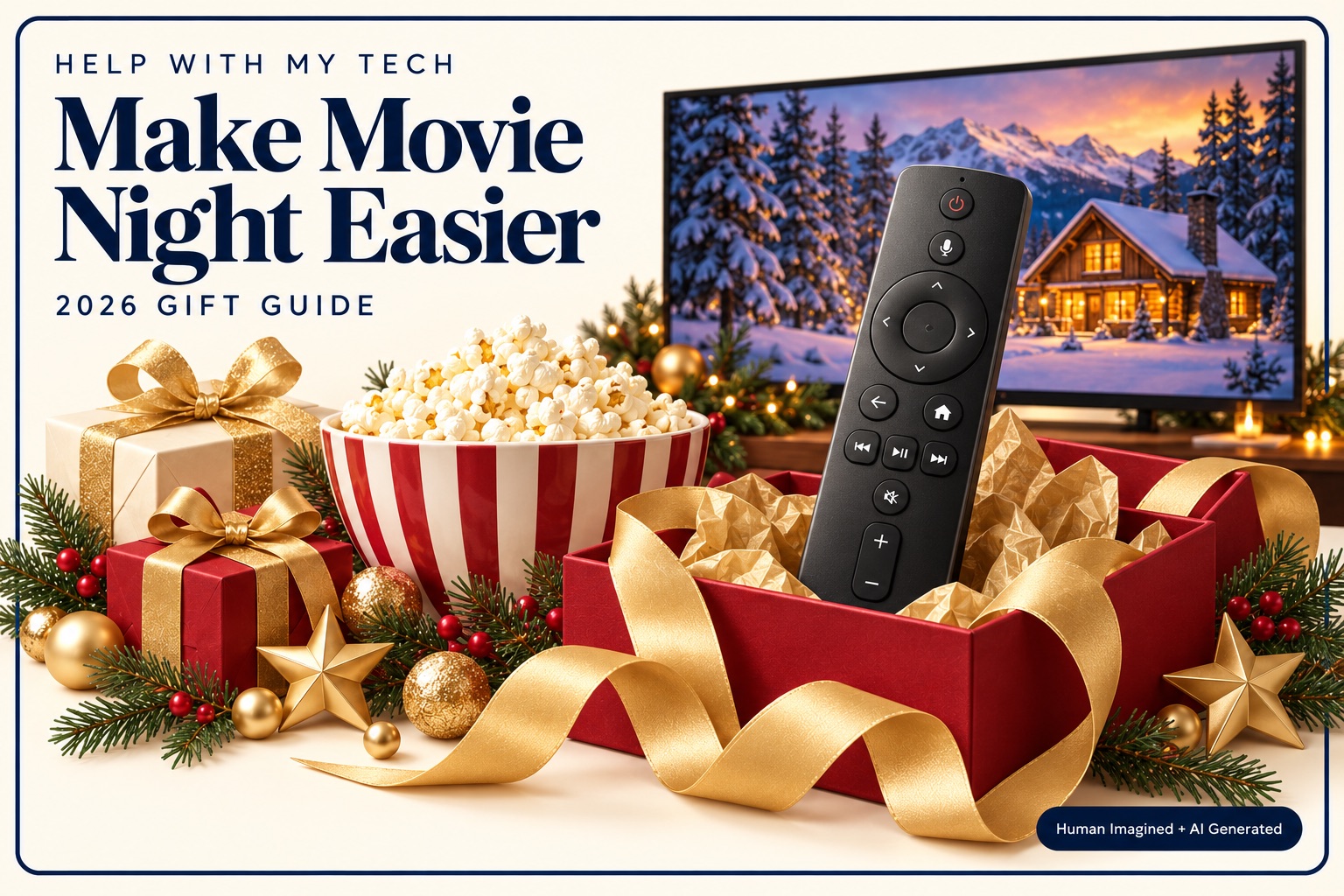
Best for: Someone who enjoys television but struggles with their current remote or finding a favorite program.
For a household already using a compatible Roku device, the Roku Voice Remote Pro (2nd edition) offers rechargeable power, backlit buttons, voice controls, and a lost-remote finder. Those are useful features to compare with the remote they already have.
Check the exact Roku model first. This is a Roku accessory, and compatibility varies. It is not a universal replacement for every television, cable box, or streaming device. Use Roku’s compatibility check before purchasing.
- Make it ready: Pair the remote, check supported TV power and volume controls, and practice opening the programs they actually watch.
- Make it familiar: Leave a short, readable instruction card using the labels on their actual remote. Include how to return to their usual TV source.
- Discuss ongoing costs: Buying a remote or streaming device does not include every streaming subscription. Review any paid services together.
If their existing setup works well, a new streaming system may create more work than enjoyment. Improving the controls they already use can be a better gift than replacing the whole arrangement.
4. Small accessories that solve a daily annoyance
Best for: Someone who already likes their phone, tablet, or computer but has one recurring frustration.
These can be the most practical gifts on the list. Think about what the person has mentioned: a tablet that keeps sliding, keys that are uncomfortable, or a charging cable that never reaches the side table.
- A sturdy adjustable stand: Check that it supports the device’s size and weight, fits with its case on, and leaves the charging port accessible.
- A comfortable keyboard or mouse: Let the recipient try the feel when possible. Check connection type and device compatibility; large print on the keys alone does not guarantee comfort.
- A suitable charging setup: Match the exact device and connector. Check the manufacturer’s charging requirements, buy from a reputable seller, and arrange the cable so it stays clear of walking paths.
These accessories generally do not require a subscription, but check whether the package includes the necessary cable, power adapter, batteries, or receiver. Keep the receipt: comfort is personal.
5. The gift of patient setup and a useful lesson
Best for: Someone with a new device to learn—or a perfectly good device they would like to enjoy more.
You do not need another box under the tree to give a technology gift. Offer to help organize family photos, make video calls more comfortable, or work through a frustrating TV setup. Agree on a time and a goal with the recipient.
A gift note could say: “An afternoon to get your tablet comfortable, make a family video call, and write down the steps together.” Keep the pace relaxed, take breaks, and leave room for questions.
If professional help would be useful, contact Help With My Tech to arrange a setup visit or personal lesson. Confirm the appointment, service area, and cost before presenting it as a gift. A good session starts with what the recipient wants to do.
Make the first experience part of the present
The moment after unwrapping matters. A frame with familiar faces, a tablet ready for a family call, or a remote that opens a favorite show gives the recipient a reason to enjoy the gift right away.
Choose something that fits their life, include patient help, and leave them feeling confident. That is the kind of technology gift we would be happy to give.
Want help choosing or setting up a gift?
Help With My Tech offers friendly, patient technology support in Mesa and surrounding areas. We can help check compatibility, set up devices, and explain the everyday steps in plain language.
Contact Help With My Tech or call/text 480-463-7030.