
How Can Seniors Stop Unwanted App Charges and Subscriptions?

Illustrative image created for this guide. The quick answer Deleting an app does not cancel its subscription. Find out who bills you, cancel through that provider, and save the confirmation. Then add purchase safeguards. A small charge appears every month. You cannot remember signing up, and removing the app did not stop it. App subscriptions […]
Why Won’t My Printer Print From My Phone? A Simple Guide for Seniors

Illustrative image created for this guide. The quick answer Check that the printer is awake, has no error, and is connected to the right home network. For iPhone AirPrint, your phone and compatible printer need to be on the same Wi-Fi network. You want a paper copy of a recipe, appointment letter, or family photo. […]
What Should Seniors Do If They Forget Their iPhone Passcode?

Illustrative image created for this guide. The quick answer Stop repeated guesses. If you recently changed the passcode, Apple may offer a 72-hour way to use the previous one. Otherwise, recovery generally involves erasing and resetting the phone. Seeing iPhone Unavailable can be upsetting. Your photos and contacts may feel out of reach, and every […]
How Can Seniors Tell If a Text Message Is a Scam?

Illustrative image created for this guide. The quick answer Pause before replying or tapping. If a message concerns a real account, check it through the company’s official app or a phone number you already trust. A text says your package cannot be delivered. Another claims your bank account is locked. A third asks for a […]
Why Does My TV Say “No Signal”? Simple Fixes for Seniors

Illustrative image created for this guide. The quick answer A No Signal message often means the television is on but is not receiving a picture from the selected device. Start with the input and the device’s power. You sit down to watch a favorite show, press Power, and see No Signal. It is easy to […]
How Can Seniors Hear Phone Calls Better Without Missing the Ringer?

Illustrative image created for this guide. The quick answer Turn up the volume while you are actually on a call. Then check the ringer separately. Call sound, ringtone sound, and video sound are different controls. You can hear a video clearly but struggle to understand your daughter on the phone. Or you turn down a […]
Apple’s October 2026 Rumor Roundup: What to Watch—and What Not to Buy Yet

Prediction note: This article discusses industry reporting, leaks, and informed guesses as of August 26, 2026. Apple has not confirmed these future products or their specifications. Plans, names, timing, features, and prices can change—or never happen. Please do not make a purchase decision based on a rumor alone. Apple news moves quickly, especially in the […]
Why Am I Not Getting Text Messages on My iPhone? A Senior-Friendly Guide

Illustrative image created for this guide. The quick answer First find out whether the text never arrived or arrived without an alert. Those are different problems. Check Messages itself before changing lots of settings. You are waiting for a family update, a doctor’s reminder, or a sign-in code. Someone says they sent it, but you […]
Is the iPhone Duo Good for Seniors? A Practical Guide

The iPhone Duo is Apple’s first folding iPhone. It can be a small phone when it is closed and a much larger screen when it is open. That sounds especially appealing for older adults who want bigger words, clearer photos, and a more comfortable way to talk with family. But bigger is not always simpler. […]
Should Seniors Buy an Apple TV? Benefits, Drawbacks, and Setup Tips

Concept illustration. Menus and controls may look different on your television. The quick answer: Apple TV 4K can be an excellent choice for many seniors, especially those who already use an iPhone or iPad. It offers a fast, fairly clean interface, strong voice controls, clear dialogue tools, customizable captions, family photos, FaceTime on the television, […]
Should Seniors Upgrade to iOS 27? A Complete Guide

Concept illustration. Menus and features can look different depending on your iPhone model and settings. The quick answer: Yes, most seniors with a compatible iPhone should upgrade to iOS 27. The update adds important security fixes, makes older supported phones feel faster, improves readability, and introduces helpful tools for calls, passwords, reading, reminders, and voice […]
Why Your iPhone Is Not Ringing: 7 Simple Checks for Important Calls

When an important call goes straight to voicemail, it is easy to think the iPhone is broken. Most of the time, it is not. A setting is quietly doing its job a little too well. This guide is for people who want to receive the calls that matter—from family, a doctor’s office, a caregiver, or […]
Benefits of an Apple Watch for Seniors: A Complete Guide

An Apple Watch can be much more than a small screen that tells time. For many older adults, it can make everyday life a little easier: less digging through pockets for a phone, clearer reminders, a quick way to call for help, and useful health information in one familiar place. It is not a medical […]
Assistive Access on iPhone: A Simpler, Less Overwhelming Way to Use Your Phone
Many people want a phone that does the basics well without showing dozens of icons, alerts, and choices. Assistive Access is an iPhone feature designed to make the experience simpler. It can create a more focused home screen with larger items and only the apps a person truly needs. It may be helpful for an […]
How to Make an iPhone Easier for an Older Parent
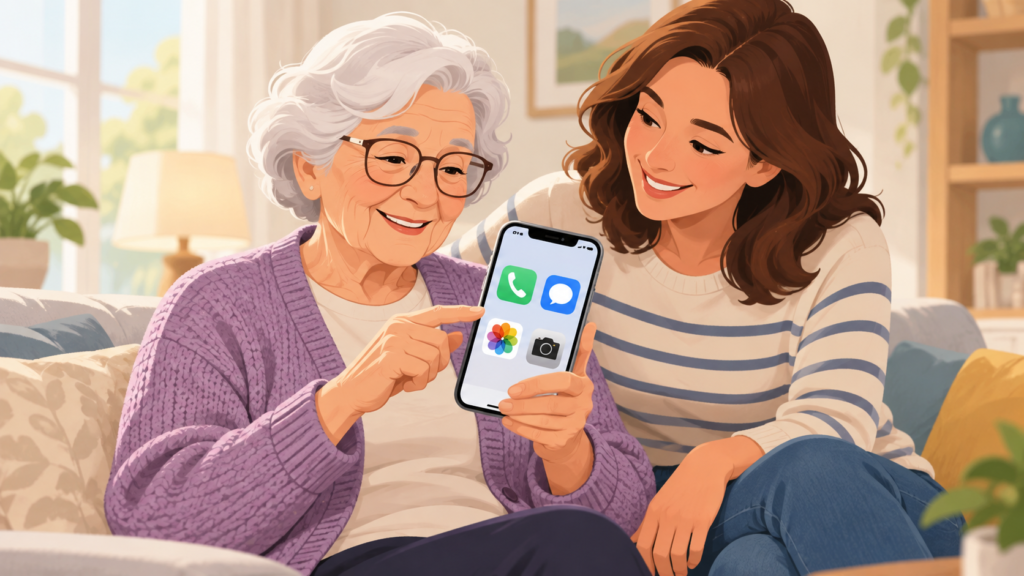
There is a big difference between buying an iPhone and making it comfortable to use every day. A phone can have a beautiful screen, plenty of storage, and the latest features, yet still feel confusing if the important things are hard to find. For many older adults, a few thoughtful changes can make an iPhone […]
A Simple Tech Checkup for Fall: Wi-Fi, Passwords, Backups, Updates, and Scams
Just as a home benefits from a seasonal checkup, your technology does too. A few small tasks can prevent bigger problems later: slow Wi-Fi, forgotten passwords, missing photos, outdated software, and scam messages. Check your Wi-Fi If Wi-Fi feels slow, restart your router by unplugging it for about 30 seconds, then plugging it back in. […]
How to Tell When ChatGPT Is Guessing: A Simple Way to Check AI Answers
ChatGPT can explain a subject in a friendly, confident voice. That can be useful, but it can also be misleading. A smooth answer is not proof that every detail is correct. Like any tool, ChatGPT can misunderstand a question, use old information, or fill in a missing detail with a guess. The good news is […]
How to Move to a New iPhone From an Old iPhone: A Calm, Step-by-Step Guide

Moving from an old iPhone to a new iPhone is usually straightforward, but it is worth slowing down. A calm setup helps you keep your photos, messages, apps, and important account access in the right place. Plan to do the transfer at home with dependable Wi-Fi, both phones charged, and a little uninterrupted time. Prepare […]
ChatGPT and Apple Intelligence: What’s the Difference?

ChatGPT and Apple Intelligence are both tools that can help with language, ideas, and everyday tasks. Because they sometimes appear in similar places on a device, it is easy to assume they are the same. They are not. The simplest way to understand the difference is this: Apple Intelligence is built into certain Apple devices […]
Should You Trade In Your Old iPhone or Keep It as a Backup?
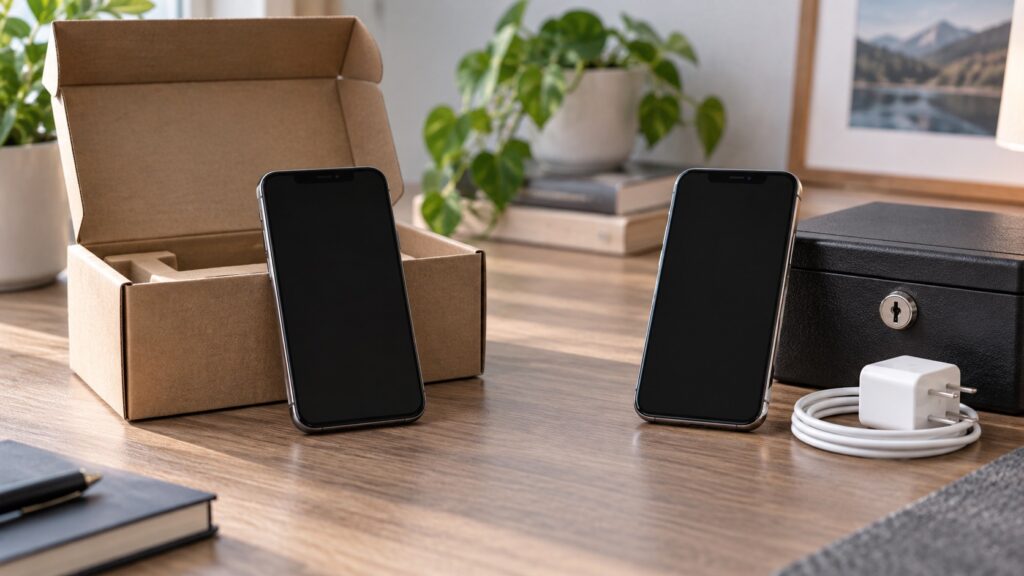
Getting a new iPhone creates one important question: what should happen to the old one? Trading it in can reduce the cost of the new device. Keeping it can give you a useful emergency backup. Neither choice is wrong, but the right answer depends on your situation. First, do not rush. Keep the old phone […]
Is Someone Remotely Connected to My Computer? How to Check and What to Do
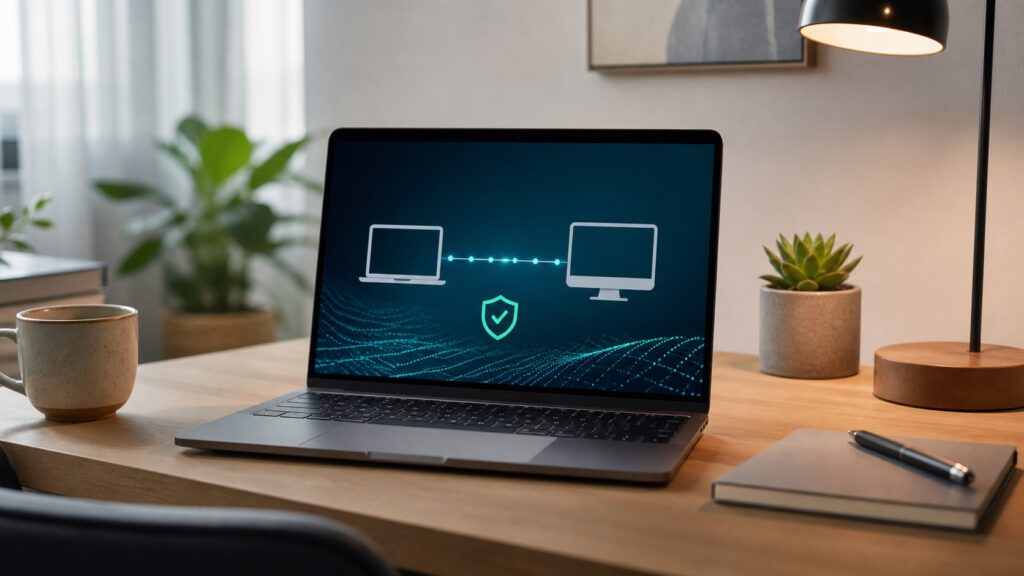
Remote access is not automatically bad. It is how a trusted technician can help when you have asked them to, and it is how many workplaces support their computers. The concern is unexpected access: a stranger calling about a virus, a pop-up telling you to call immediately, or a screen-sharing app you do not remember […]
ChatGPT Images: Fun Uses, Helpful Uses, and What to Double-Check

AI image tools can turn a written idea into a picture. That can be fun, but it can also be genuinely useful. You might create a birthday card idea, a simple garden layout, a picture for a family newsletter, or a visual to help explain a project. The key is to enjoy the creative side […]
Is AppleCare One Worth It for a Family’s Devices?

Device coverage can be hard to compare because every plan has different rules, costs, and limits. AppleCare One is designed to bring eligible Apple devices under one shared plan. That may sound simple, but it is still worth looking closely at what you own and what kind of problems you are most likely to have. […]
How to Use ChatGPT Without Sharing Too Much Personal Information

ChatGPT can be helpful for writing, planning, and learning. But it is still important to protect private information whenever you use an online tool. The safest habit is simple: do not type anything into ChatGPT that you would not feel comfortable sharing with a stranger. You can get useful answers without giving it your full […]
AirPods 5: The Features That May Actually Make Daily Life Easier

Earbuds can seem like a small gadget, but the right pair can make calls, podcasts, TV listening, and everyday errands more comfortable. The newest AirPods are designed to make wireless listening simpler, not to turn everyone into an audio expert. The most useful features are usually practical: a better fit, clearer conversations, simpler pairing, helpful […]