
AI image tools can turn a written idea into a picture. That can be fun, but it can also be genuinely useful. You might create a birthday card idea, a simple garden layout, a picture for a family newsletter, or a visual to help explain a project.
The key is to enjoy the creative side while remembering that an AI-made image is not automatically a photograph or a fact. It is a generated illustration based on your request.
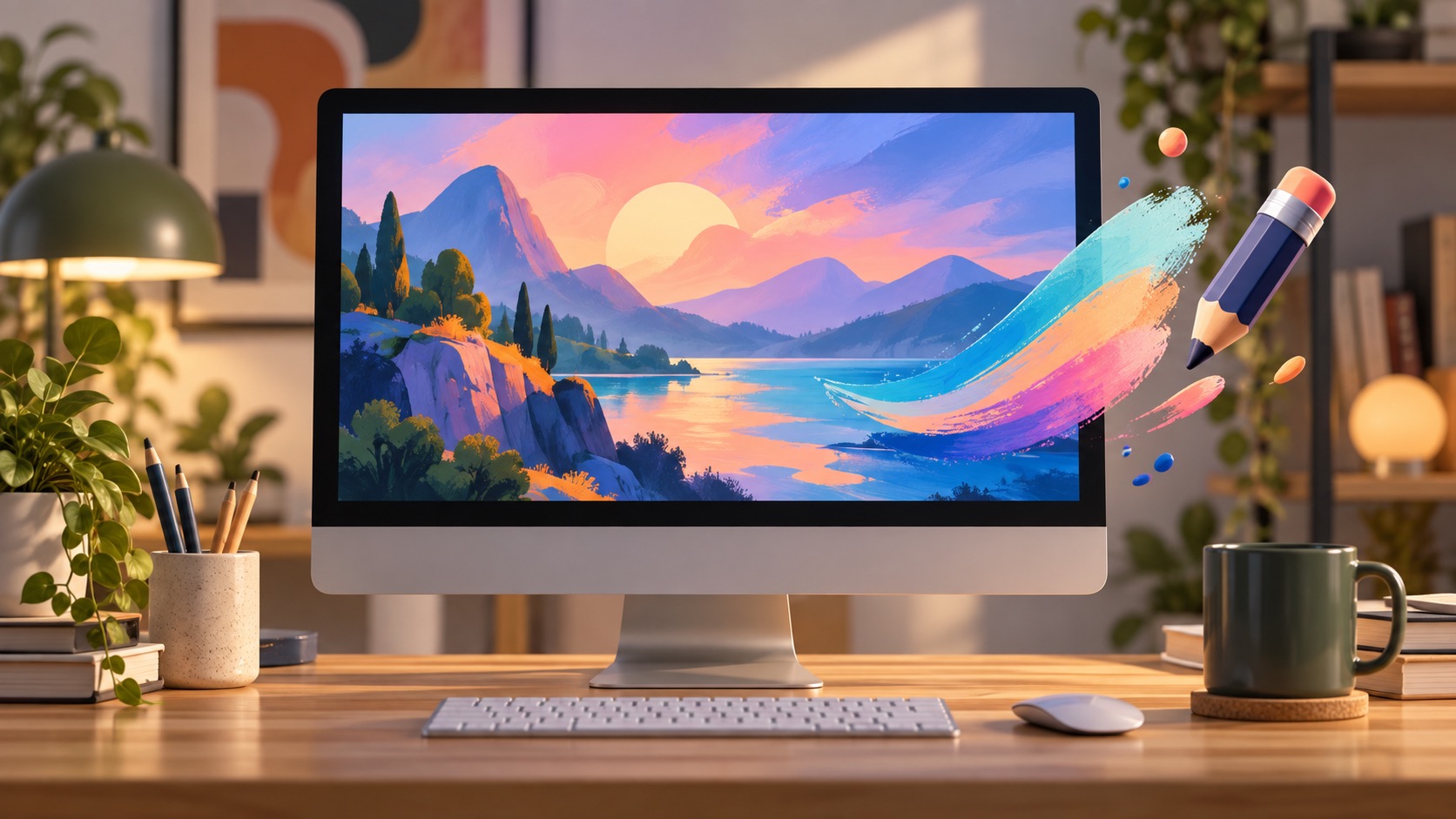
Simple ways to try it
Start with a clear description. Mention the subject, mood, colors, and style you want. For example: “Create a cheerful watercolor-style picture of a yellow front door with flowers.” You can then ask for a new version with brighter colors, fewer details, or a different background.
Good low-stakes uses include party invitations, holiday cards, hobby inspiration, a vision board, and a simple illustration for a family story. You can also use an image tool to help imagine a room color or garden arrangement before making a real purchase.
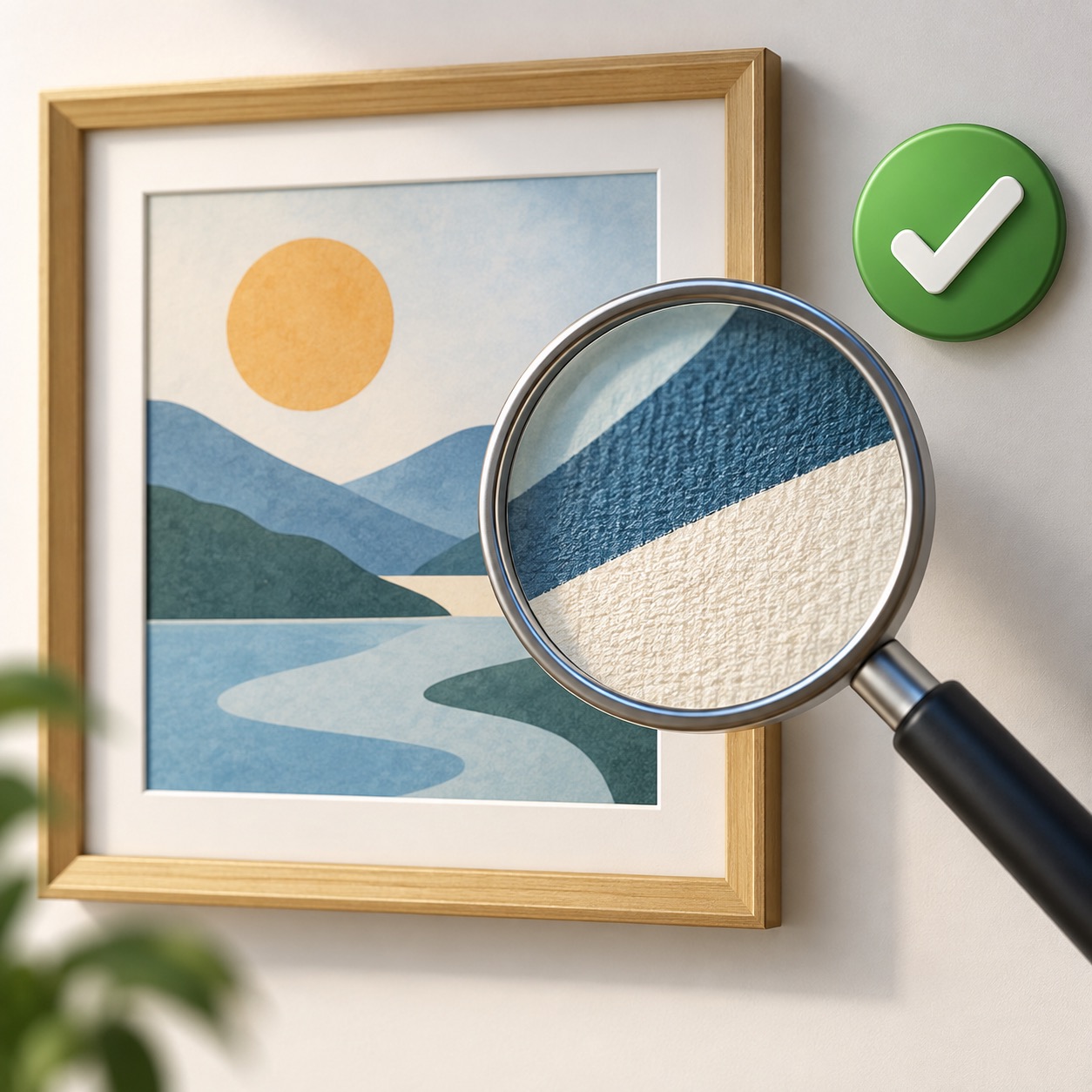
Look closely before you share
Generated images can make strange mistakes. Look for extra fingers, awkward hands, impossible reflections, misspelled text, mixed-up objects, or a screen appearing on the back of a device. If something looks wrong, request a new image or leave it out.
Do not use an AI image to imply that a real event happened when it did not. Be especially careful with pictures of people, medical topics, financial offers, and news events. A realistic-looking image can still be entirely made up.
Respect people and privacy
Avoid uploading private family photos unless you understand the tool’s settings and have permission from everyone involved. Do not create images that pretend to show a real person doing something they did not do. This is both a privacy issue and a trust issue.
OpenAI’s image generation guidance is a useful place to review current capabilities and limits. Its privacy policy is another useful reference before uploading personal material.
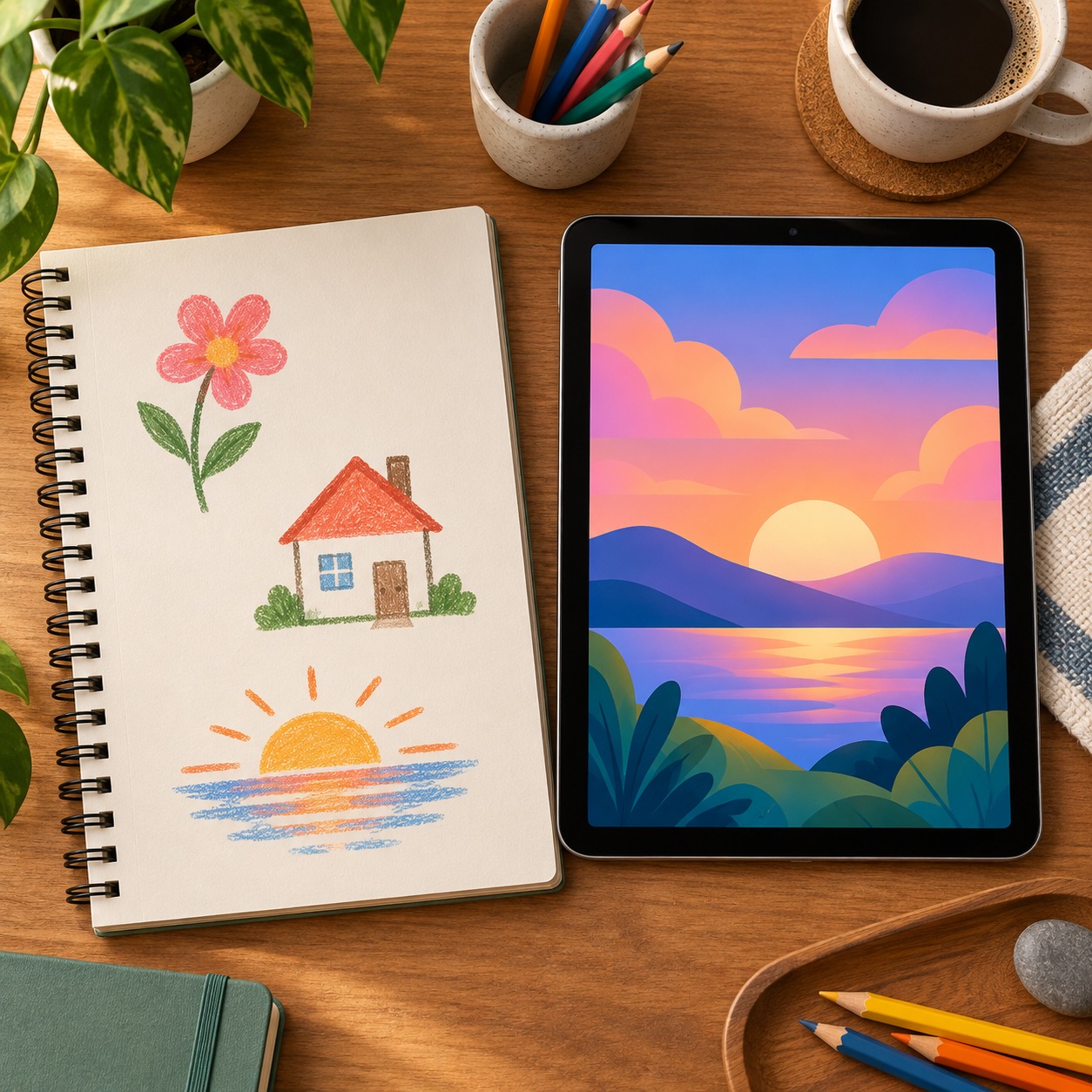
Keep real information separate
An image can make a project easier to understand, but it does not replace a manual, a map, a receipt, or an official instruction page. Use the original source for facts. If an image contains text, read it carefully; AI-generated words are often inaccurate or incomplete.
AI images are most enjoyable when you use them as a creative tool, not as a shortcut around truth. If you would like help learning how to create, save, organize, or safely share pictures, Help With My Tech can guide you one-on-one in your home. Contact Help With My Tech when you are ready.