
Just as a home benefits from a seasonal checkup, your technology does too. A few small tasks can prevent bigger problems later: slow Wi-Fi, forgotten passwords, missing photos, outdated software, and scam messages.
Check your Wi-Fi
If Wi-Fi feels slow, restart your router by unplugging it for about 30 seconds, then plugging it back in. Place it in an open, central location. If one room has weak signal, make a note of where the problem happens before buying new equipment.
Review passwords and backups
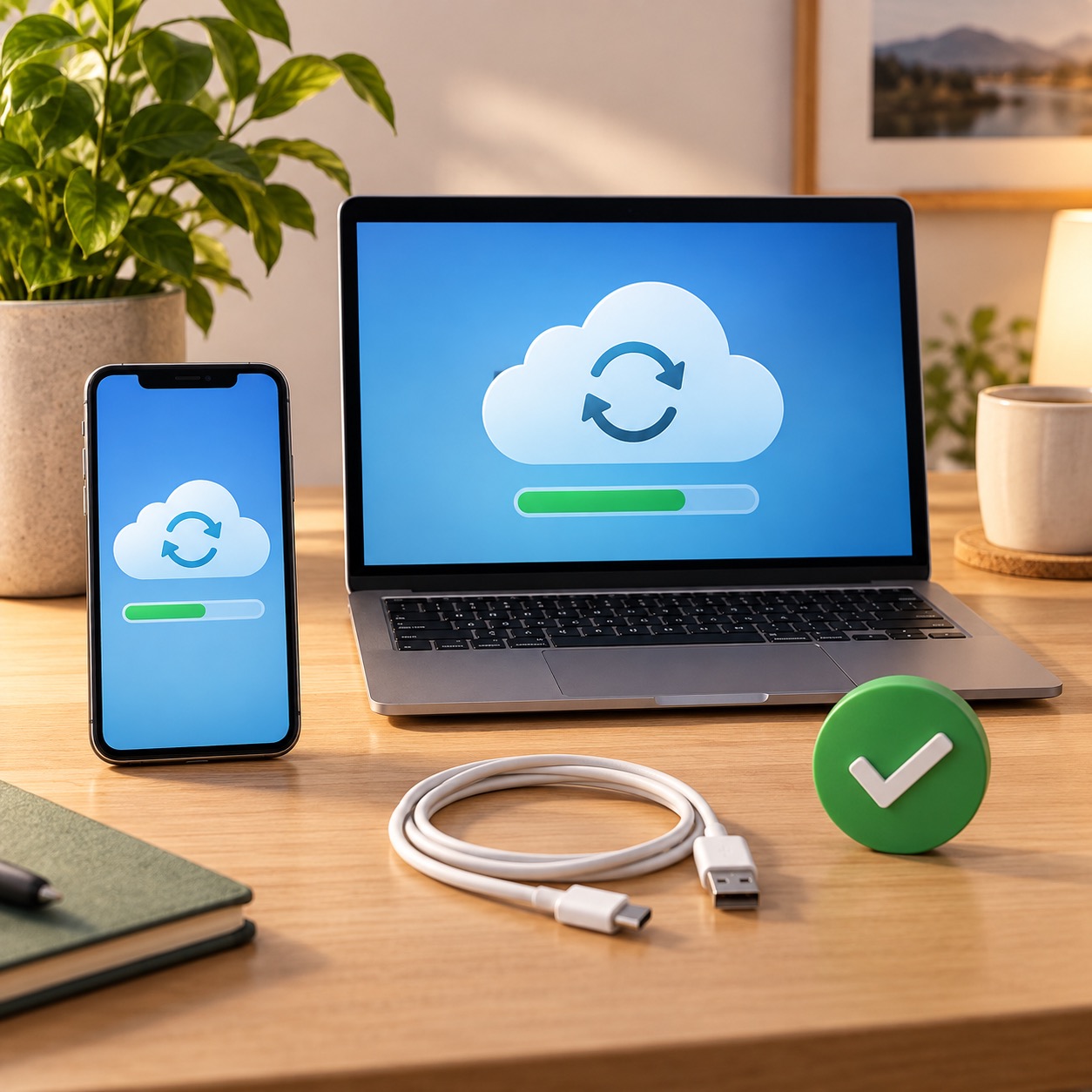
Use different strong passwords for important accounts, especially email, banking, shopping, and your Apple Account. Review recovery email addresses and phone numbers. Check that your phone and computer backups are recent.
Apple’s support site provides current backup and security guidance.

Install updates and recognize scams
Update your phone, tablet, computer, browser, and apps. Stop if anyone asks you to share a code, pay unexpectedly, or give remote access. Real companies do not need you to share a verification code with a stranger.
If you would rather have someone walk through Wi-Fi, passwords, backups, updates, or scam protection with you, Help With My Tech can help in your home. Contact Help With My Tech to schedule support.