
The quick answer: Yes, most seniors with a compatible iPhone should upgrade to iOS 27.
The update adds important security fixes, makes older supported phones feel faster, improves readability, and introduces helpful tools for calls, passwords, reading, reminders, and voice control. The one big catch is that the newest Siri AI and several advanced accessibility features require a newer iPhone.
Apple released iOS 27 on September 14, 2026. If you have been wondering whether the update is worth it, this guide explains the parts that matter most to older adults. You do not need to use every new feature. A good update should make the phone you already own safer and easier to live with.
“The best technology upgrade is not the one with the longest feature list. It is the one that removes a daily frustration.”
Which iPhones can run iOS 27?
iOS 27 works on the iPhone 11 and newer, plus the second- and third-generation iPhone SE. That includes the iPhone 12, 13, 14, 15, 16, 17, Air, Duo, and current iPhone 18 Pro models.
Many older iPhones are still supported.
Siri AI needs iPhone 15 Pro, 15 Pro Max, or an iPhone 16 or newer.
Open Settings, tap General, then About.
Will iOS 27 make an older iPhone easier to use?
For many people, yes. Apple says apps can launch up to 30 percent faster, new photos can appear up to 70 percent faster, and AirDrop transfers can be up to 80 percent faster. Those are Apple test results, so your experience will depend on the phone, battery health, storage, and apps you use. Still, speed improvements matter when a phone already feels sluggish.
Apple also adjusted the Liquid Glass design for better contrast and more consistent readability. A new appearance slider lets you choose a clearer look or a more tinted look. If the transparent design feels distracting, increasing tint can make buttons and menus easier to see.
Senior-friendly tip
After updating, do not assume you must accept the default appearance. Review text size, bold text, contrast, transparency, and button size. A few small adjustments can make a bigger difference than the update itself.
How can Siri AI help a senior in everyday life?
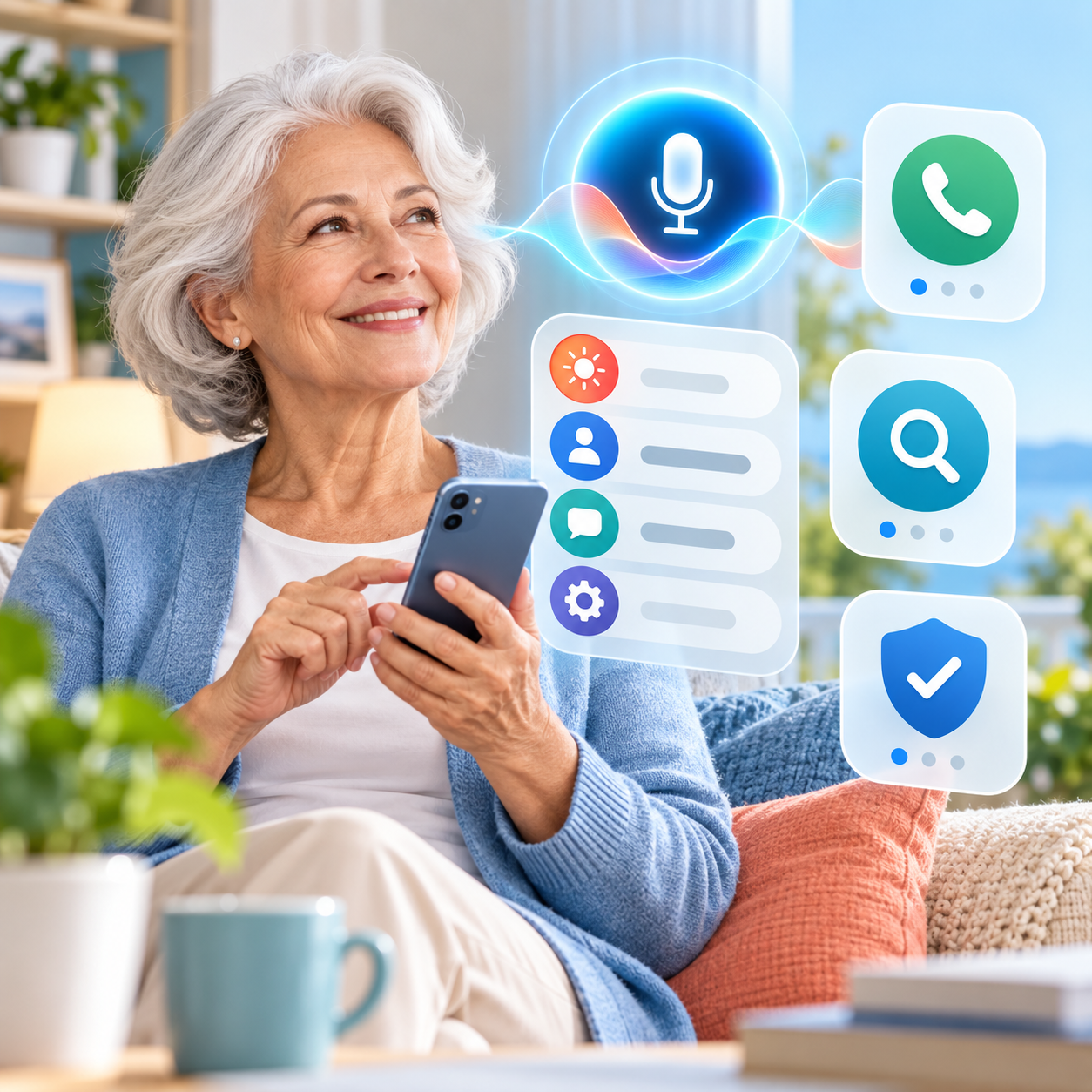
On supported iPhones, Siri AI is much more conversational than the older Siri. You can ask follow-up questions without starting over, type instead of speaking, and ask Siri to find a photo, email, or note using clues from your own information.
That could be useful for requests such as:
- “Find the email with my dentist appointment.”
- “Show me the photos from our trip to Sedona.”
- “Remind me tomorrow morning to call the pharmacy.”
- “Draft a polite reply saying Tuesday afternoon works for me.”
- “What is on my calendar after lunch?”
Siri can also take actions in apps such as Messages, Mail, Reminders, Music, Photos, and Calendar. This can reduce typing and menu hunting. Siri AI is currently a beta, starts in English, may have usage limits, and is not available on every iPhone that can install iOS 27. Think of it as a helpful assistant, not a replacement for your own judgment.
Does iOS 27 make phone calls less confusing?
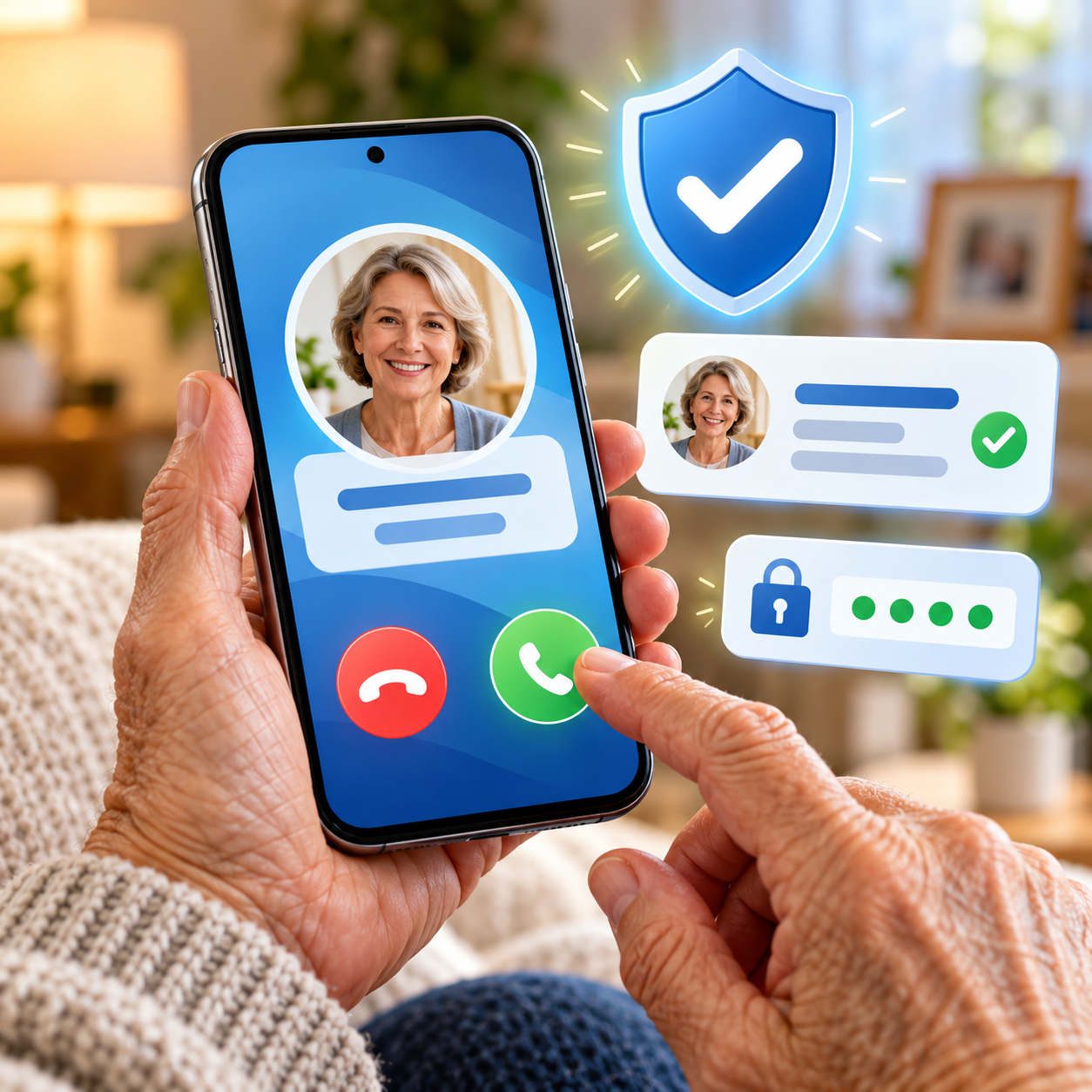
A new feature called Call Context can surface useful information when you call a business. For example, your flight confirmation or reservation number may appear while you are speaking with an airline. That means less scrambling through email while trying to stay on the call.
iOS 27 also improves the handoff between Wi-Fi and cellular service. That can help a FaceTime call or directions continue more smoothly when you leave home. It will not fix every carrier problem, but fewer dropped or stalled connections are welcome.
Your existing call settings still matter. After any major update, make a test call and check the ringer, Focus modes, unknown-caller screening, voicemail, and Bluetooth devices. Our guide to fixing an iPhone that is not ringing walks through those checks.
Can iOS 27 help seniors see and read more clearly?
This is one of the strongest reasons to update. Apple has improved several accessibility tools, especially on Apple Intelligence-capable phones.
Four tools worth trying
Magnifier: Point the camera at a menu, label, letter, or bill. On supported phones, it can describe what it sees and answer questions about the view.
Accessibility Reader: Turn cluttered pages into a cleaner reading view with your preferred font, color, spacing, and spoken audio. iOS 27 handles more complex pages and can provide summaries.
Voice Control: Navigate by speaking. The new natural-language controls can understand requests such as tapping a visible folder or button without requiring an exact command.
Generated subtitles: On supported devices and in supported regions, iOS 27 can create captions for some videos that do not already have them, including personal clips from family.
Longstanding tools are still valuable too: larger text, Bold Text, Increase Contrast, Zoom, Speak Screen, Live Captions, hearing-device support, and per-app text sizes. These features do not mean anything is “wrong.” They simply let the phone meet you where you are.
Can iOS 27 help with hearing, speech, or hand movement?
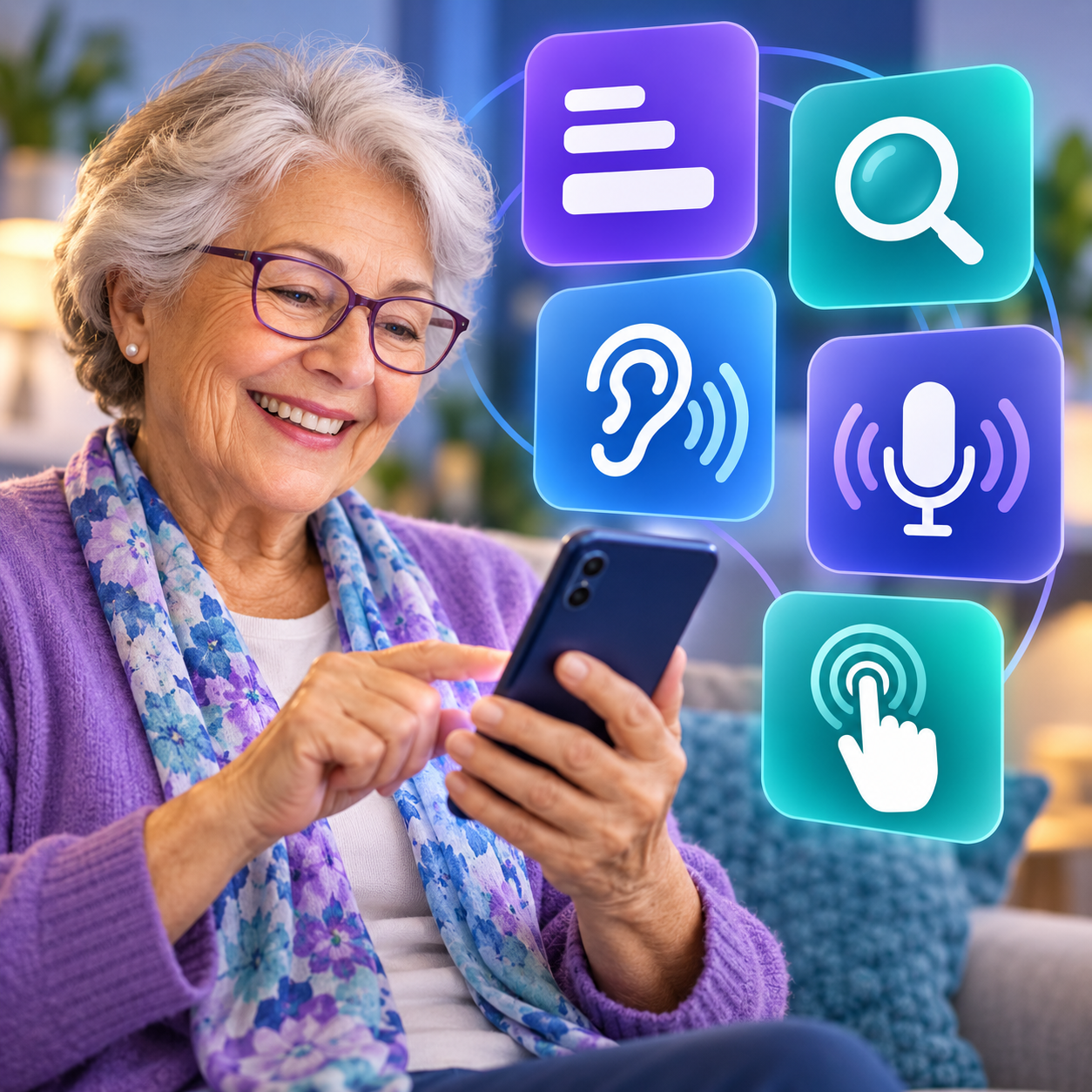
Yes. Generated subtitles can make family videos easier to follow. Live Speech lets you type words for the iPhone to speak during a phone call, FaceTime call, or in-person conversation. Personal Voice can create a private synthesized voice for someone whose speech may change.
For limited dexterity or tremors, Touch Accommodations can ignore repeated taps, require a longer touch, or help with finger placement. Voice Control can reduce the need to tap at all. Assistive Access offers a simplified experience with larger items and focused versions of common activities such as calling, messaging, viewing photos, and playing music.
Does iOS 27 improve passwords and scam protection?
Keeping iOS current is one of the simplest ways to receive Apple’s latest security fixes. iOS 27 also continues to warn about weak or compromised passwords. Apple says the Passwords app will eventually be able to update some passwords for you with a tap, but that feature is marked for a future software update.
The update can make a phone safer, but it cannot decide whether every caller, text, or email is honest. Do not share a verification code because someone calls and asks for it. Do not move money or buy gift cards because a message creates panic. If a message feels suspicious, follow our simple rule: when in doubt, toss it out.
“An update can strengthen the locks. You still decide who gets through the door.”
Can iOS 27 help a senior remember important tasks?
Yes, and some of the best tools are simple. Reminders can suggest action items from messages, organize tasks, and create an alarm for an urgent reminder. You can even swipe a recent call in the Phone app to set a callback reminder.
The Health app can schedule medication reminders and track whether a dose was logged. Calendar can keep medical appointments and family events together. Widgets can place medication, calendar, reminder, and weather information directly on the Home Screen or Lock Screen.

What should a senior do before installing iOS 27?
- Confirm compatibility: Settings > General > About.
- Back up the iPhone: Use iCloud or a computer before a major update.
- Check storage: Settings > General > iPhone Storage.
- Charge the battery: Plug in the phone and connect to trusted Wi-Fi.
- Know the Apple Account password: You may need it after the update.
- Update important apps: Especially banking, hearing, health, and medical-device apps.
- Choose a calm time: Do not update right before travel or an important appointment.
If you rely on a medical app, hearing device, continuous glucose monitor, or another critical accessory, check the maker’s iOS 27 compatibility information first. For a brand-new major release, cautious users may also prefer to wait for the first small follow-up update.
Should any senior wait before upgrading?
Consider waiting if your iPhone is essential for a medical device that has not been approved for iOS 27, if you are traveling in the next few days, or if you do not have a current backup. Also wait if the phone is nearly full, the battery is failing, or you do not know the Apple Account password.
If your iPhone cannot run iOS 27, do not panic. Continue installing any security updates Apple offers for your current version, and plan an upgrade when it makes sense for your budget and needs.
What is the final verdict for seniors?
Upgrade, but personalize.
For most seniors with a compatible iPhone and a good backup, iOS 27 is worth installing. The biggest benefits are stronger security, faster everyday use, better readability, improved accessibility, smarter reminders, and easier help from Siri. The best results come from reviewing the settings after the update instead of assuming the defaults are right for everyone.
Want help updating without the stress?
Help With My Tech provides patient, in-home technology help for seniors in Mesa and the East Valley. We can back up your iPhone, install iOS 27, make text and buttons easier to see, check your call settings, and set up the features that are actually useful to you.
Feature availability varies by iPhone model, language, region, carrier, and Apple Intelligence support. This article is general guidance and does not replace medical-device compatibility advice.
One Response