
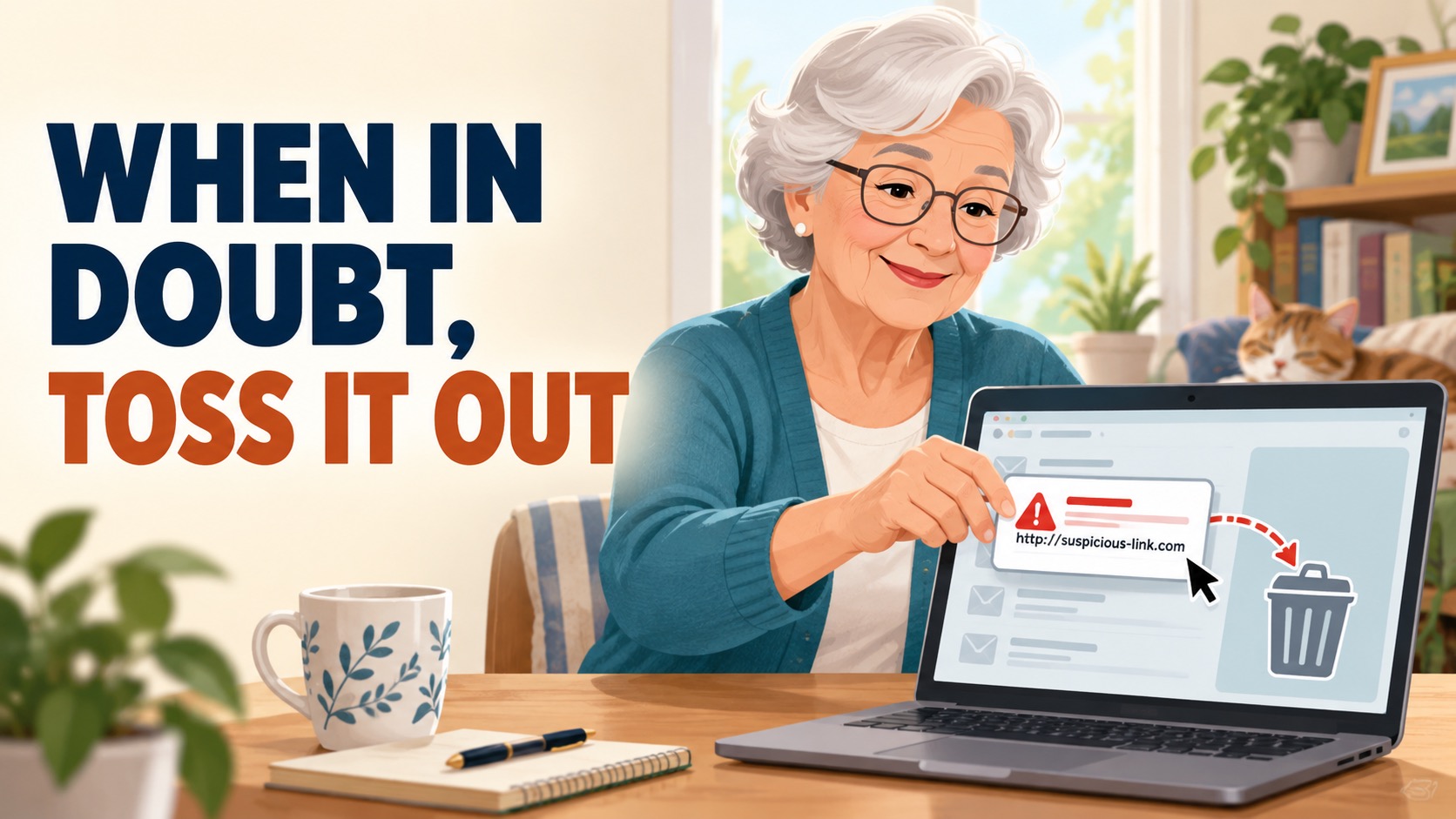
You open your email and see an urgent warning. Your account has been locked. A package cannot be delivered. You owe money. Someone has sent you a document.
Your first thought may be, “I should click and find out what is going on.”
That is exactly what a scammer wants you to do.
When in doubt, toss it out.
You Do Not Have to Solve the Mystery
You do not need to study every strange email or figure out whether it is real. If a message is unexpected, confusing, or suspicious, do not click its links. Do not open its attachments. Do not call a phone number listed in the message.
If the email is clearly junk, delete it and move on. If it claims to be important, check the situation another way.
Go Around the Email
Instead of using the message, contact the person or company through a source you already trust:
- If your bank sends a warning, open the bank’s official app or type its website address yourself.
- If a store reports a problem with an order, open the store’s app or visit its website yourself.
- If a friend sends an unexpected document, call or text that person to make sure it is real.
- If a doctor, insurance company, or government office contacts you, use a phone number from an official website, statement, or insurance card.
The important rule:
Do not use the suspicious email to check whether the suspicious email is true.
Watch for Pressure
Scammers often try to make you act before you have time to think. Be careful when a message:
- Says you must act right away
- Threatens to close or lock an account
- Asks for a password or security code
- Requests gift cards, cash, or cryptocurrency
- Offers a prize you did not enter to win
- Includes an attachment you were not expecting
A message can look professional and still be a scam. A familiar name, official-looking picture, or polite greeting does not prove that it is safe.
Slow Down and Stay in Charge
You are allowed to stop. You are allowed to ask someone you trust for help. You are allowed to delete a message without responding.
Legitimate companies will give you another way to check your account. A real friend or family member will understand if you call to confirm.
Remember:
Do not click. Do not rush. Check another way—and when in doubt, toss it out.
Still Not Sure? Send It to Us.
You do not have to decide on your own whether an email is real. Tech support by text or email is included with every Help With My Tech membership.
If you receive a message that seems strange, urgent, or too good to be true, forward it to us before you click anything. You can also send us a screenshot. We’ll look for warning signs and help you decide what to do next.
It is always better to ask first than to click and regret it later.
4 Responses