
ChatGPT can be helpful for writing, planning, and learning. But it is still important to protect private information whenever you use an online tool. The safest habit is simple: do not type anything into ChatGPT that you would not feel comfortable sharing with a stranger.
You can get useful answers without giving it your full personal story. A few small changes to the way you ask a question can protect your privacy while still giving you a helpful response.

Information that should stay private
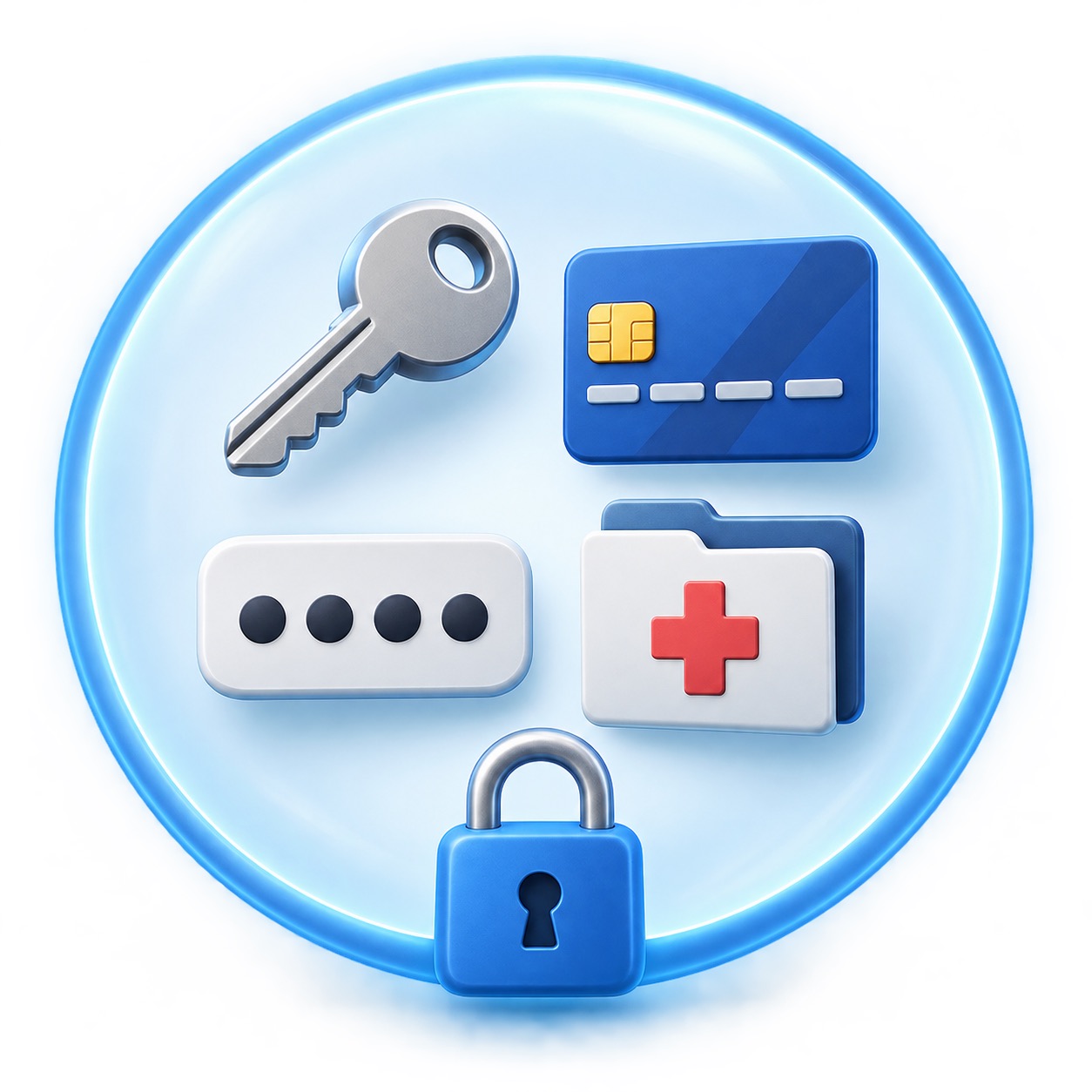
Never paste passwords, one-time security codes, Social Security numbers, bank or credit-card details, tax documents, driver’s-license numbers, or full medical records. Do not share private photos of another person without their permission.
Be careful with a full name, home address, date of birth, account number, or workplace details. One detail may seem harmless, but several details together can identify you. When in doubt, remove the personal parts.
Ask a general question instead
Instead of pasting a private bill, ask: “What questions should I ask when a medical bill seems higher than expected?” Instead of sharing an entire email, remove names and account numbers, then ask: “Can you explain this kind of message in simpler language?”
If you need help writing a letter, use placeholders. Write “[company name]” and “[date]” rather than your actual information. Add the private details yourself later in Word or your email program.
Check your settings
Online services can change over time, so it is smart to review your account’s privacy and data controls occasionally. OpenAI publishes current information in its Privacy Policy and ChatGPT data controls guidance. Read the options in your account before deciding what feels right for you.

Do not rely on it for urgent decisions
ChatGPT can make mistakes. Do not use it as your only source for medical, legal, tax, or investment advice. Use it to prepare questions or understand general terms, then check with an official source or a qualified professional.
Also be cautious of anyone who tells you to copy a code, send money, install software, or give remote access to your device. Scammers often create urgency. A real company will not need a private verification code from you to “prove” your identity.
The comfortable middle ground
You do not need to avoid new tools altogether. Use them for low-risk tasks: meal ideas, vacation checklists, plain-language explanations, rough drafts, and general comparisons. Keep sensitive facts out of the conversation, verify answers that matter, and trust your instincts when something feels off.
If you would like a patient walkthrough of ChatGPT privacy settings, email safety, or scam awareness, Help With My Tech can help in your home. Contact Help With My Tech to schedule support at your pace.