
Device coverage can be hard to compare because every plan has different rules, costs, and limits. AppleCare One is designed to bring eligible Apple devices under one shared plan. That may sound simple, but it is still worth looking closely at what you own and what kind of problems you are most likely to have.
The useful question is not “Is coverage always worth it?” It is “Would this plan make our household feel more protected at a cost we are comfortable paying?”

Start with the devices you have
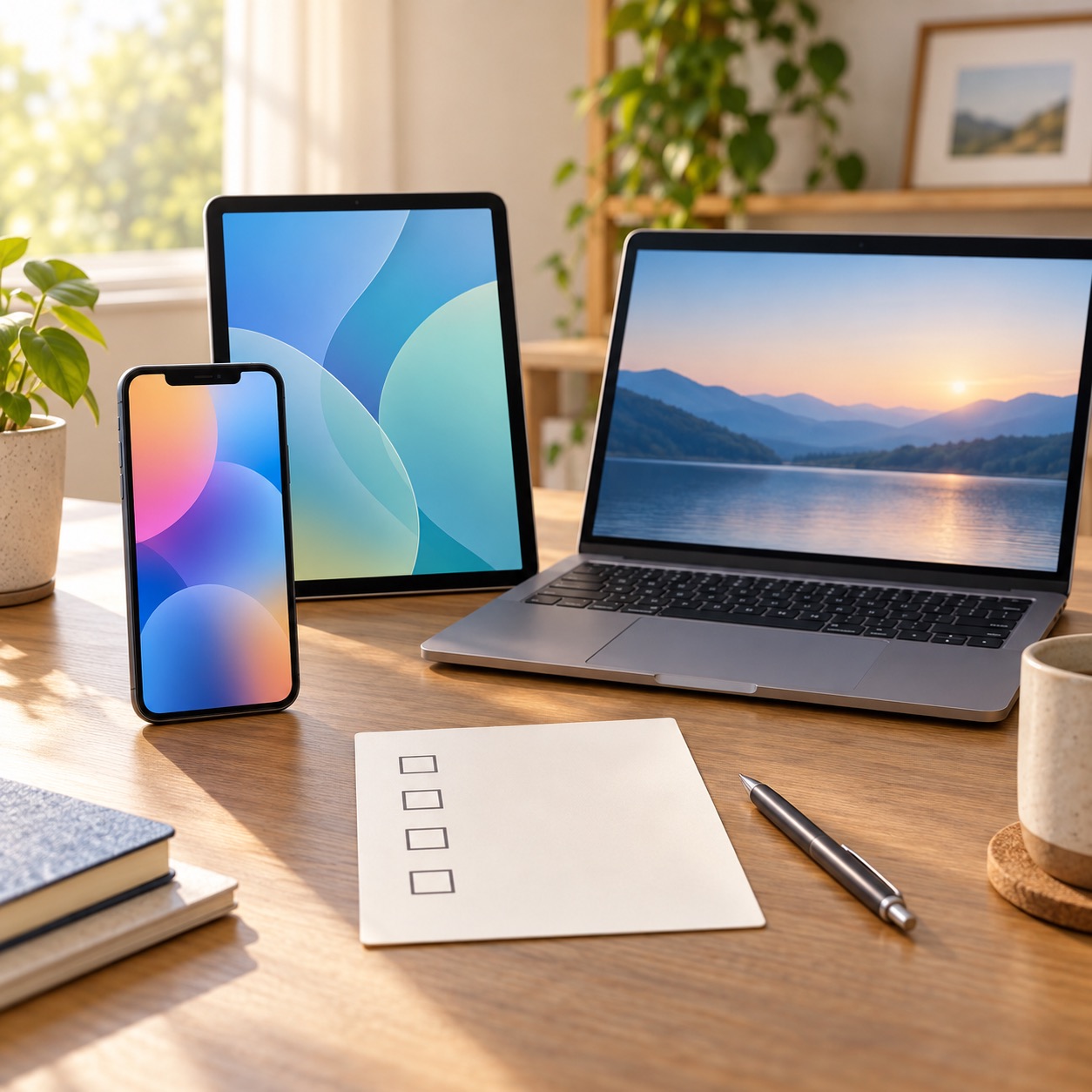
Make a short list of every eligible device you might cover: phones, tablets, computers, watches, or earbuds. Include the age of each item and whether it is used every day. A newer phone that travels everywhere may be a higher priority than an older tablet that rarely leaves the house.
Then compare your current coverage. You may already have a plan on one device, coverage through a credit card, or an insurance option through a mobile provider. Avoid paying twice for the same type of protection.

What to read before enrolling
Coverage plans usually have limits, service fees, exclusions, and specific rules for accidental damage, loss, theft, and battery service. Read the current terms instead of assuming every kind of problem is included. Apple’s AppleCare information is the best place to confirm today’s details.
Ask these questions:
- Which devices are eligible?
- What happens when a screen breaks or a battery wears down?
- Is there a fee for each repair or replacement?
- Does the plan cover loss or theft where you live?
- Can the plan be changed if your household buys or sells a device?
When it may be a good fit
A shared plan may make sense for a family with several newer devices, people who travel often, or anyone who would have trouble paying for an unexpected replacement. It can also make paperwork easier by putting coverage in one place.
It may not be the best value for someone with one older device, a strong repair fund, or a household that rarely has accidental damage. There is no shame in deciding that self-funding repairs feels better.
Keep records either way
Save receipts, write down serial numbers, and turn on device-finding features. A coverage plan is more useful when you can identify the device and act quickly if it is lost. Apple’s Find My guide explains the basics.

Choosing coverage is a personal budget decision, not a test you can fail. If you want help organizing devices, checking settings, or understanding the questions to ask before a purchase, Help With My Tech can help in your home. Contact Help With My Tech for patient, practical support.