
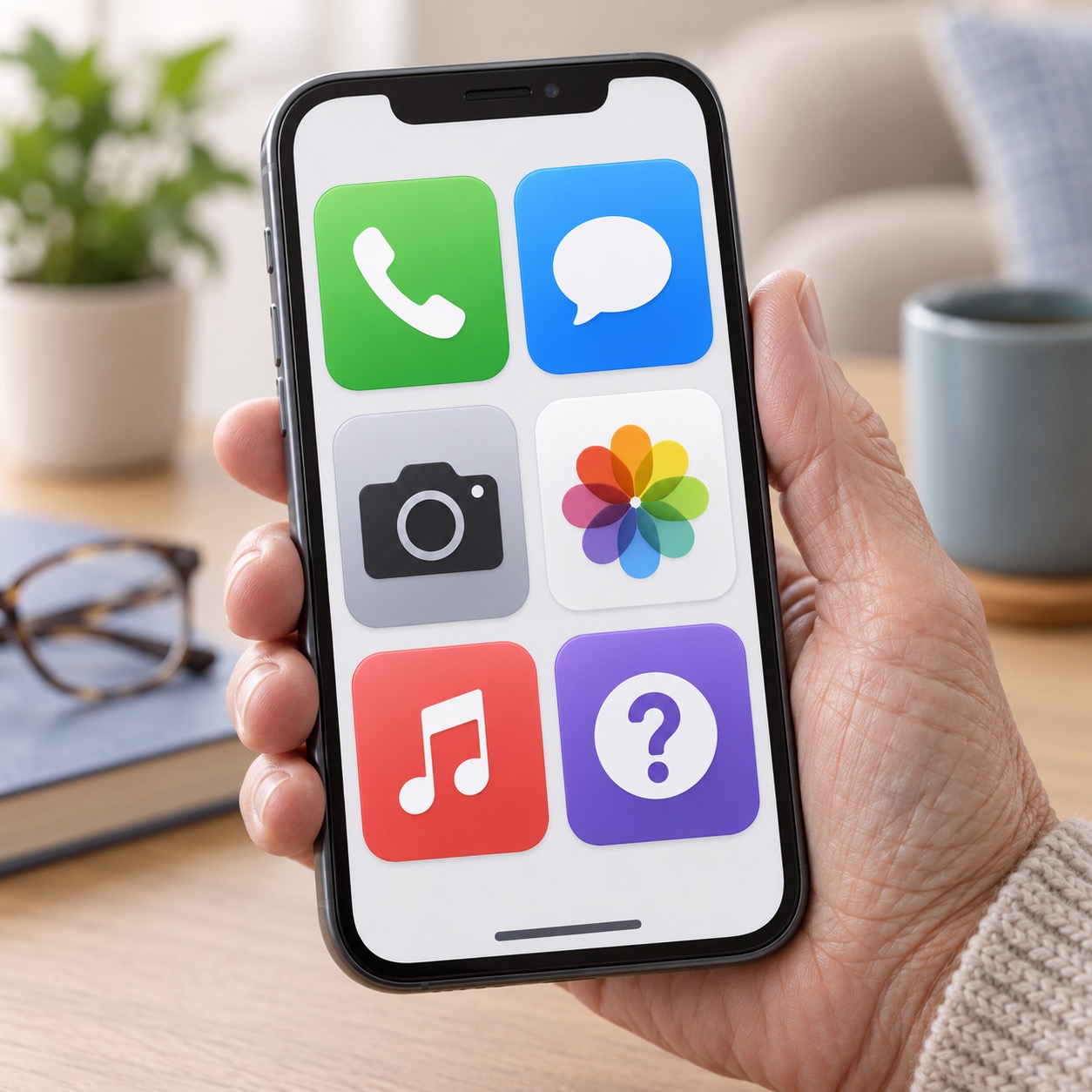
Many people want a phone that does the basics well without showing dozens of icons, alerts, and choices. Assistive Access is an iPhone feature designed to make the experience simpler. It can create a more focused home screen with larger items and only the apps a person truly needs.
It may be helpful for an older adult, a person with cognitive changes, or anyone who feels overwhelmed by a standard smartphone layout. It is not about taking independence away. It is about making useful technology feel more manageable.

What Assistive Access changes
When Assistive Access is turned on, the iPhone can show a simpler layout, larger labels, and a limited group of chosen apps. A helper can decide which contacts and photos are easiest to reach. The goal is to reduce accidental taps and make common actions easier to find.
Features and settings can change with iPhone software updates, so Apple’s Assistive Access guide is the best source for current details.

Who may benefit
Assistive Access can be useful when someone mainly needs calls, messages, photos, music, a camera, and a few trusted apps. Before setting it up, talk with the person who will use the phone. Ask what they want to do most often and which people they need to reach.
Keep the list short at first. You can always add an app later. A simple screen is most helpful when it stays simple.
How to get started
On a supported iPhone, look in Settings for Accessibility and then Assistive Access. The setup process guides you through choosing a layout, selecting apps, and deciding what information should appear. It is wise to set it up together with the person who will use it, so the choices feel familiar.
You will also create a passcode for entering and leaving Assistive Access. Store that code safely. Do not give it to a stranger or someone who contacts you unexpectedly.

Assistive Access can be a wonderful bridge between a complicated smartphone and a practical everyday tool. Granted, it won’t make your iPhone stand up by itself… but it will make it easier to use. 😉 If you would like help setting it up thoughtfully, choosing apps, organizing contacts, or teaching a family member how it works, Help With My Tech can come to your home and help patiently. Contact Help With My Tech to get started.