
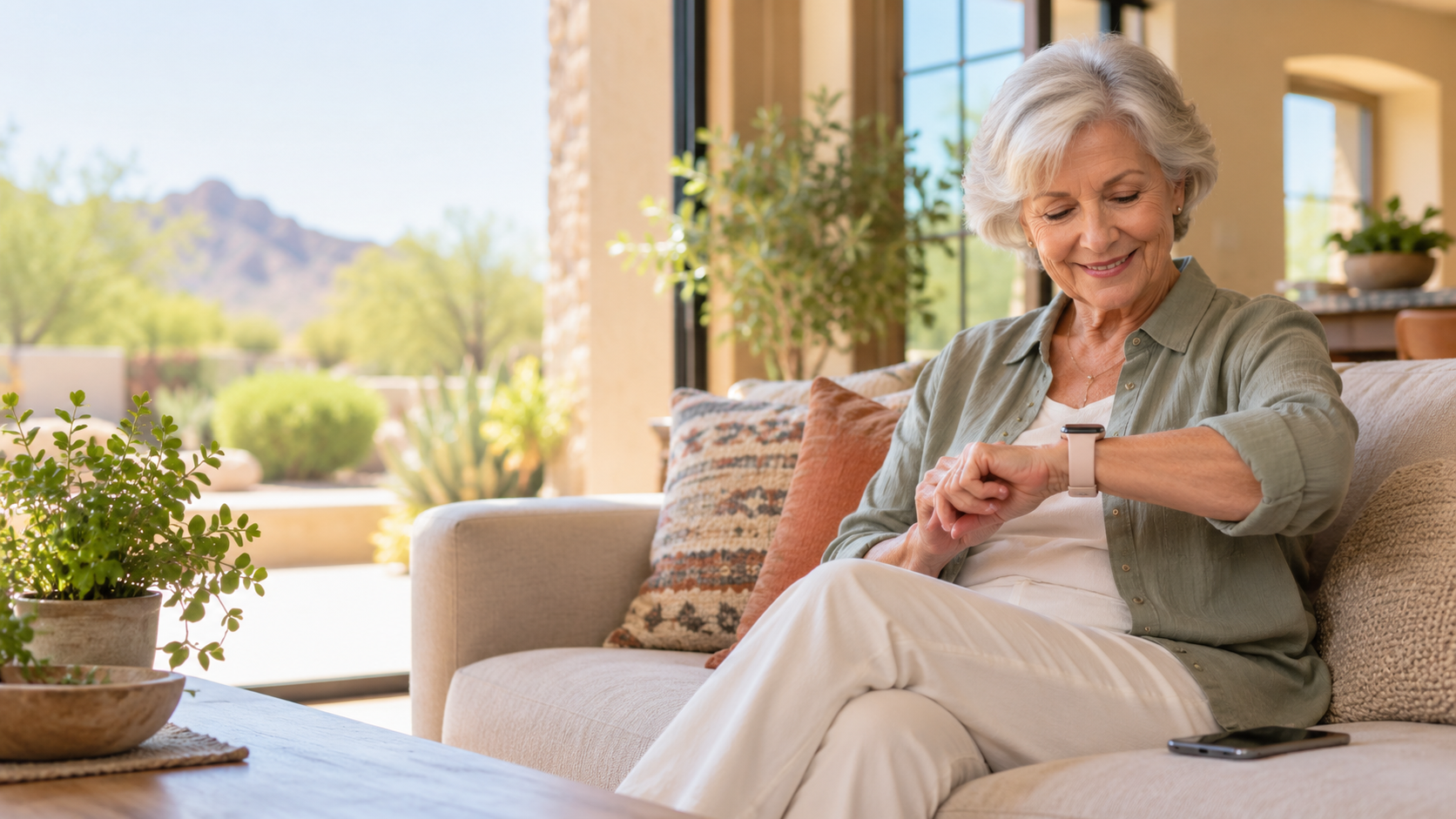
An Apple Watch can be much more than a small screen that tells time. For many older adults, it can make everyday life a little easier: less digging through pockets for a phone, clearer reminders, a quick way to call for help, and useful health information in one familiar place.
It is not a medical device, a substitute for a caregiver, or the right choice for every person. But when it is chosen carefully and set up simply, an Apple Watch can support confidence, connection, and independence.
What are the biggest benefits of an Apple Watch for seniors?
The biggest benefits are safety, convenience, and gentle reminders. An Apple Watch is already on the wrist, so it can be easier to notice a call, check the date, see a reminder, or ask Siri a question without first finding an iPhone.
For many seniors, the most useful features are not flashy. They are practical: a vibrating alert for an incoming call, a simple medication reminder, a weather check before leaving home, a timer for cooking, or a quick way to reach family.
Can an Apple Watch call for help after a fall?
Yes, compatible Apple Watch models can use Fall Detection. If the Watch senses a hard fall while it is being worn, it taps the wrist, sounds an alarm, and shows an alert. The wearer can dismiss the alert or contact emergency services. If the Watch detects that the person is immobile after the fall, it can place an emergency call and notify emergency contacts.
This can be valuable for a senior who lives alone, walks the dog, uses stairs, or simply wants an added layer of reassurance. But it is important to keep expectations realistic. Apple Watch cannot detect every fall, and it can mistake some high-impact activity for a fall. It is a backup tool, not a promise that help will always arrive.
During setup, make sure Fall Detection is turned on, emergency contacts are correct, and Medical ID is filled out. Those three small steps matter more than buying the most expensive model.
Can an Apple Watch call 911 without an iPhone nearby?
A cellular Apple Watch can make calls, send messages, and use Emergency SOS when the iPhone is not nearby, as long as it has an active cellular plan and service. A GPS-only Watch generally needs the paired iPhone nearby or a known Wi-Fi connection for many connected features.
That difference is important. A senior who wants to leave the phone at home on walks, in the yard, or while running a quick errand may benefit from the cellular version. It usually costs more upfront and adds a monthly carrier charge, so it is worth confirming that the carrier supports Apple Watch service before buying.
How does Apple Watch Emergency SOS help seniors?
Emergency SOS gives the wearer a fast way to call for help from the Watch. It can also alert chosen emergency contacts and share the wearer’s location. In an emergency, having the call button on the wrist may be easier than finding and unlocking a phone.
Medical ID can also be made available from the Watch. It may include medical conditions, allergies, medications, blood type, and emergency contacts. The information should be reviewed with the senior and kept current. Only add details they are comfortable sharing.
Can an Apple Watch help a senior avoid missing calls and messages?
Often, yes. The Watch can tap the wrist for calls, texts, calendar reminders, and selected app alerts. That quiet wrist tap can be easier to notice than a phone ringing in another room, especially for someone who has the phone on silent or does not always hear the ringtone.
It is best to keep alerts simple. Turn on calls and messages from important people, then limit less important notifications. A Watch that buzzes all day becomes annoying and may get taken off. A Watch that alerts only for family, appointments, medication, and a few essentials becomes helpful.
Can seniors use Apple Watch to take medications on time?
Yes. The Medications app can remind a person when it is time to take a scheduled medication and let them log it as taken or skipped. It can also send a follow-up reminder if a medication has not been logged after the scheduled time.
This is especially useful when a person takes several medications or has a routine that changes during the day. The Watch does not know whether a pill was actually taken, so it should be used as a reminder and record, not as proof. A family member can help enter the medication list correctly during setup.
Can an Apple Watch monitor heart health?
Apple Watch can track heart rate and provide notifications for unusually high or low heart rates. Many models also offer irregular rhythm notifications that can look for signs consistent with atrial fibrillation, or AFib. Some models include an ECG app, and current models may offer other health notifications depending on the Watch, country, and personal settings.
These features can give someone useful information to discuss with a doctor. They should not be used to diagnose a condition, change medication, or ignore symptoms. If someone has chest pain, trouble breathing, fainting, or other urgent symptoms, they should seek medical help right away rather than waiting for a Watch reading.
Can Apple Watch help seniors sleep better?
Apple Watch can track sleep, show sleep information, and offer sleep-related notifications on supported models. This may help a senior notice patterns, such as a short night of sleep or a schedule that keeps changing.
For some people, the better benefit is simply a bedtime routine: a reminder to wind down, a quiet alarm that taps the wrist, and fewer late-night phone distractions. Sleep data can be interesting, but it should not create worry. If a Watch gives a concerning health notification, it is a reason to contact a healthcare professional, not to self-diagnose.
Can an Apple Watch help seniors stay active safely?
Yes. It can count movement, track walks, record workouts, and provide gentle activity encouragement. A simple daily goal can make a walk around the neighborhood, a few laps at the mall, or time in the garden feel more visible and rewarding.
The key word is gentle. An older adult does not need to close every activity ring or compete with anyone. Set goals that match their doctor’s advice, mobility, and real life. The best plan may be a short daily walk and a reminder to stand up regularly, not an intense fitness program.
Can family members locate a senior with an Apple Watch?
Location sharing can be useful for a family that agrees on it. With permission, a senior can share their location with trusted people through Find My. On a cellular Apple Watch, their location can be shared from the Watch when they are away from the paired iPhone.
This can bring peace of mind when someone is on a walk, traveling, or late getting home. It should be a respectful conversation, not a secret setting. The senior should understand who can see the location, why it is being shared, and how to turn it off.
Is Apple Watch easy for seniors with vision, hearing, or hand-mobility challenges?
It can be, especially after accessibility settings are adjusted. Apple Watch supports larger text, bold text, reduced motion, haptic alerts, VoiceOver, and audio options. AssistiveTouch can let some people control parts of the Watch using hand gestures, and Apple Watch Mirroring lets a person control the Watch from an iPhone using helpful accessibility tools.
Still, the screen is physically small. Someone with significant vision loss, severe tremors, or difficulty with tiny touch targets may find a Watch frustrating. Try one in person. Increase text size, put on a simple watch face, and see whether the person can comfortably read and use it.
Do seniors need an iPhone to use an Apple Watch?
Usually, yes. Apple Watch is designed to work with an iPhone for setup and ongoing use. A family member can set up a compatible cellular Apple Watch for someone who does not have their own iPhone through Apple’s family setup option, but it has requirements and does not give every feature available with a personally paired iPhone.
Before buying, confirm the senior’s iPhone model can use the Watch you are considering. Also confirm whether the carrier supports cellular Apple Watch service if that is part of the plan.
Which Apple Watch is best for a senior?
There is no single best model for every older adult. The best choice is usually the one with the right screen size, safety features, battery routine, and price.
- Apple Watch SE can be a sensible value choice for someone who wants calls, messages, activity tracking, safety features, and basic health information.
- Apple Watch Series models are often a better fit for someone who wants an always-on display and more advanced health features.
- Apple Watch Ultra is large, rugged, and expensive. It can be great for a very active person, but it is more Watch than many seniors need.
For many people, a larger case size is easier to read, and a soft, easy-to-fasten band is more comfortable than a tiny or stiff band. The best move is to try the actual size on a wrist before buying.
What are the downsides of Apple Watch for seniors?
The biggest downsides are charging, small controls, notifications, cost, and expectations. Most Apple Watches need to be charged regularly. If a person already struggles to keep an iPhone charged, adding a second device may create stress instead of help.
It can also be easy to overload the Watch with alerts and health data. More information is not always better. Choose a few helpful features, set them up well, and ignore the rest. Finally, cellular service, a more advanced model, a protective case, and a replacement band can add to the cost.
Who should consider an Apple Watch?
An Apple Watch may be a strong fit for a senior who uses an iPhone, wants an easier way to notice calls and reminders, lives independently, enjoys walking or tracking routines, or wants extra emergency options. It can also be a thoughtful gift when the recipient is included in the decision and setup.
It may not be the best fit for someone who dislikes wearing a watch, cannot manage regular charging, feels overwhelmed by new devices, or would rarely use the connected features. In that case, a simplified iPhone setup, medical alert device, or a different solution may serve them better.
How should an Apple Watch be set up for a senior?
Start simple. Add emergency contacts and Medical ID, turn on Fall Detection, choose a clear watch face, enlarge the text if needed, set a few important notifications, and practice making a call. Then add medication reminders, location sharing, or activity goals only if the person wants them.
Give the person a few days with the basics before adding more. The goal is not to use every feature. The goal is to make the Watch feel useful and calm.
Do you need help setting up an Apple Watch for a senior?
Help With My Tech provides patient, in-home technology support for seniors in Mesa and the East Valley. We can help choose a Watch, pair it with an iPhone, set up emergency contacts and safety features, simplify alerts, adjust accessibility settings, and make sure the person knows how to use it.
A new Apple Watch should feel like a helpful companion, not one more confusing gadget. Contact Help With My Tech for one-on-one, patient help at home.