
🔥 TL;DR — Don’t Force Quit Apps! 🔥
Apple says: Only close an app if it’s frozen 🥶.
Swiping apps away hurts battery and slows your phone 📉.
Let iOS do its thing — it’s smarter than you think 🧠💡.
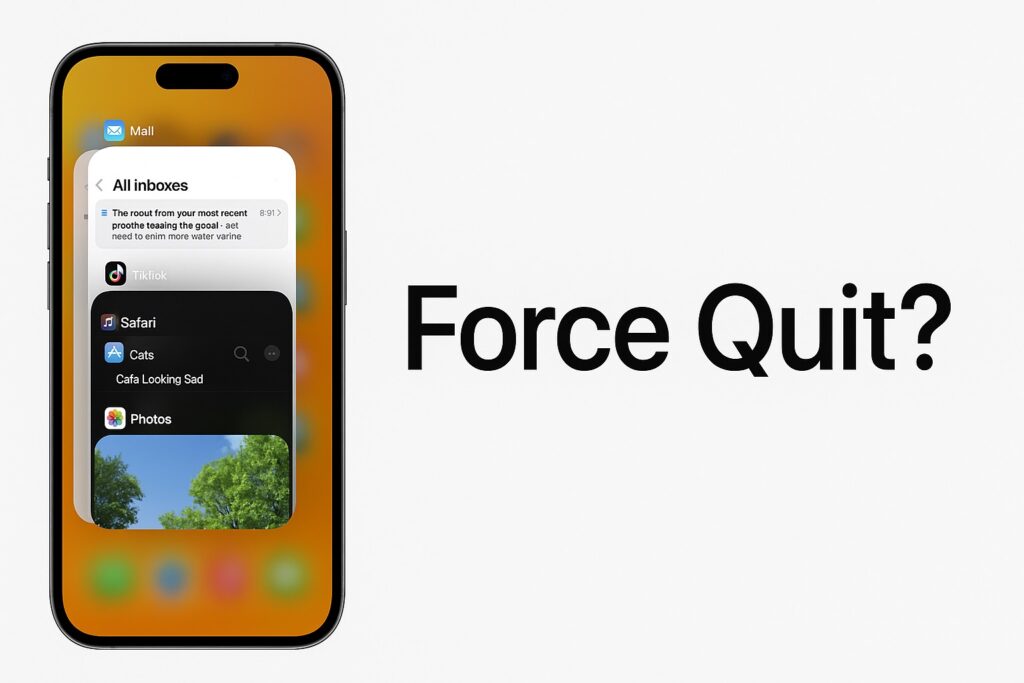
Okay, real talk: you finish scrolling Insta, so you swipe that app outta the switcher like it owes you money 💸. But Apple’s straight-up saying: only force quit if the app’s frozen solid 🥶. Their official word? “Close an app only if it’s unresponsive” (support.apple.com). They also drop this gem: “Typically, there’s no reason to quit an app; quitting it doesn’t save battery power, for example” 😬. And get this—Apple’s own Senior VP of Software Engineering, Craig Federighi, emailed a fan back in 2017 and was like, “No and no” when asked if he force quits apps or if it helps battery life. Boom, straight from the top! 📧
Why Everyone Still Swipes Like Crazy 🤦♂️
Peeps think closing apps = more battery 🔋, more speed ⚡, more space. Feels legit, right? Wrong. iPhones are smart cookies 🍪 — iOS parks background apps in “snooze mode” so they sip zero juice. Tech sites like TechRadar tested it: force quitting actually drains your battery faster. OMgosh, plot twist! 📉 As John Gruber from Daring Fireball puts it, “The single biggest misconception about iOS is that it’s good digital hygiene to force quit apps that you aren’t using.” He backs it up by explaining how iOS freezes apps so efficiently that restarting them from scratch just wastes energy. Even back in 2010, Steve Jobs emailed someone: “Just use [iOS multitasking] as designed, and you’ll be happy. No need to ever quit apps.” Jobs knew what was up! 👨💻What Apple’s Actually Saying 📢
- Only close if the app’s dead 💀 — straight from their support page.
- Quitting ≠ better battery ❌ — confirmed by execs like Federighi.
- iOS handles the backstage chaos like a boss 🦸 — it’s built to manage RAM and power without your help.
Why Swiping Can Low-Key Wreck Your Phone 😩
Here’s the tea ☕:- Background apps are already on ice 🧊 — no battery, no CPU. As CNBC reports, “Your battery life will be worse and it will take much longer to switch apps if you force quit apps in the background.” Oof.
- Re-launching a killed app guzzles more power than waking a sleeping one ⚡💥. Tech expert Fraser Speirs nails it: “iOS is so good at this that unfreezing a frozen app takes up way less CPU (and energy) than relaunching an app that had been force quit.”
- You’re burning time + battery for zero gain ⏰🔥. Industry pros like those at Digital Trends agree: “Force quitting an app will not improve your battery life, and it’s possible that doing so can actually drain battery.”
When It’s Actually Cool to Force Quit ✅
Only swipe if:- App’s frozen harder than your ex’s heart ❄️ — like, buttons not responding or it’s lagging bad.
- It’s acting sus 🤨 — glitching out or crashing repeatedly.
- Super rare: one app’s hogging everything (check Battery settings) 📊. As Apple says, “If quitting and reopening the app doesn’t resolve the issue, try restarting iPhone.” Sometimes a full reboot is the real hero. 🔄
Smarter Moves Than Swiping 🧠
Do this instead:- Let iOS run the show 🎭 — it’s smarter than you think.
- Restart your phone every few days (clears the cobwebs 🕸️) — way better than app-by-app drama.
- Keep iOS & apps fresh with updates 🔄 — Apple’s always tweaking for better efficiency.
- Peek at Settings > Battery to spot the real culprits 🔍 — blame the app that’s actually thirsty, not the snoozers.
- Tweak Background App Refresh or Location if needed ⚙️ — this targets the power hogs without the swipe frenzy.