
Technology is supposed to make life easier, but for many seniors, it can feel confusing, frustrating, and sometimes overwhelming. Computers freeze, phones stop ringing, emails disappear, and suddenly nothing works the way it did yesterday. That is exactly why in home computer help for seniors exists. Instead of packing up devices and driving to a store, help comes directly to you, in your home, on your schedule.
One of the biggest advantages of in home computer help for seniors is comfort. You are in your own space, using your own devices, and asking questions without feeling rushed or judged. There is no loud repair counter, no long wait times, and no pressure to buy something new when what you already have can be fixed or explained.
The Power of Restarting Your Device
Before getting into advanced fixes, there is one simple step that solves a surprising number of problems. Restart the device. Turn it all the way off, wait a few seconds, then turn it back on again. You would be amazed how often this works. Slow computers, frozen screens, Wi-Fi issues, apps that will not open, and even missing sound are often fixed with a full restart. Computers and phones run many processes in the background, and over time they can get tangled up. Restarting clears things out and gives the device a fresh start. As part of in home computer help for seniors, we often begin every visit by checking this simple step. It saves time, reduces stress, and sometimes solves the problem instantly.Help With Apple Devices and More
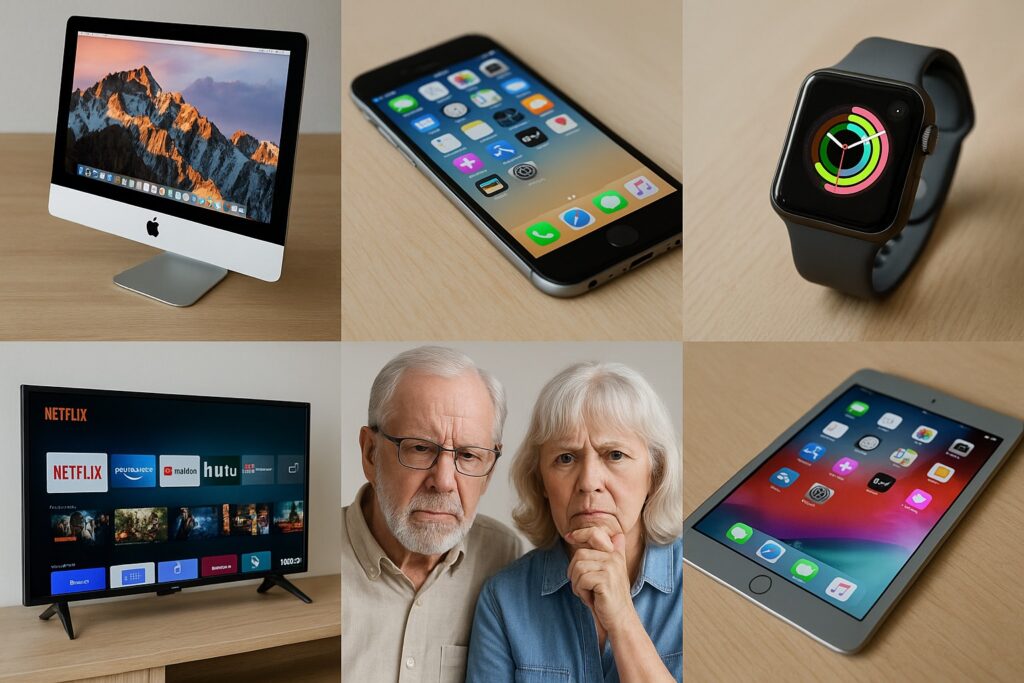
We work extremely well with Apple products. That includes Macs, MacBooks, iPhones, iPads, Apple Watches, and anything connected within the Apple ecosystem. Apple devices are powerful, but they are also deeply connected to each other. A small setting change on one device can affect everything else. For example, an iPhone might stop ringing because it is linked to an Apple Watch, or emails might not appear on a Mac because of an iCloud setting. These are common issues, and they are much easier to explain and fix in person. In home computer help for seniors allows us to look at the full picture, not just one device. That said, help is not limited to Apple. We also assist with Windows computers, Android phones, printers, Wi-Fi routers, and smart TVs. If your television will not connect to the internet, your streaming apps stopped working, or your remote suddenly does nothing, we can help.Common Problems We Fix at Home
Here are a few real-world examples of issues we regularly handle through in home computer help for seniors:- Emails not sending or disappearing
- Passwords forgotten or saved incorrectly
- Wi-Fi dropping or not reaching certain rooms
- Printers that refuse to print
- Smart TVs that will not stream shows
- Phones that are confusing after an update
- New devices that need setup and explanation