
Need Help With Email in Eastmark, AZ?
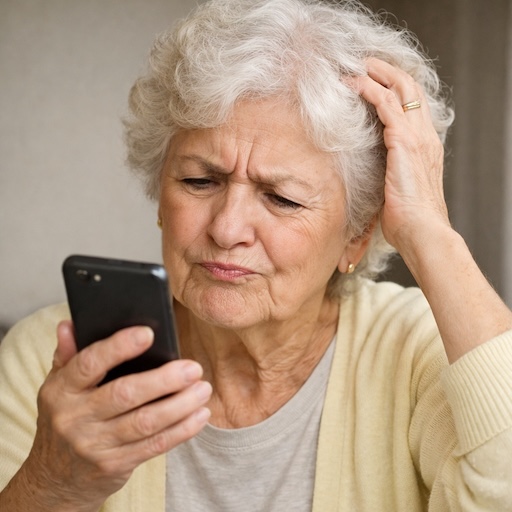
Email problems can be frustrating when things suddenly stop working or change without warning. If you are having trouble logging in, sending messages, or finding emails, we provide clear, one-on-one help in Eastmark, a community in Mesa, AZ.
The goal is to make your email easy to use again. We focus on fixing the problem, cleaning up confusing settings, and explaining things in plain language so you feel confident moving forward.
Here are some of the common email tasks we help with:
- Setting up new email accounts correctly
- Fixing email that will not send or receive
- Reducing spam and unwanted junk messages
- Syncing email across phones, tablets, and computers
- Creating folders, rules, and filters to stay organized
- Adding and cleaning up contacts
- Recovering email accounts that are locked or compromised
Many email issues are related to passwords and security prompts. We help with password resets, login loops, and two-factor authentication problems in a way that makes sense.
We support Gmail, Yahoo Mail, Outlook, Hotmail, AOL, iCloud Mail, and most other email platforms and apps.
If email issues are getting in the way, contact us today.
In-Home Email Help for Seniors

Many people prefer in-home email help, especially when email is used across more than one device:
- Setting up email on phones, tablets, and computers
- Keeping email synced between devices
- Fixing email apps that stopped updating or loading
- Cleaning up inboxes that feel cluttered
- Adjusting notification settings to reduce alerts
When email works differently on each device, it can quickly become confusing. We help make sure everything stays consistent so your inbox behaves the way you expect.
Want help at home? Click here to contact us.
Email App and Security Support in Eastmark

Email apps and security settings are often the biggest source of frustration, especially after updates or password changes:
- Resetting forgotten email passwords
- Fixing two-factor authentication and verification issues
- Reconnecting email after a new phone or computer setup
- Repairing email apps on iPhone, Android, iPad, and computers
- Helping protect your inbox from spam, scams, and suspicious messages
We explain what each security step means and make sure your email is working properly before we wrap up.
Ready to get your email working again? Visit our contact page to text or call us at 480-463-7030.