
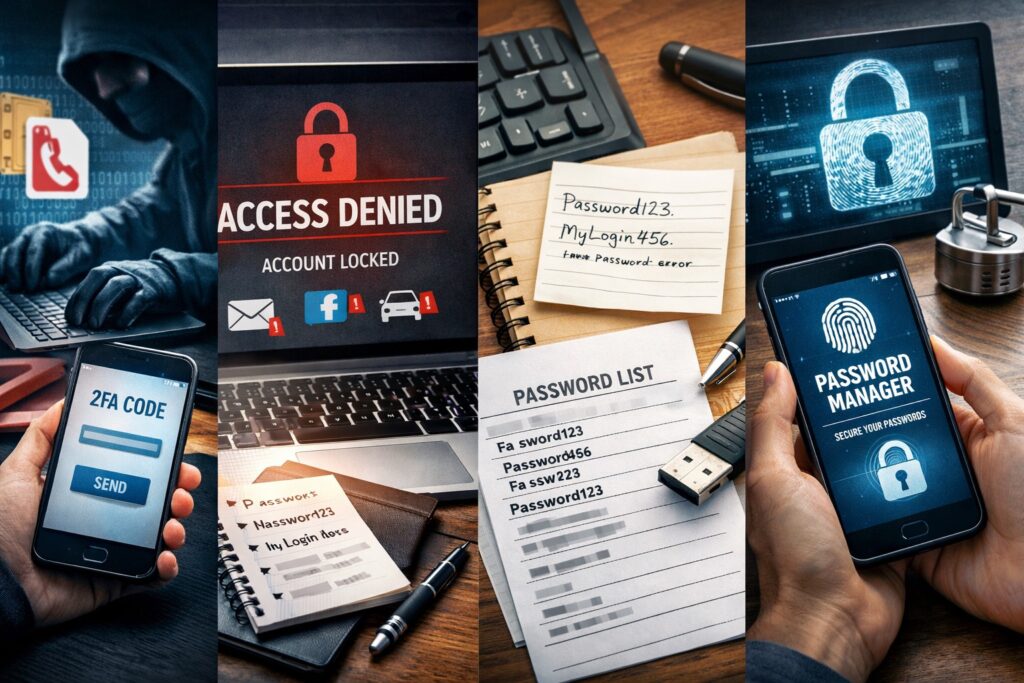
I went out to Scottsdale to help a client who we’ll call Susan. She wasn’t calling because her phone was “acting weird” in the normal way. This was the scary kind of weird. She had suddenly stopped receiving certain texts, some logins weren’t working, and a bunch of accounts were basically saying, “Nope.” 😬
Turns out someone pulled off a SIM swap on her phone number. If you’ve never heard of that, you’re not alone. A SIM swap is when a scammer convinces your cell provider to move your phone number to a SIM card they control. Once they do that, they start receiving your text messages, including the little verification codes a lot of websites text you when you try to sign in.
So yeah… if your accounts use text message two-factor authentication, a SIM swap can turn into a total mess, fast. Like, “how is this even real life” fast. 😅
What Broke First
Here’s what she suddenly couldn’t get into:
- Her email account
- Uber
What made it worse is that several of these services didn’t offer a clean backup option. It was basically: “We texted a code to your phone.” And she’s like, “Cool… except I don’t have that phone number right now.”
She also tried to recover her MSN email through Microsoft’s recovery process. It asked her for things like old passwords, email subject lines, and other details. She filled it out honestly, and Microsoft replied that there wasn’t enough information to confirm her identity. That’s a brutal email to get, because once you lose access to your email, everything else gets harder to recover too.
Fixing Facebook and Instagram Was Weirder Than It Should Be
Her main goal that day was Facebook and Instagram. We were able to get in and add a new email address and a new phone number, but there’s a “gotcha” people should know about.
Most accounts won’t let you remove your current email or phone number until you add another one first. You can’t just delete the old one and then add the new one. You have to add the replacement first, then remove the bad one.
So we:
- Added a new email address
- Added a new phone number
- Then removed the old ones
Here’s the goofy part. Even after we replaced the old email and phone number, the website still kept saying things like, “To make this change, check your email.” And it referenced the email address we had literally just removed. Like… come on. 🙃
What finally worked better was doing it inside the apps on her iPhone. The iPhone apps were more stable than the desktop website for these changes. The updates stuck, the confirmations behaved, and we didn’t keep running into the same dead ends.
So if someone reading this is dealing with account recovery, try the app first. The website might work, but the app might save you from pulling your hair out.
The Password Thing (This Is More Common Than You Think)
Susan understands passwords. She knows they’re case-sensitive and that they matter. But her system was pen and paper. And honestly, I get it. A lot of people do that because it feels simple and “safe” since it’s not online.
The problem is, paper is only safe if it’s kept safe. And she had told me ahead of time that she was thinking about sending her password list to a print shop to have it printed out. That made my stomach drop a little. No offense to print shop employees, but if you hand a stranger your full password list, you’re basically handing them the keys to your house and saying, “Please don’t go in.” 😳
So I unplugged my own printer and brought it with me. We printed what she needed at home, and that solved the “I need it on paper today” problem. But I also told her straight up: I don’t feel good calling paper the best system long-term.
What I Suggested Instead
We talked about options that are easier and safer:
- The Passwords app on iPhone
- 1Password (what I use too)
- Google Password Manager (she uses Chrome, so this actually made sense)
- Passkeys with Face ID or Touch ID
Passkeys are honestly nice because you don’t have to remember a password. You just use Face ID or Touch ID and you’re in. For a lot of people, that’s way less stressful than trying to remember 47 different passwords that all need a capital letter, a number, a symbol, and your firstborn child. 😅
My Opinion on Backups
I also shared something I personally believe: it’s smart to have your passwords in at least two secure places. Not two sloppy places. Two secure places.
If you only store your passwords in one system and you get locked out of that system, you can end up right back in panic mode. But on the flip side, you don’t want your “backup” to be an unlocked note or a plain text file sitting on your computer either. That’s basically a gift to anyone who gets access to your device.
So the goal is redundancy, but with real protection.
Where We Landed
After about 90 minutes, Susan felt way better. We got her contact info updated, her accounts more stable, and she understood what happened and what to do next time (hopefully there is no next time).
The big takeaway is this: SMS two-factor authentication is better than nothing, but it’s not the best option if your phone number gets compromised. If you can switch accounts over to an authentication app or passkeys, that’s usually a stronger setup.
And if something suddenly feels “off” with your phone service or your login codes, do not wait around hoping it fixes itself. Call your carrier. Check your important accounts. Move fast. That speed matters. 👍