
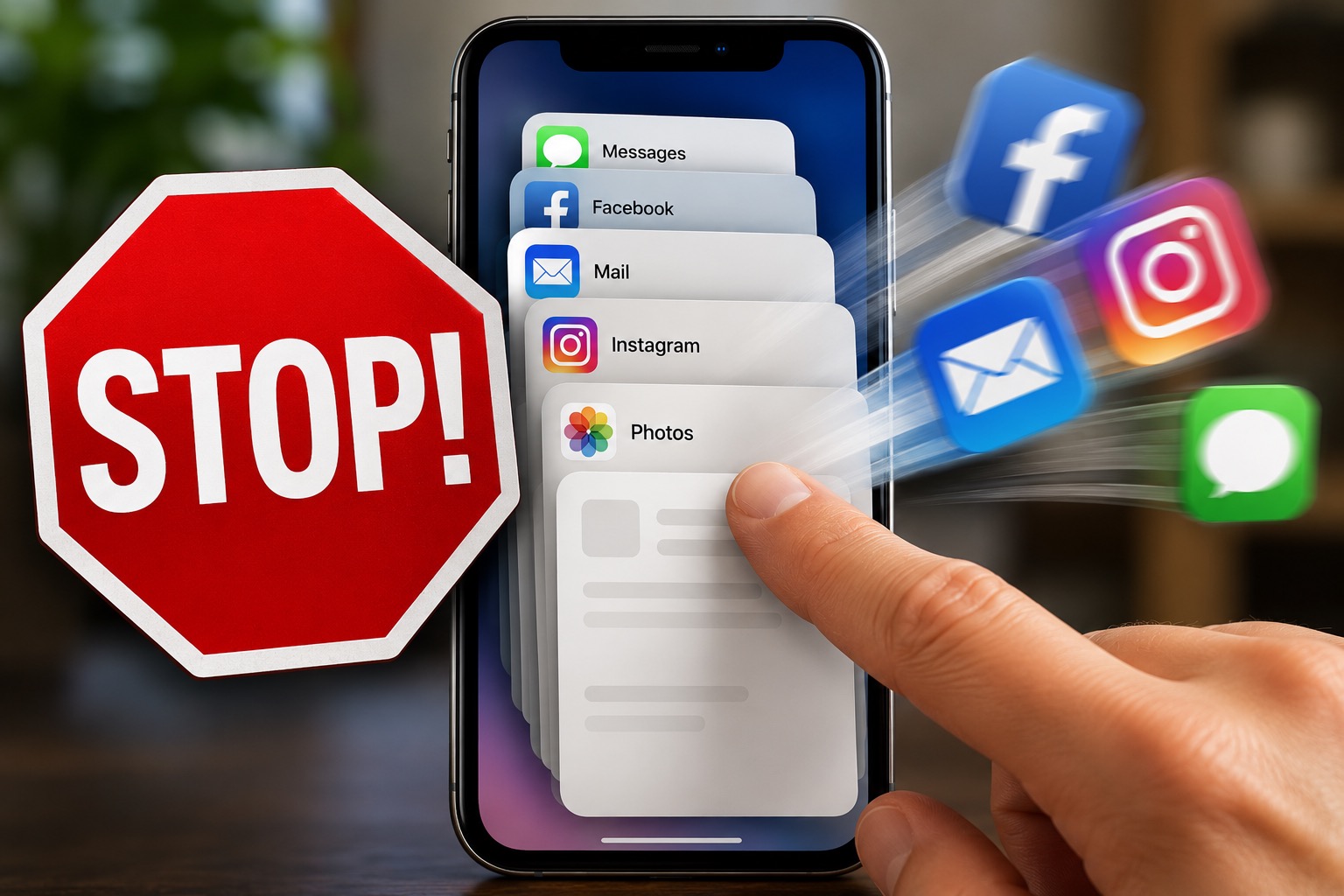
📱 I Have Bad News About Force Quitting Apps
You know that thing where you swipe away 37 apps because you’re convinced you’re SPEEDING up your phone!?
Yeah.
About that.
I understand why you do it.
You open your phone, swipe up, and suddenly there they are. Every app you’ve touched in the last three days, just sitting there like a bunch of lazy little freeloaders.
Messages.
Facebook.
Email.
Weather.
That one app you opened by accident and immediately regretted.
So naturally, you start swiping them away.
Gone.
Gone.
Gone.
It feels productive.
It feels responsible.
It feels like you’re helping your phone breathe again.
😬 But here’s the bad news:
Most of the time, your phone did not need your help.
Your Phone Is Not a Junk Drawer
The common idea is that all those open apps are running in the background, draining your battery, slowing everything down, and generally ruining society.
But that is usually not what is happening.
On modern iPhones and most modern Android phones, apps sitting in the app switcher are often paused or suspended.
They are not necessarily working hard.
They are mostly just waiting there so your phone can open them faster next time.
🧠 The phone is smarter than the ritual.
Swiping every app away usually feels more helpful than it actually is.
Force Quitting Can Actually Backfire
This is the part that feels rude.
Constantly force quitting apps can sometimes make your phone work harder.
Why?
Because the next time you open that app, your phone has to fully reload it again.
That can use more processing power.
That can use more battery.
And sometimes it can make the app open slower.
So while you thought you were helping your phone, your phone may have been sitting there thinking:
“Please stop helping.”
So When Should You Force Quit an App?
Force quitting is not evil.
It has a purpose.
You should force quit an app when it is actually causing a problem.
✅ Force quit when:
• An app is frozen.
• An app is glitching.
• An app will not respond.
• An app is obviously draining battery.
• You are troubleshooting a specific issue.
That makes sense.
But force quitting every app every day just because they are visible?
That is usually unnecessary.
This Is Really About Us
The funny thing is, this habit probably has less to do with phones and more to do with people.
We like feeling productive.
We like feeling in control.
We like doing a little digital cleaning and pretending we just saved the day.
It’s the same reason we organize desktop icons instead of doing actual work.
Or clean out an email folder and act like we just rebuilt civilization.
Force quitting apps feels like progress.
Even when it isn’t.
😂 We are not always optimizing our phones.
Sometimes we are just soothing ourselves with tiny little swipes.
What Should You Do Instead?
Most of the time, just leave your apps alone.
Let your phone manage memory.
Let the operating system do its job.
If your phone is slow, there are usually better things to check.
Better things to look at:
✅ Restart the phone occasionally.
✅ Install updates.
✅ Check storage space.
✅ Delete apps you truly do not use.
✅ Watch for one app causing a real problem.
✅ Ask for help if the phone keeps acting strange.
Those things matter more than swiping away every app like you’re playing the world’s least exciting video game.
The Final Verdict
If you’ve been force quitting every app on your phone for years, don’t feel bad.
You are not alone.
Millions of people do it.
It feels right.
It looks right.
It gives your brain that tiny little reward of a job well done.
But most of the time, your phone already had things under control.
Your iPhone or Android phone is usually better at managing memory than we are.
And if that feels offensive, I understand.
But unfortunately, your phone did not ask for your help.
Need help with a slow phone?
If your phone is running slow, freezing, or acting weird, Help With My Tech can help you figure out what is actually going on.
Sometimes the answer is simple. Sometimes it’s not. Either way, you don’t have to figure it out alone.