
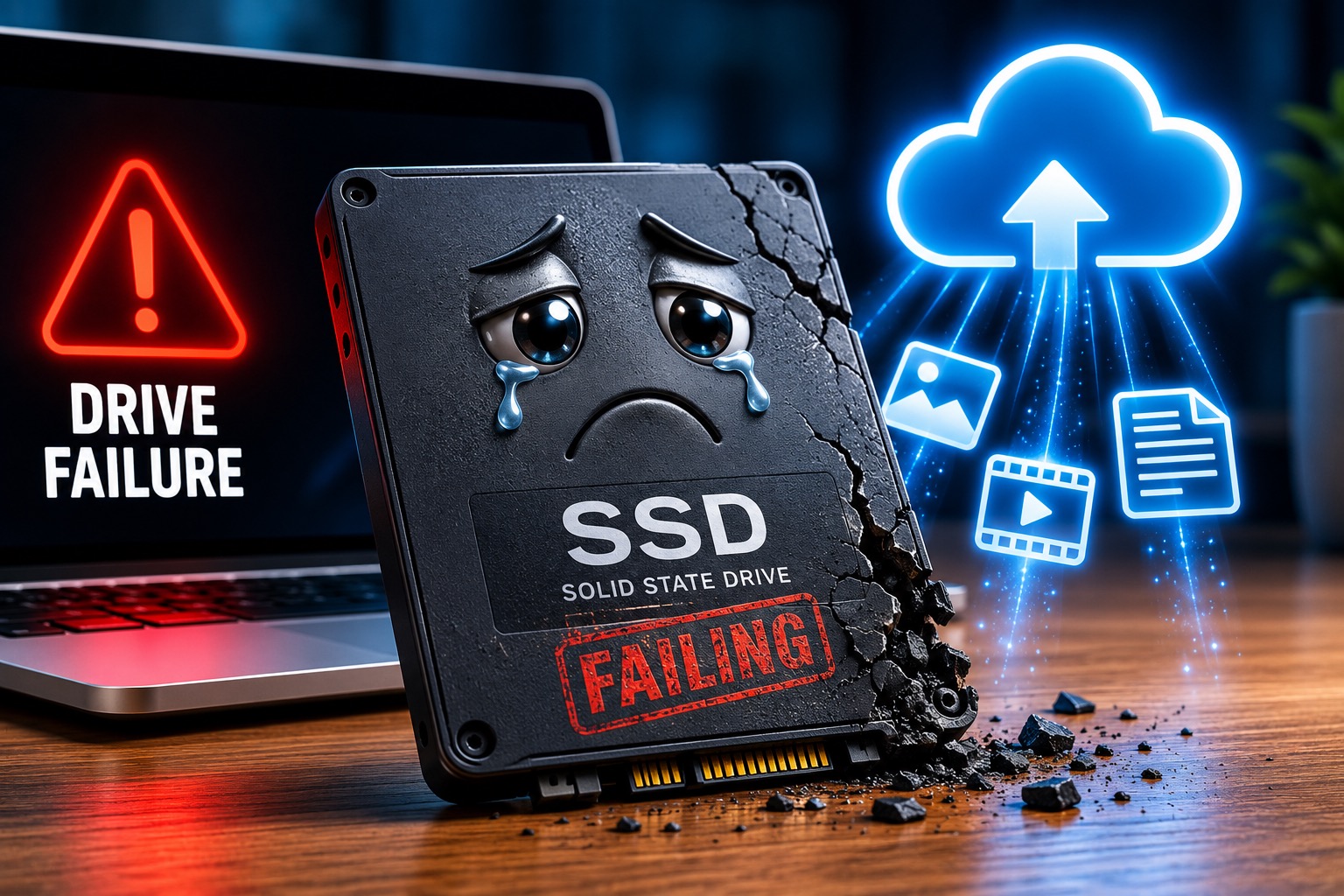
I have bad news about SSD drives.
They are fantastic. They are fast, quiet, and one of the best upgrades you can make to an older computer. If you have ever replaced an old spinning hard drive with an SSD, you already know the difference can feel almost magical.
But SSDs are not magic. They are not immortal. And if the only copy of your important photos, videos, documents, or business files lives on one SSD, you are still taking a risk.
😬 Here’s the bad news:
SSD drives are reliable, but reliable does not mean permanent. Every drive eventually fails if you wait long enough.
SSDs Are Good. They Are Not Forever.
I am not saying SSDs are bad. They are not. For most people, an SSD is better than an old-fashioned hard drive in several ways. Your computer can start faster, programs can open faster, and files can load faster.
The problem is when people make the jump from, “This drive is reliable,” to, “This drive will never fail.” That is where things get risky.
🔎 Translation:
An SSD can be a great storage device and still be a terrible place to keep the only copy of something important.
How SSDs Wear Out
SSDs store data using flash memory. That flash memory can only be written to a limited number of times. This does not mean your SSD is about to die tomorrow, and most normal users will not wear out a good SSD quickly.
But SSDs do have endurance limits. Manufacturers often describe SSD endurance using terms like TBW, which means terabytes written. That is basically a rating for how much data can be written to the drive over time before it reaches its expected endurance limit.
SSDs are built to last a long time, not forever.
Which, unfortunately, is also true of most things. Cars, roofs, phones, office chairs, and my patience when a printer says it is offline while clearly being plugged in.
✅ The practical truth:
You do not need to fear SSDs. You just should not treat them like a permanent vault for your only copy of important data.
SSDs Can Fail Quietly
Traditional hard drives sometimes give warning signs. They might click, grind, slow down, or start acting strange. Basically, they can begin making noises like a haunted coffee grinder.
SSDs are different. They have no spinning disk and no little mechanical arm moving around inside. They usually do not make scary sounds because there is nothing in there to make scary sounds. That is nice, but it also means an SSD can sometimes seem fine right up until it is not.
🚫 Possible drive failure signs include:
- Files suddenly disappearing or becoming corrupted.
- The computer freezing or crashing more often.
- The drive becoming read-only.
- The computer failing to boot.
- Errors when saving, copying, or opening files.
- No warning at all, because technology likes drama.
That last one is why backups matter. If the drive fails and your files are somewhere else too, it is annoying. If the drive fails and your files were only on that drive, it is a very different day.
The Problem Is Not the SSD
The SSD is not the villain here. The SSD is doing its job. The problem is when we ask one device to be the only guardian of every photo, video, document, tax file, and family memory we care about.
If your computer’s SSD dies and your important files are also in the cloud, on another drive, or in another backup system, you can recover. It may be frustrating. It may take time. You may say words that should not be repeated in a professional blog post. But you are not ruined.
😂 The SSD is not the problem.
The problem is trusting one device with memories you would be devastated to lose.
Your Important Files Should Live Somewhere Else Too
If losing a file would ruin your week, that file should exist somewhere besides your SSD. Photos, home movies, business records, tax documents, important passwords, and family history should not depend on one drive continuing to behave forever.
🧠 The simple rule:
If the only copy of something important is on one SSD, it is not truly safe. It is just waiting patiently for a bad day.
Cloud Storage Can Be a Lifesaver
For really important files, cloud storage or cloud backup can be a great safety net. That might mean iCloud for Apple photos and files. It might mean Google Drive or Google Photos. It might mean OneDrive if you use Microsoft 365. It might mean Dropbox, Box, or a dedicated backup service.
The exact tool matters less than the principle: your important data should live in at least two places. Your computer and the cloud. Your computer and an external backup drive. Your computer, the cloud, and another backup if you really want to sleep well.
✅ Reputable places people commonly store or back up files:
- iCloud
- Google Drive
- Google Photos
- OneDrive
- Dropbox
- Box
- Time Machine for Mac backups
- Dedicated cloud backup services
But Cloud Sync Is Not Always the Same as Backup
One small warning: cloud storage and cloud backup are not always identical. Some services sync files. That means if you delete a file on one device, it may disappear from the cloud too.
That does not make syncing bad. Syncing is incredibly useful. It just means you should understand what kind of protection you actually have.
⚠️ Important distinction:
A synced copy is usually better than no second copy. But for the most important files, you may also want a true backup that protects against accidental deletion, drive failure, and other surprises.
This Is Really About Trusting One Thing Too Much
This article is not really about SSD drives. It is about how much we trust things that have not failed us yet.
Your SSD has worked every day, so you assume it will work tomorrow. And maybe it will. Probably, even. But probably is a dangerous place to store the only copy of your family photos.
Technology always feels reliable right up until it becomes a story you tell other people as a warning.
😂 Nobody thinks their drive is going to fail today.
That is why backups have to exist before the drive proves you wrong.
The Final Verdict
SSD drives are great. They are fast, quiet, reliable, and one of the best upgrades you can make. But they are also temporary.
Reliable does not mean forever.
If your important files only live on one SSD, you are still taking a risk. Not because SSDs are bad, but because every storage device eventually fails.
So keep using SSDs. Enjoy the speed. Appreciate the quiet. But do not trust one drive with the only copy of something you would hate to lose.
Put your important files somewhere else too. The cloud. Another drive. Preferably both.
Your future self may never thank you. But if that SSD ever fails, future you will absolutely know who to blame.
Sources
Kingston Technology: Understanding SSD endurance, TBW, and DWPD
Apple Support: Back up your Mac with Time Machine
Microsoft Support: Back up your folders with OneDrive
Need help protecting your important files?
Help With My Tech can help you figure out where your photos, videos, documents, and important files are actually stored, then help you set up a backup plan that makes sense.
If your important files only live on one drive, now is the time to fix that.