
New Computer Setup Near Me in Gold Canyon, AZ

Many people expect a new computer to work right out of the box. In reality, the first setup can include updates, account questions, accessories, and decisions that are easy to second-guess.
A search for new computer setup near me in Gold Canyon is often really a search for patient, hands-on help. It means getting the computer connected to the services and equipment already used at home. Help With My Tech comes to your Gold Canyon home, so the computer can be set up where you will actually use it. We can connect it to your Wi-Fi, printer, monitor, email, cloud storage, and other devices without asking you to carry it to a store.
We work with Windows PCs, Macs, desktops, and laptops. Each appointment is based on the computer you purchased and what you want to do with it. Common setup tasks include:
- Completing the first-time setup and choosing practical settings
- Connecting the new computer to your home Wi-Fi
- Signing in to email, browser, Microsoft, Apple, or Google accounts
- Connecting printers, scanners, monitors, mice, keyboards, and speakers
- Adjusting text size, display, sound, and accessibility preferences
- Explaining the new computer in clear, patient language
If you would like help setting up a new computer in your Gold Canyon home, contact Help With My Tech and tell us what you bought and what you would like it to do.
In-Home New Computer Setup and Data Transfer in Gold Canyon

Data transfer is often the part of a computer upgrade that causes the most worry. Years of photos, records, and personal files may be stored on the old device. Documents, family photos, email, browser favorites, saved contacts, and familiar programs may all need attention.
The best way to move data depends on the two computers and how much needs to be transferred. We may use a cable, an external drive, or a secure cloud service. The goal is to move the information that matters, organize it in sensible places, and make sure the files open on the new computer.
- Transfer documents, pictures, music, and other personal files
- Move or reconnect browser bookmarks and commonly used accounts
- Set up email and confirm that messages send and receive
- Install or reconnect the programs and cloud storage you still use
- Check Desktop, Documents, Downloads, and photo folders for important items
- Verify transferred files before discussing what to do with the old computer
Some programs require a password, subscription, or license key before they can be used on a new computer. If you are not sure where to find those details, we can help identify what is needed.
We recommend leaving the old computer unchanged until you have used the new one and checked your files, email, and programs. After everything is confirmed, you can decide whether to erase, recycle, trade in, or give away the old device.
Get Your New Computer Updated, Secure, and Ready to Use
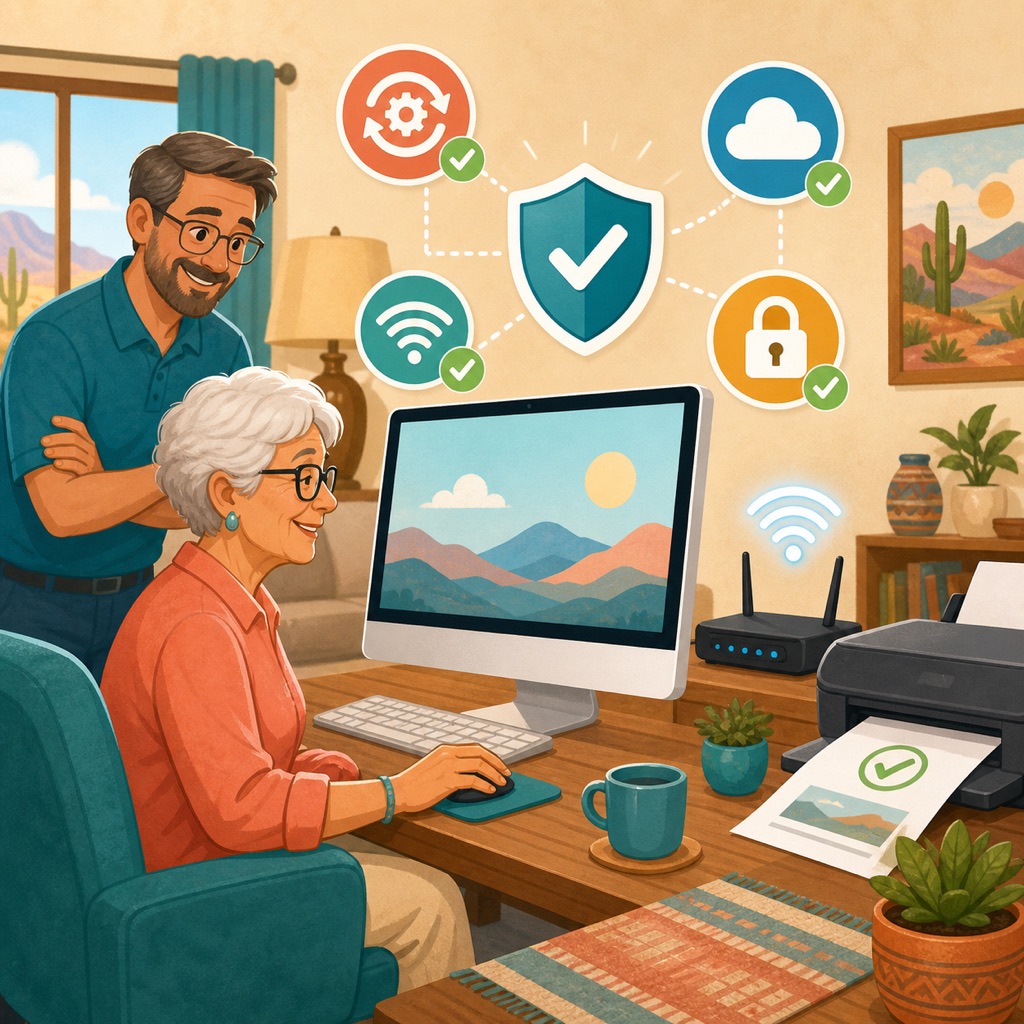
A useful setup ends with more than a working desktop. The computer should be current, secure, easy to navigate, and connected to the devices you depend on.
We can install trusted system and application updates, review built-in security, set up a backup method, and remove unnecessary trial programs when appropriate. We can also arrange the browser, email, cloud storage, and shortcuts so the computer is easier to use.
- Install current Windows, macOS, and application updates
- Review security settings and help recognize misleading pop-ups
- Configure an appropriate backup method for important files
- Connect and test the printer, scanner, monitor, and other accessories
- Pin useful programs and organize shortcuts for easier access
- Walk through the finished setup at your pace and answer questions
Since we come to you, we can see how the new computer fits into the rest of your home technology and test the full setup together. We can print a test page, check sound, confirm account sign-ins, and make sure the Wi-Fi works in the room where the computer will stay.
You do not have to handle every setup detail alone. If a new computer is waiting in your Gold Canyon home, contact us to schedule in-home help. We will help make it familiar, useful, and ready for you.