
Technology can make life easier: video calls with family, online banking, medical portals, photos, streaming TV, and directions when you are out and about. But when something stops working, the question becomes much less simple: who can you call for help?
AARP does offer technology resources for older adults, including a free hotline through Senior Planet from AARP. It also promotes member benefits from technology companies. The right option depends on what you need help with, how comfortable you are using a phone or computer, and whether the problem can realistically be solved from a distance.
Free Tech Help Through Senior Planet From AARP

Senior Planet from AARP offers a free technology hotline. You can call 888-713-3495 to ask questions about common topics such as Zoom, email, choosing a computer, phones, tablets, and other everyday technology. The hotline is staffed by patient technology trainers, and it is available Monday through Friday from 9 a.m. to 8 p.m. Eastern Time, plus Saturdays from 9 a.m. to 2 p.m. Eastern Time.
Senior Planet also offers free virtual one-on-one tutoring sessions over Zoom. That can be a very good option when the question is straightforward and you are comfortable getting onto a video call. It is especially valuable for someone who wants to learn, rather than just get a quick fix.
The price: free.
That is a genuinely helpful resource, and there is no reason not to try it first. If free help solves the problem, that is a win.
What About Paid Remote Tech Support?
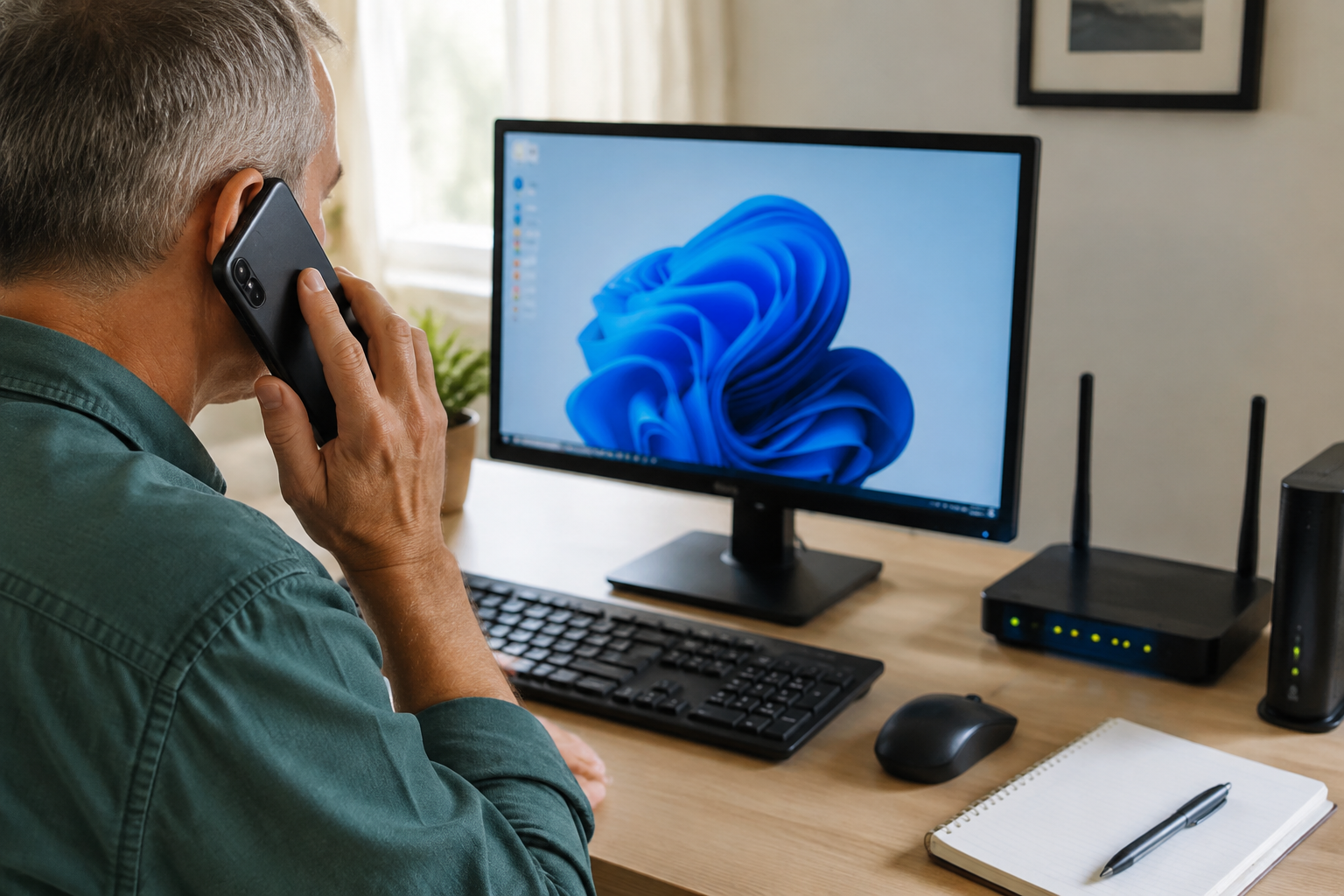
AARP also highlights technology-related member benefits, including Norton products. Norton sells Ultimate Help Desk, a remote technical-support service for computers, phones, tablets, printers, Wi-Fi, smart-home devices, and more.
Norton’s pricing and plan options can change, so it is best to check the Ultimate Help Desk page for current pricing and coverage before choosing a plan.
This support is available remotely by phone, online chat, and, when appropriate, secure remote access to a computer. That can be convenient for a computer issue, a software question, or a device that is already connected to the internet.
It is worth noting that AARP member offers can change. Before assuming a particular member discount applies to Norton’s Help Desk service, check the current AARP technology benefits page or the member portal.
When Free or Remote Help Is a Great Choice
Free or remote support is often the best first step when you have a simple question, a patient helper is available, and you can already use your phone or computer well enough to connect. For example, it may work well for learning how to use Zoom, understanding a setting, choosing a new device, or getting advice about a problem.
There is no shame in taking advantage of a free resource. In fact, we encourage it. Good tech help should give you confidence, not make you feel pressured into buying something you do not need.
When In-Home Tech Help Makes More Sense

Sometimes the obstacle is that the technology needed to receive remote help is the technology that is not working. Maybe the Wi-Fi is down, the printer will not connect, the television remote is confusing, the new phone has not been set up, or you are being asked to join a Zoom call when Zoom itself is the problem.
That is where in-home support can be different. A helpful person can see the actual setup, check the cables and Wi-Fi connection, work with the device in front of you, and explain each step at your pace. Instead of trying to describe a blinking light or an error message over the phone, you can simply point to it.
For many people, the biggest benefit is not just getting the problem fixed. It is having someone beside you who can explain what happened and help you feel comfortable using the device afterward.
The Bottom Line
Yes, AARP offers worthwhile technology help through its Senior Planet hotline and virtual tutoring, and there are paid remote-support options available through companies such as Norton. If a free resource can give you what you need, use it. That is a smart choice.
But if you cannot get the help you need remotely, if the problem involves your home setup, or if you simply prefer a real person with you instead of on a Zoom call, Help With My Tech is here to help. We provide patient, one-on-one, in-home technology support so you can get back to using your devices with confidence.