
A new iPhone can be exciting. It can also make people wonder whether their current phone is already good enough. The best answer is not always “buy the newest one.” It depends on how your phone works for you today.
The iPhone 18 Pro may be a good fit if you want a stronger camera, a larger or brighter display, more room for photos, or features that your older phone cannot support. But a new phone is not automatically the right answer if your current one still handles calls, messages, photos, banking, maps, and the apps you rely on.
This guide can help you decide without getting buried in technical details.
Start with your everyday experience
Think about the moments when your phone frustrates you. Does the battery run down before the day is over? Does it freeze, get unusually hot, or run out of storage? Are important apps no longer updating? Does the camera struggle in low light, or are you having trouble reading the screen outdoors?
One small problem may be fixable. A battery can sometimes be replaced, and storage can often be cleared by removing unused apps or large videos. But several problems together can be a good reason to upgrade. A newer phone can feel easier because it is faster, has a fresh battery, and supports newer security and software features.
Reasons an upgrade may make sense
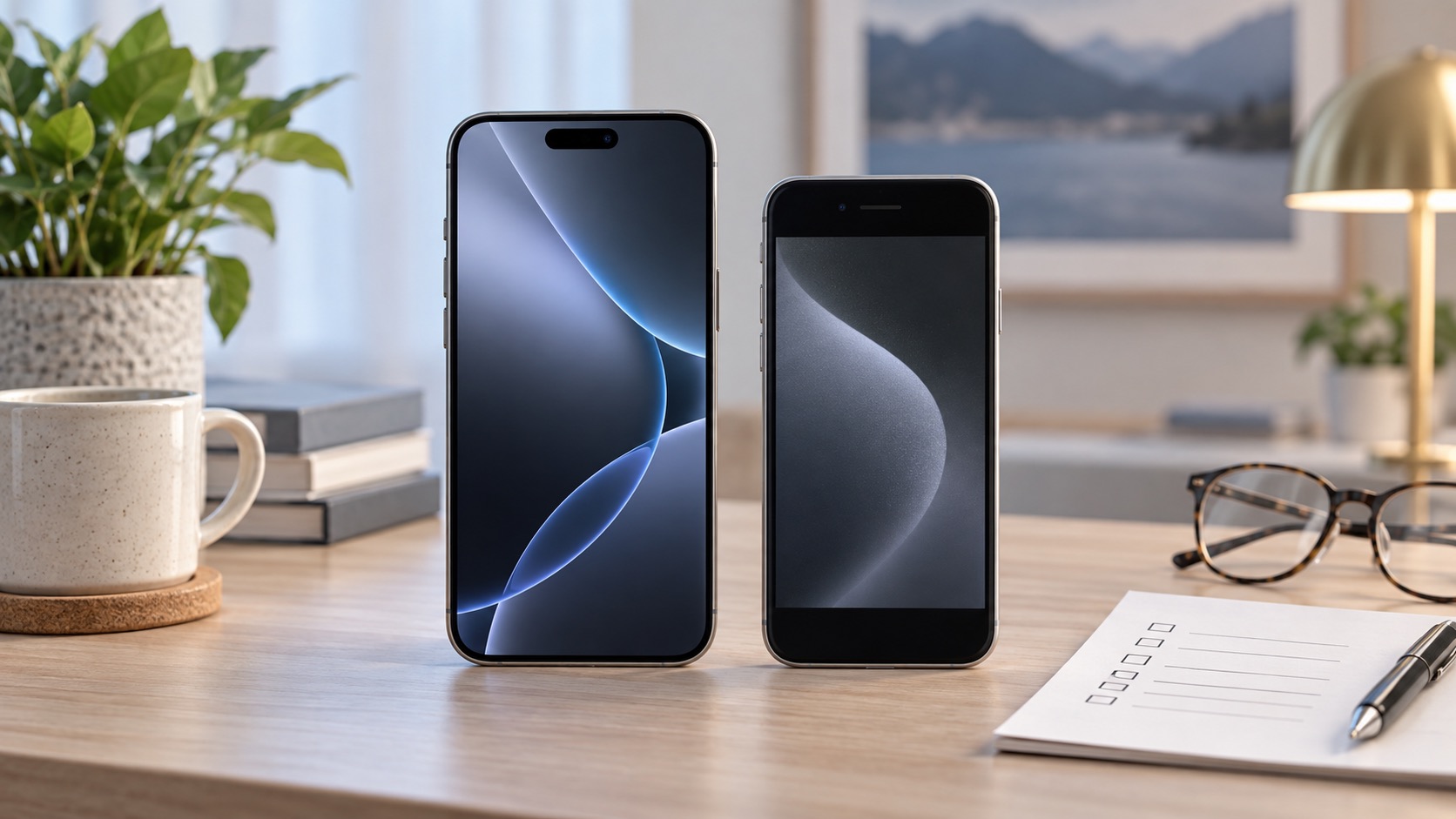
An upgrade is worth considering when it solves a real problem. Many people benefit most from a new phone when they need more dependable battery life, better photos of family events, clearer video calls, or enough storage to stop managing space every week.
It can also be a good choice if your phone no longer receives important software or security updates. Keeping a supported device helps protect your personal information and keeps common apps working properly. You can check Apple’s current guidance in its iPhone User Guide.
There are also practical reasons. If your older phone has a cracked screen, a weak charging port, or several repairs waiting, compare the repair cost with the cost of a replacement. The right choice is often the one that reduces stress for the next few years, not simply the newest device on the shelf.
Reasons to wait
It is fine to keep your current iPhone if it is reliable and still does what you need. A recent phone that has good battery life, enough storage, and current software does not need replacing just because a new model arrived.
You may also want to wait if a new purchase would force you into a plan or payment that does not feel comfortable. Before trading in a phone, make sure you understand the final cost, the amount you will receive for the old device, and whether the offer requires a long service agreement.
Protect your information before you switch
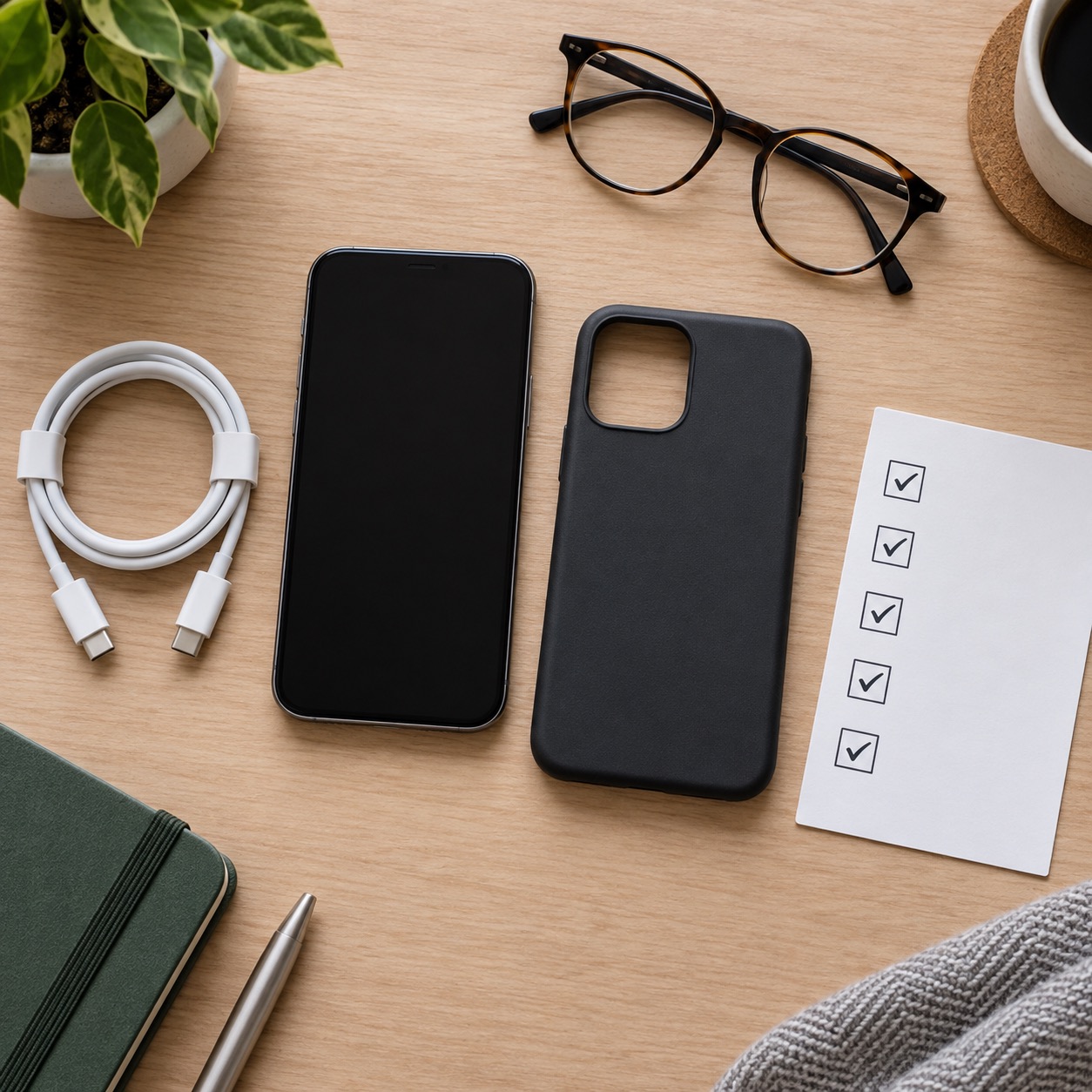
Before moving to any new iPhone, make a current backup. iCloud Backup is a simple choice for many people: connect to Wi-Fi, plug the phone into power, and look in Settings for iCloud and Backup. Apple’s backup instructions explain the current options.
Also make sure you know your Apple Account password. If you use two-factor authentication, keep the old phone nearby until the move is complete. This makes it easier to receive verification codes. Review the apps that matter most, including your bank, health provider, email, password manager, and authenticator apps. Some may ask you to sign in again after the transfer.
Trade in, sell, or keep your old phone?
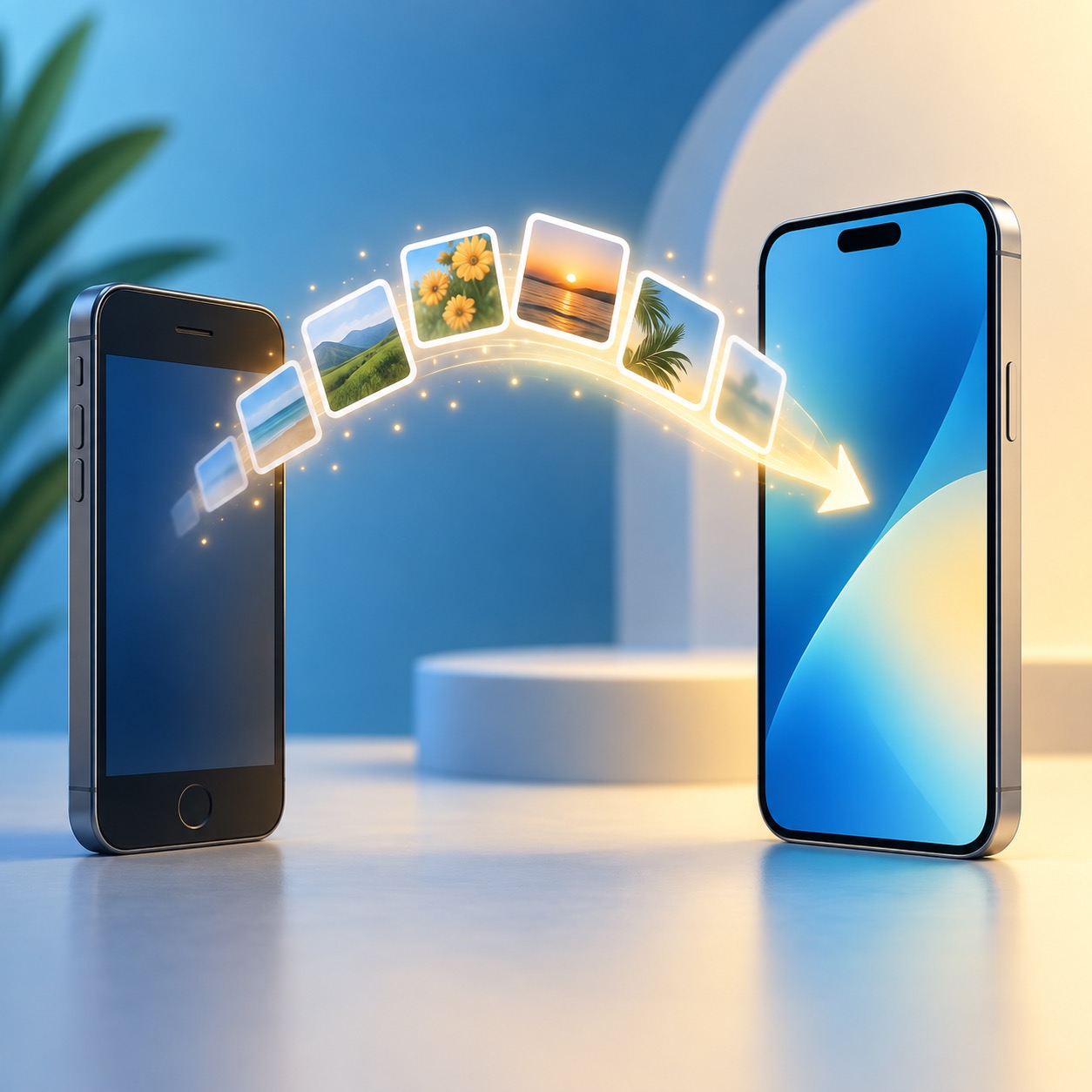
Trading in an old phone can lower the cost, but do not hand it over until you confirm the new phone has your photos, contacts, messages, apps, and important logins. Many people prefer to keep the old phone for a short time as a backup. It can be helpful if you discover a missing photo, need a code, or have trouble signing into an account.
When you are ready, erase the old device properly. Apple’s steps for preparing an iPhone for sale or trade-in are the safest place to start. They include signing out of your account and removing your information from the phone.
The bottom line
The iPhone 18 Pro can be a great choice when it solves a problem you truly have: weak battery life, limited storage, an unreliable camera, an aging device, or a need for newer features. If your current phone works well, waiting is also a smart choice.
If choosing, setting up, or moving to a new iPhone feels like more than you want to tackle alone, Help With My Tech can come to your home and make the process calmer. We can help with setup, transfers, passwords, apps, and the little details that matter after the phone is out of the box. Contact Help With My Tech to get started.