
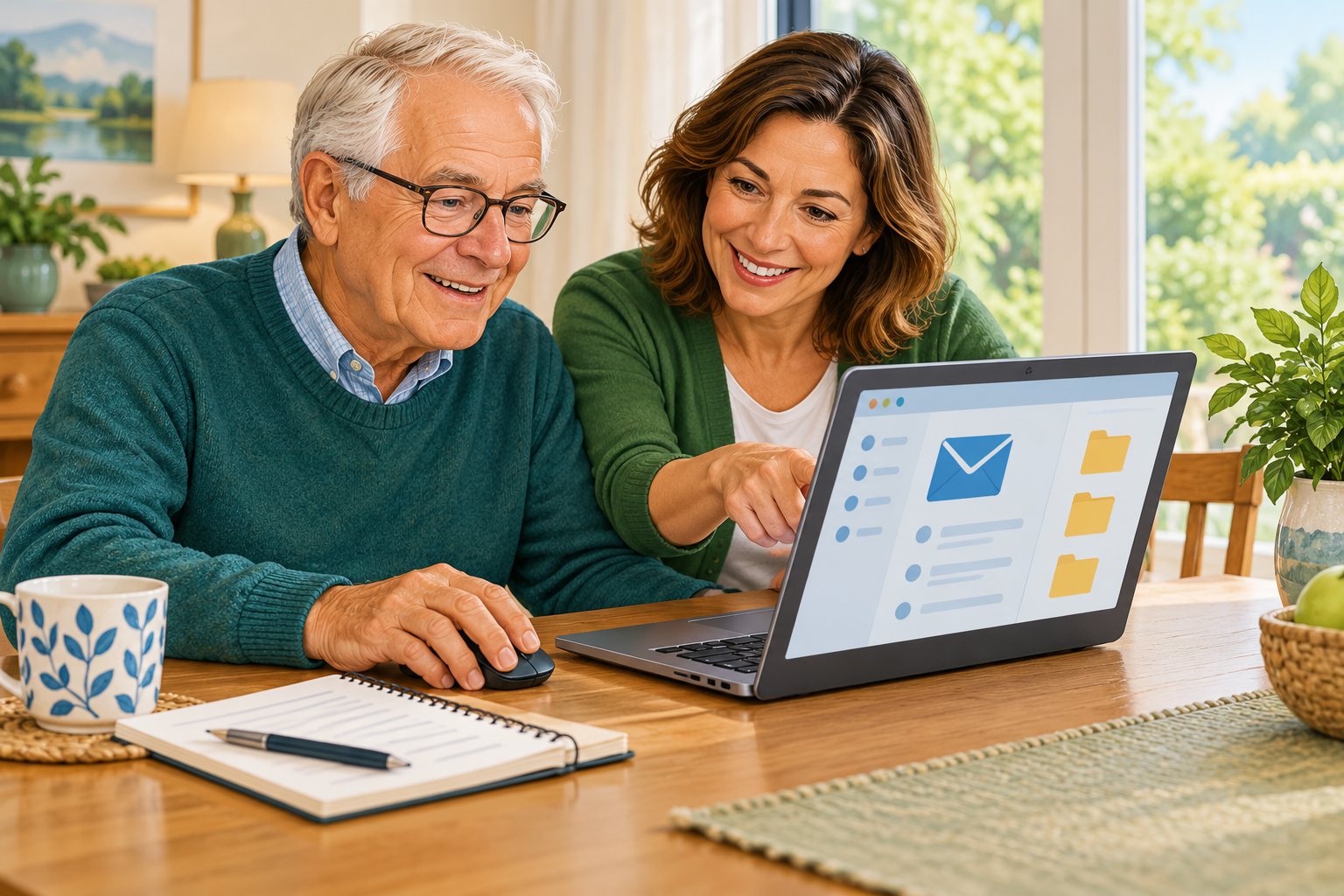
You may not need a computer repair. You may need someone to sit beside you and explain how a task works. Our computer lessons for seniors in Mesa, AZ, provide that kind of patient help on your own Windows computer or Mac. You can start with an everyday goal, from sending an attachment to finding a document you saved last week.
A private lesson gives you time to practice without trying to match the pace of a group. We explain unfamiliar words, let you use the keyboard and mouse, and repeat steps when useful. Existing skills count: if you can already browse comfortably, we can begin with the part that causes trouble. You choose what matters, and we help turn it into a manageable lesson.
- Learn with the equipment you own
- Build confidence with everyday computer tasks
- Pause whenever another explanation would help
- Understand where downloaded documents are saved
A form is easier to approach when you recognize its parts. You can practice moving between fields, reviewing an entry, and understanding what happens before submitting anything.
Private iPhone and iPad Lessons in Mesa
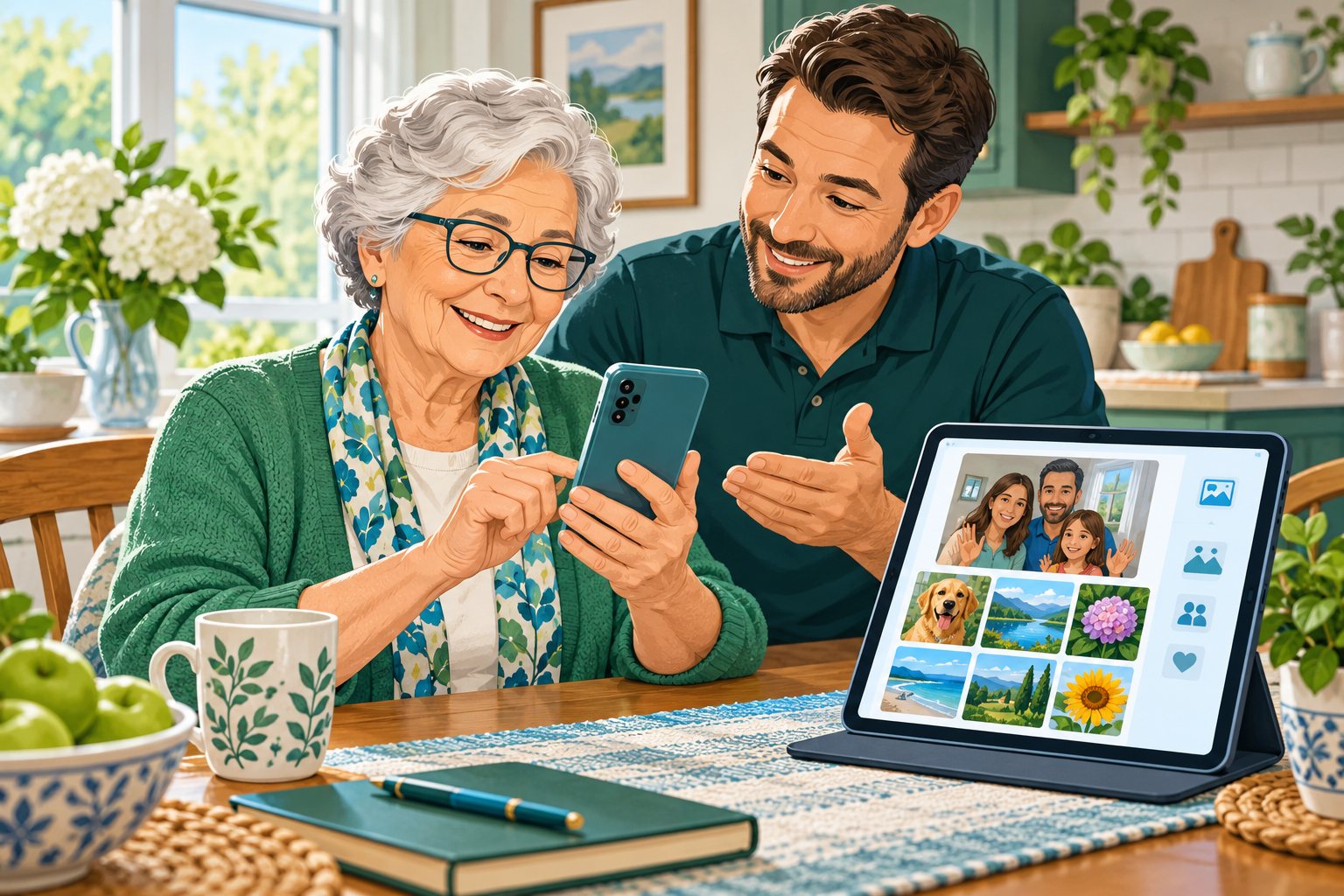
Private iPhone and iPad lessons in Mesa can focus on the features you actually want to use. That may mean taking a clearer photo, responding to the right message, starting a family video call, or finding an app that moved. We teach from the screen in front of you and explain which choices depend on your model or software.
You can practice a short sequence, try it again, and ask questions before moving on. We can also look at text size and other comfort settings that affect how easy a lesson feels. You do not need to replace a working device to learn more about it. If you use Android alongside Apple devices, mention that when you contact us.
- Build confidence with mobile device basics
- Understand settings before approving a change
- Share a photo with one person
- Practice writing and editing text messages
Practice can focus on a small action that you will use again. You can ask why a choice matters and check the result before moving into another app or setting.
In-Home Technology Training for Seniors in Mesa

In-home technology training in Mesa is different from attending a general presentation. Your home equipment, your questions, and your practice goals shape the visit. A community class may be useful for broad learning; a private visit can spend more time on the exact action you want to repeat on your own device.
Patient guidance means time to watch, try, and ask questions. We can repeat a sequence and explain an unfamiliar control in another way. If personal reminders help, you can write your own notes while practicing. You keep control of your accounts and decide whether someone else should participate.
- Review progress with another practice round
- Control who sees your private accounts
- Ask questions at a comfortable pace
- Work with the equipment you recognize
You do not have to master every setting during one visit. The focus can stay on making the chosen activity clearer and identifying a useful next step for practice.
What Could You Practice During a Private Lesson?
One practice plan might use a sample online form. You learn to move between fields, correct a typing mistake, and recognize whether a page has actually been submitted. We can use a practice document instead of sending private information or completing a real financial transaction.
You can work with a sample form or document that does not need private details. Practicing how to review your work can be as useful as learning where to type.
- Practice reading and responding to email
- Keep related documents together in folders
- Send selected pictures to family members
- Plan a familiar video calling activity
Before a real submission, you should understand what information is requested and where it is going. A practice example gives you room to learn the controls without rushing that decision.
What Should You Have Ready Before Your Lesson?
Think of one or two tasks you want to do with less help. Charge the devices you plan to use and keep a non-sensitive example ready. You can enter passwords privately if access to an account is needed.
Consider which part of the task feels difficult, such as typing, saving, or returning to a previous screen. A specific question helps us plan practice around the steps you want to understand.
- Bring charged devices to your learning space
- Start with questions that matter to you
- Protect passwords and personal recovery codes
- Choose harmless practice documents or pictures
You can keep sensitive records private and use a simple example instead. The lesson is about learning the process, so there is no need to expose personal information to demonstrate it.
Would You Like Patient Help Learning Your Devices?
If you would like patient instruction in Mesa, Help With My Tech can help you choose a practical place to begin. Describe the device and the task in your own words. We will discuss a suitable plan and confirm appointment availability.
A lesson can start with computer basics or with a specific task you already partly understand. We explain what is happening and give you time to operate the device yourself.
- Discuss scheduling before making visit plans
- Let us know which device you use
- Name an activity you want to understand
- Plan a lesson around your questions
Call or text 480-463-7030, request a lesson, or visit our pricing page for current service details.
If you need account assistance before practicing, explore our password help in Mesa. You can also review our other service areas.
Original illustrations created for Help With My Tech. Artistic examples, not actual app screenshots. Independent instruction; not affiliated with device makers. Lesson topics depend on your equipment, account access, and available features.