
HELP WITH MY TECH RECOMMENDS
Try touch, enlarged text, and normal room lighting before paying the premium. A beautiful display is useful only if it makes your own tasks more comfortable.
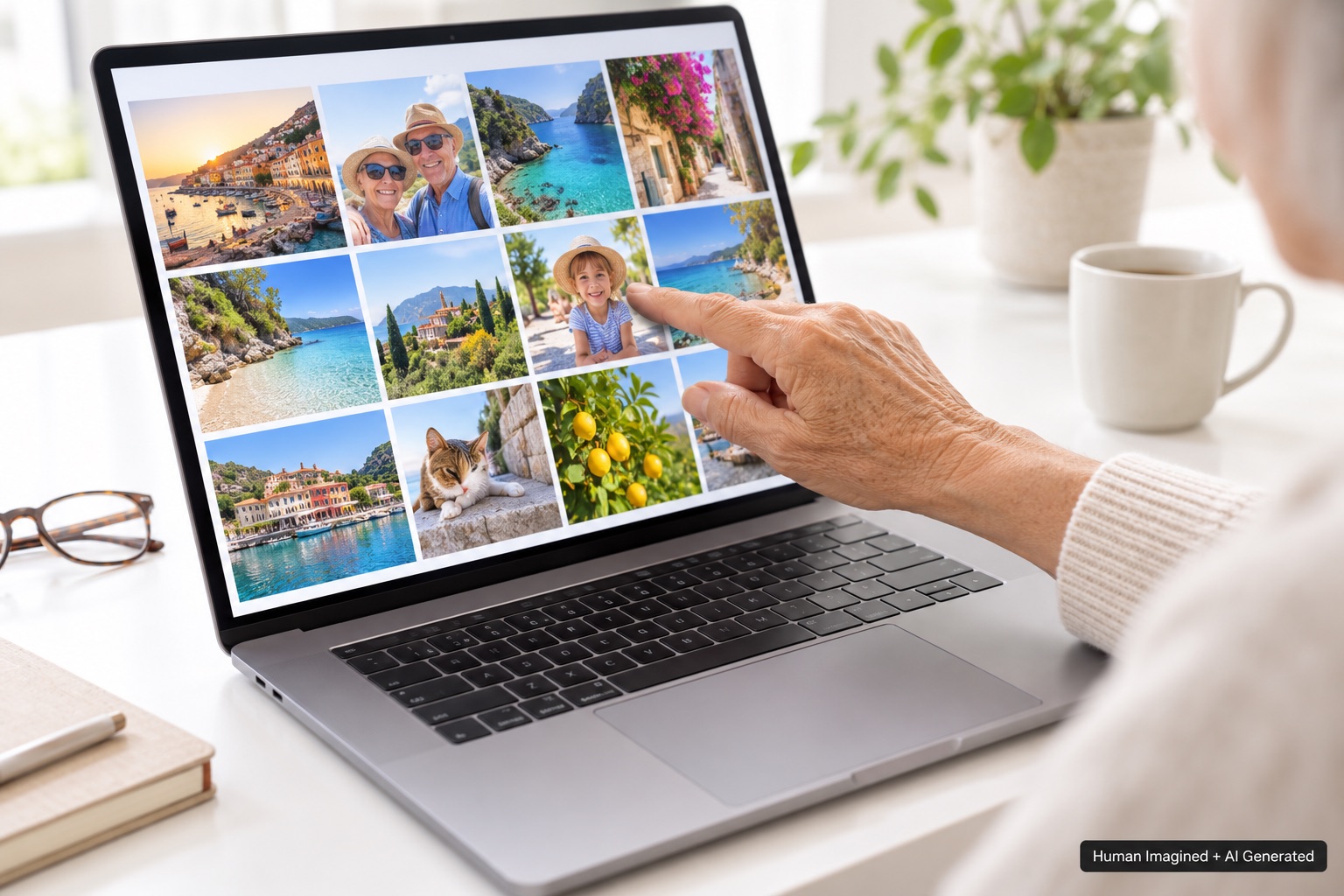
Reaching out to touch a photo feels natural if you use an iPad every day. Apple has now announced MacBook Pro models with a PROLED XDR display and touch. That makes this a real buying choice, but not an automatic recommendation for every older adult.
Help With My Tech would judge this computer by reading comfort, hand comfort, and the extra cost. The new display does not make every other Mac outdated.
Know which MacBook Pro you are comparing
Apple’s October 28 announcement describes 14- and 16-inch PROLED XDR models using M5 Pro or M5 Max chips. The 14-inch M6 MacBook Pro announced separately is a different product. A larger chip-generation number does not identify the touchscreen version.
The PROLED M5 Pro models were announced at $2,899 for 14 inches and $3,399 for 16 inches in the U.S. The standard 14-inch M6 Pro starts at $1,999. Those starting configurations differ, so the price gap does not measure the display alone. Check the exact model and current price before ordering.
Touch may be convenient, but it is another way to work
- Try selecting a family photo without reaching awkwardly across the keyboard.
- Check whether the controls you use most are comfortable to touch.
- Switch between touch, trackpad, and keyboard to see what feels easiest.
- Consider whether reaching up repeatedly makes your arm or shoulder tired.
We would not assume that someone comfortable with an iPad automatically wants to touch an upright laptop screen. The angle and reach are different. A familiar mouse or trackpad may remain the easiest choice.
OLED is a display technology, not a vision solution
The new display uses tandem OLED technology. Rich contrast and an attractive picture can be enjoyable for photos and movies. Reading comfort still depends on text size, glare, brightness, viewing distance, and the individual using it.
Ask to see an ordinary email or article. Increase the text to the size you would use at home. Look away and back again, try your glasses, and judge whether you can relax into reading. A spectacular demo film cannot answer those questions.
Pay for comfort without overbuying processing power
Most everyday home users do not need Max-class performance. If you choose this Mac for its display or larger size, recognize that you are paying for professional hardware in the same package. The least expensive configuration that meets your actual needs is a sensible place to start.
For many readers, a 15-inch MacBook Air or a desktop with a clear, properly configured monitor will be the better comparison. A large external screen also needs enough resolution: stretching a modest number of pixels across a larger panel can make text look rougher.
Our shopping test
Write down the task this display would improve. If the answer is simply that it looks lovely and you comfortably want it, that is a personal purchase decision. If the answer is easier reading, test that claim before buying. Help With My Tech can help compare a comfortable setup without treating the highest specification as the default.
Sources: Apple PROLED XDR MacBook Pro announcement; separate M6 announcement. Details checked October 31, 2026; prices may change.
Images: Human Imagined + AI Generated. Illustrations are not official Apple product photography.