
HELP WITH MY TECH RECOMMENDS
Keep a recent watch that works well for you. Consider an upgrade when battery life, readability, comfort, or a specific useful feature would meaningfully improve your day.
If your Apple Watch reliably shows the time, alerts you to calls, and does what you bought it for, a new model announcement does not create a problem to solve. Help With My Tech does not recommend replacing a useful device just to keep its number current.
Apple Watch Series 12 adds an updated Health Sensing System and a new chip. The announced U.S. starting price is $399. Those facts may help narrow the choices, but they do not tell us whether you should replace the watch on your wrist.
Start with the annoyance you want to remove
Is the battery interrupting your day? Are notifications too hard to read? Do you leave the watch in a drawer because the band is awkward? A concrete complaint is a better shopping guide than a long feature list.
- Battery: check its condition and your charging routine before deciding the entire watch needs replacing.
- Readability: try a simpler face, larger text, and the actual case size you are considering.
- Comfort: try fastening and removing the band yourself.
- Software: check whether your existing model still supports the software and apps you need.
Sometimes a different band or a few settings will help more than a new watch. Sometimes a worn battery or a genuinely hard-to-read screen makes upgrading worthwhile. We want the purchase to address your experience.
What the newer model may offer
Apple advertises up to 24 hours of everyday battery life for Series 12. Your actual result depends on settings and use. That specification can be useful for planning charging, but it is not a promise that every owner will get the same time between charges.
Health and fitness features also need to be considered individually. Check which features work with your iPhone, your region, and the software you will use. Do not assume a feature mentioned in an announcement works on every older phone or every watch configuration.
GPS or cellular is a separate decision
A cellular option is worth discussing if you want certain connected features when your iPhone is elsewhere. It can add both purchase cost and ongoing carrier charges. Confirm carrier compatibility and coverage before buying; the word cellular by itself does not mean an active service plan is included.
If your phone is almost always nearby, an appropriate GPS model may be enough. If independence from the phone is the goal, explain that goal clearly to whoever sets up the watch and verify the completed connection.
Use the return window for normal life
Test the watch at home with your normal lighting and daily activities. Read a notification, answer a call, charge it, and fasten the band. A watch that is comfortable in those moments is more useful than one chosen only by its technical specifications.
Our recommendation: treat a recent working watch as the starting comparison, not as something automatically needing replacement. Help With My Tech can help assess setup, compatibility, and daily use before you spend.
Sources: Apple Watch Series 12 announcement; Apple battery and lineup details. Checked October 31, 2026. Prices and compatibility may change.
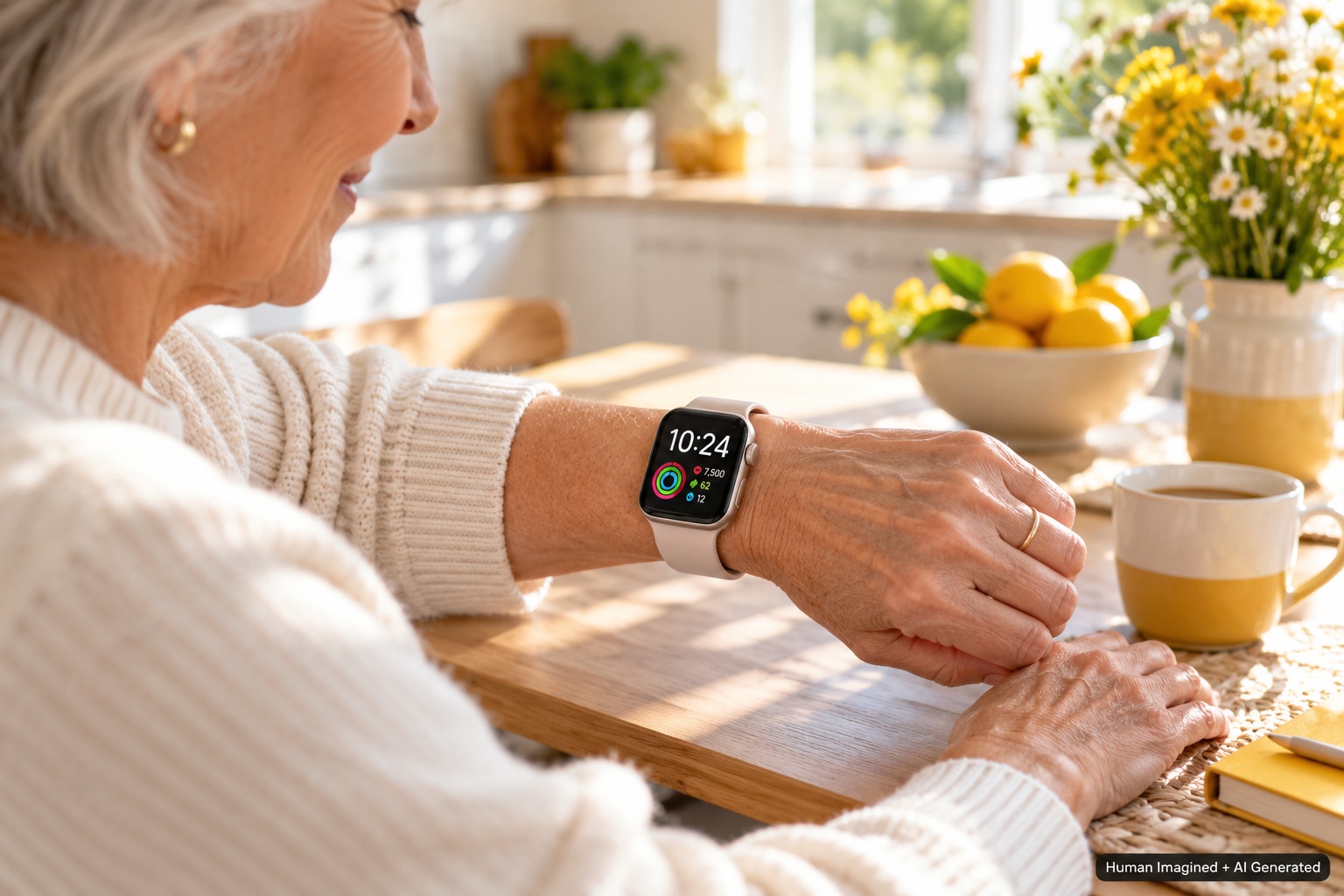
Images: Human Imagined + AI Generated. Illustrations are not official Apple product photography.