
I have bad news about closing browser tabs.
Actually…
I have bad news about not closing browser tabs too.
Which is annoying, because everybody came here hoping for a simple answer.
Some people have three tabs open.
Some people have 317.
Both groups think the other group needs therapy.
😬 Here’s the bad news:
If you close tabs every five seconds, you can probably relax. If you never close tabs, it might be time to have a small but honest conversation with yourself.
Your Browser Is Not Automatically Dying
Let’s start with the good news.
A handful of open tabs is not usually a crisis.
Your computer is not sitting there gasping for air because you left your email, calendar, weather, Facebook, and one recipe tab open.
Modern browsers are much better at managing tabs than they used to be.
Chrome has Memory Saver settings that can make inactive tabs use fewer resources. Microsoft Edge has Sleeping Tabs to reduce memory and battery use. Firefox also has tab unloading options to reduce system memory usage.
🔎 Translation:
If you have 10 or 15 tabs open, you probably do not need to panic. Your browser may already be doing more behind the scenes than you realize.
But Tabs Are Not Imaginary Either
Here is where the other group gets their bad news.
Browser tabs are not magical little bookmarks floating in the sky.
They can use memory.
They can use processing power.
They can use battery.
Some websites keep doing things in the background.
Some websites are heavy.
Some websites act like they are trying to mine diamonds under your keyboard.
So yes, if you have a lot of tabs open, especially on an older computer, it can slow things down.
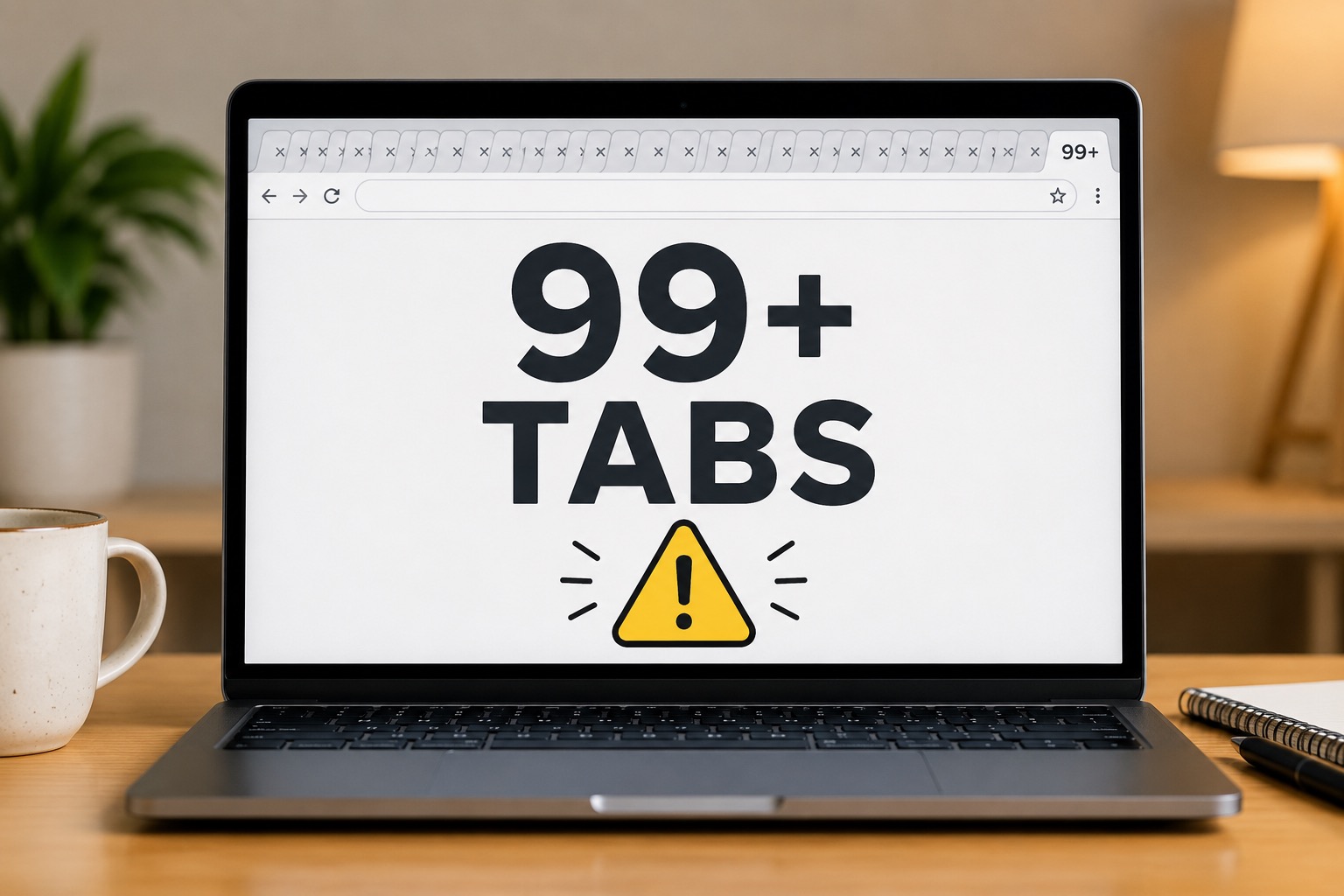
If your browser looks less like a browser and more like a tiny gray barcode across the top of the screen, that might be a clue.
🚫 Tabs can become a problem when:
• You have dozens or hundreds open.
• Your computer has limited memory.
• Your laptop battery is draining faster than normal.
• Your browser is slow, freezing, or crashing.
• You no longer remember why half the tabs are there.
So How Many Tabs Is Too Many?
This is the part where everyone wants a number.
Unfortunately, the answer is:
It depends.
I know. Very helpful. Put that on a billboard.
It depends on your computer, your browser, your settings, the websites you have open, and what else your device is trying to do.
But as a general rule:
✅ A realistic tab guide:
• 5 tabs open? Relax.
• 15 tabs open? Still probably fine.
• 30 tabs open? Depends on the computer.
• 75 tabs open? We should maybe talk.
• 200 tabs open? That is no longer browsing. That is a lifestyle.
The number is not really the point.
The better question is this:
Is your browser still working well?
If yes, you may not need to obsess over every tab.
If no, your tabs are a very good place to start cleaning.
Closing Every Tab Is Not Always Necessary
Now for the people who close every tab the second they are done with it.
You are not wrong.
You are just maybe working a little too hard.
If you use certain pages every day, keeping them open can be convenient.
Email.
Calendar.
Banking.
Weather.
That one website you swear you will remember but absolutely will not.
There is nothing wrong with leaving a few useful tabs open.
Your computer will probably survive this traumatic event.
🧠 The simple version:
You do not need to constantly close tabs like you are defusing a bomb. Just do not let your browser become a digital storage unit.
This Is Really About Digital Clutter
The funny thing is, this is not really about tabs.
It is about us.
We are bad at digital clutter.
We open a tab and tell ourselves:
“I’ll read that later.”
No, we won’t.
We know we won’t.
That article about lawn care mistakes in Nebraska is never getting read.
Neither is the recipe.
Neither is the product review for something we decided not to buy six months ago.
That tab has become a tiny monument to our good intentions.
😂 An open tab is often just procrastination with a little rectangle around it.
And honestly, that feels rude, but it is probably true.
A Better Way to Handle Tabs
You do not need to become a tab minimalist.
You also do not need to live like your browser is one bad click away from collapsing into itself.
The goal is balance.
✅ Try this instead:
• Close tabs you know you are done with.
• Bookmark pages you actually want to keep.
• Use folders for important research or projects.
• Restart your browser once in a while.
• Restart the computer if things are acting weird.
• If a tab has been open for months, admit the relationship is over.
That last one hurts, but healing often does.
And no, keeping a tab open for six months does not count as “research.”
It counts as browser archaeology.
The Final Verdict
If you have a dozen tabs open, relax.
If you have a few tabs you use every day, that is fine.
If you have 40 tabs open and your computer is still running well, you may be okay.
But if you have hundreds of tabs open, your browser is slow, and you have no idea what half of them are, it is probably time to clean house.
Your browser is not a filing cabinet.
It is also not a museum.
Close what you do not need.
Save what actually matters.
And let the rest go.
Sources
Google Chrome Help: Personalize Chrome performance
Microsoft Edge: Sleeping Tabs in Microsoft Edge
Mozilla Support: Unload inactive tabs to save system memory in Firefox
Need help with a slow computer or browser?
Help With My Tech can help you figure out whether your tabs are the problem, your browser is misbehaving, or your computer just needs a little cleanup.
If your computer is slow, freezing, or driving you slightly insane, you do not have to figure it out alone.