
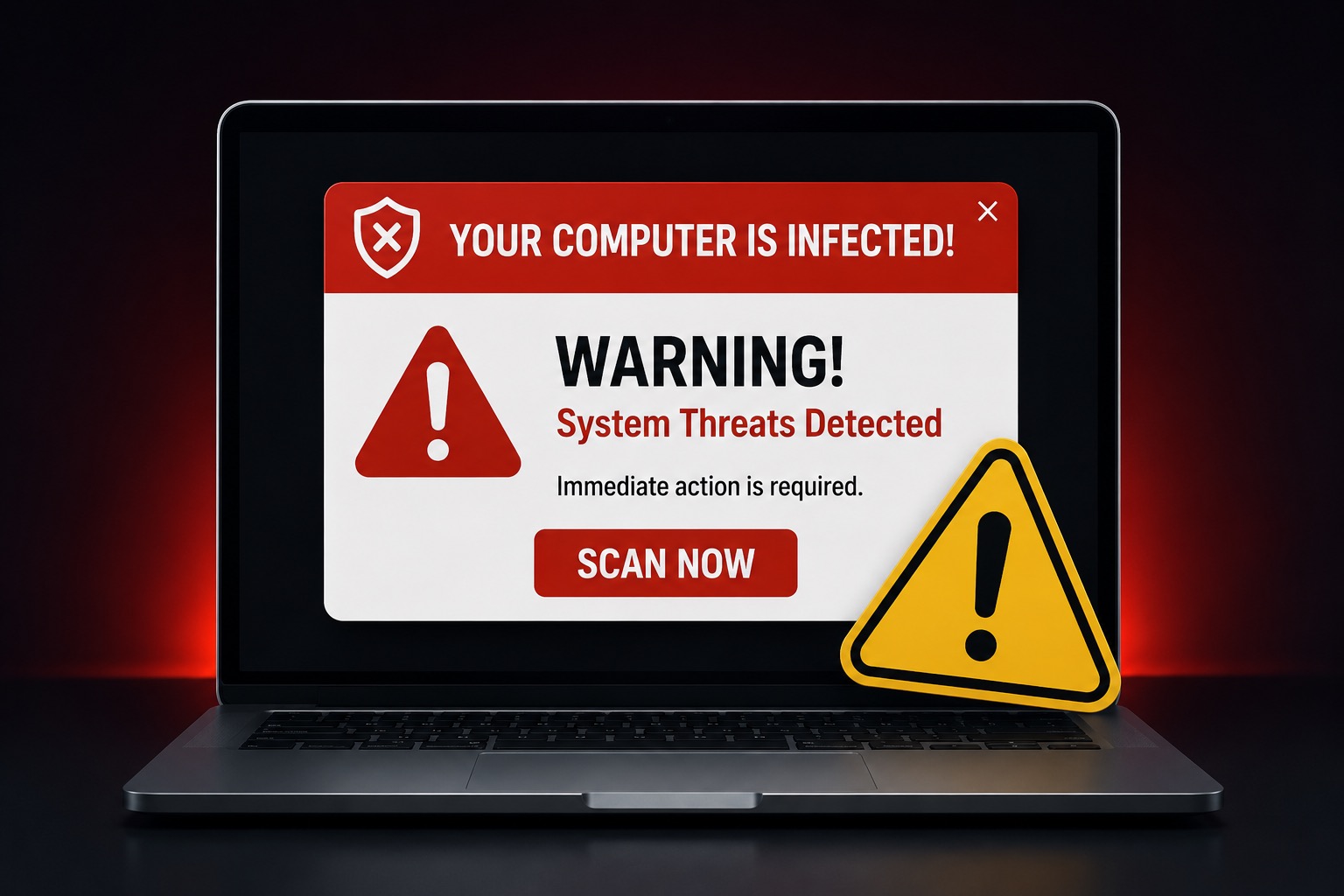
I have bad news about those free antivirus popups.
You know the ones.
You’re trying to read a recipe, check your email, look up the weather, or do one normal internet thing like a functioning member of society.
Then suddenly your screen screams at you.
YOUR COMPUTER IS INFECTED!
17 VIRUSES FOUND!
CLICK HERE TO SCAN NOW!
Very calm.
Very professional.
Very much not suspicious at all.
😬 Here’s the bad news:
A lot of those scary antivirus popups are not antivirus warnings. They are ads, scams, or fake alerts trying to scare you into clicking.
Real Antivirus Usually Does Not Act Like a Carnival Barker
Real antivirus software can warn you about threats.
That is true.
But a random popup in your browser saying your computer is infected is not automatically proof that anything is wrong.
Sometimes it is just a website using fear to get your attention.
Sometimes it is a misleading ad.
Sometimes it is a scam trying to make you call a fake support number.
And sometimes it is just internet garbage wearing a little security costume.
🔎 Translation:
A scary warning on a webpage does not mean your computer has been scanned. It may just mean a website learned how to yell.
The Trick Is Fear
These popups work because they create panic.
They do not want you thinking calmly.
They want you clicking quickly.
They use bright red warnings, flashing buttons, countdown timers, fake scan results, and dramatic wording.
Because apparently the internet decided every scam should look like a discount fireworks stand.
🚫 They want you to:
• Click a fake scan button.
• Download questionable software.
• Call a fake tech support number.
• Give someone remote access to your computer.
• Pay for a problem that may not even exist.
Your Browser Is Not Usually Scanning Your Whole Computer
If you are simply visiting a website and it suddenly claims it found viruses on your computer, be skeptical.
A normal webpage does not magically scan your entire computer and produce an accurate virus report in three seconds.
That would be impressive.
Also terrifying.
Also not how this usually works.
✅ A better rule:
Trust security alerts from software you actually installed and recognize. Do not trust random webpage popups just because they use scary colors.
The Fake Support Number Is the Real Trap
One of the most common tricks is the fake tech support phone number.
The popup may tell you not to close the window.
It may say your files are at risk.
It may say your bank information is being stolen.
Then it gives you a number to call.
That number is usually the trap.
Once you call, the person on the phone may try to convince you to install remote access software, show you normal computer activity and claim it is dangerous, or pressure you into paying for fake protection.
Which is a lovely business model, assuming your business model is crime.
😂 A popup saying “Do not turn off your computer” is basically the internet version of:
“Don’t think. Just panic.”
So What Should You Do?
First, do not click the buttons inside the popup.
Do not call the number.
Do not download whatever it recommends.
Do not let a stranger remote into your computer because a website yelled at you.
Close the tab or the browser if you can.
If the popup will not close, restart the computer.
Then, if you are still worried, open your real antivirus program directly from your computer and run a scan from there.
If you do not currently have antivirus software installed and want a reputable option, Bitdefender is one I am comfortable recommending. Whatever antivirus you choose, get it directly from a trusted source rather than from a random popup claiming your computer is infected.
🧠 The simple version:
Do not follow instructions from the scary popup. Use the security tools already on your device, or ask someone trustworthy for help.
This Is Really About Confidence
The worst part about these scams is that they make normal people feel dumb.
But that is not fair.
These warnings are designed to be confusing.
They are designed to look urgent.
They are designed to make you second-guess yourself.
So if one of these popups has ever scared you, congratulations. You are a human being with a normal nervous system.
That does not mean you are bad with technology.
It means somebody designed a warning to scare you.
Big difference.
🛡️ Need Antivirus Software?
If you are looking for antivirus protection, use a known security company instead of clicking whatever warning appears in your browser.
One option worth considering is Bitdefender. It is much safer than trusting a random popup that claims your computer is infected.
The Final Verdict
Free antivirus popups are not always what they claim to be.
Some are ads.
Some are scams.
Some are fake warnings trying to push you into a bad decision.
A scary popup is not proof that your computer is infected.
It is proof that someone knows how to make a scary popup.
So slow down.
Do not click in a panic.
And definitely do not call the random number on the screen just because it used capital letters.
Worried about a virus popup?
Help With My Tech can help you figure out whether the warning is real, fake, or just another annoying internet scare tactic.
If your computer is acting strange, or a popup scared you into wondering what to do next, you do not have to figure it out alone.