Is the 24-Inch iMac the Best Computer for Seniors?
The 24-inch iMac is one of Apple’s most striking products: a sleek, all-in-one desktop with a vibrant 4.5K display and cheerful color options. But is it a good choice for seniors? This guide looks at the features that make the iMac appealing to older adults and considers whether it truly deserves the title of best desktop for seniors.

Display and Design
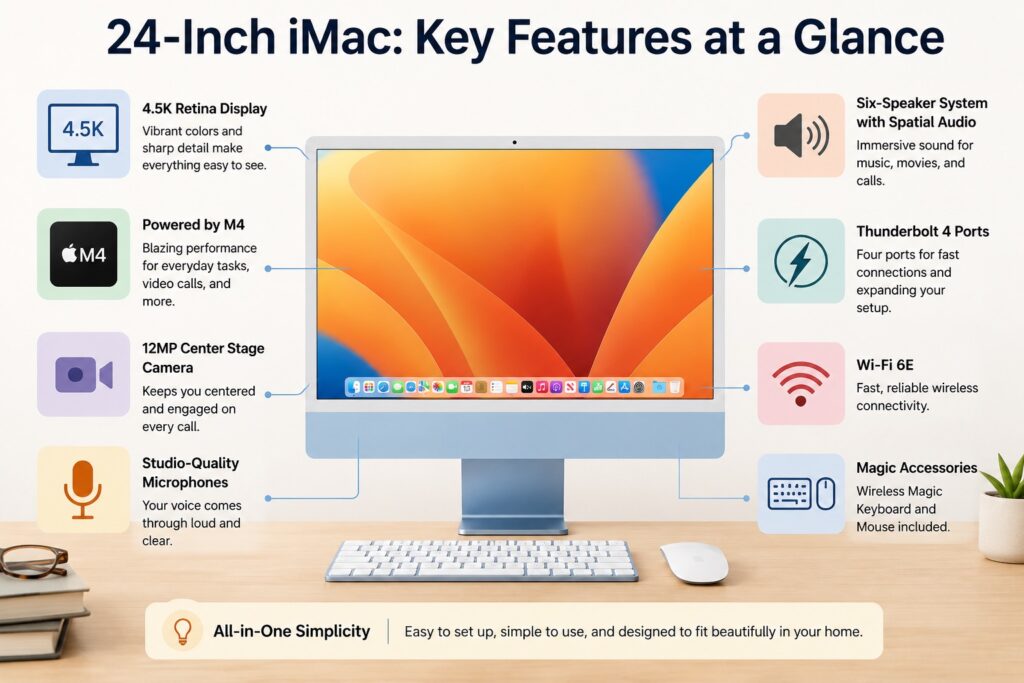
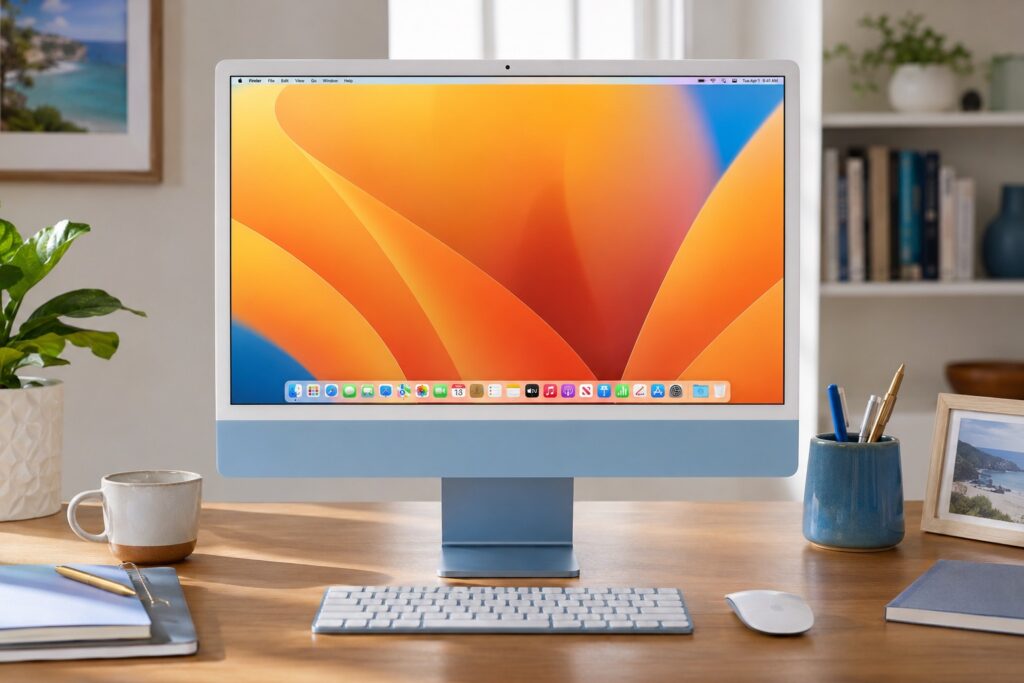
The star of the 24-inch iMac is its display. With a 4.5K resolution and 500 nits of brightness, it delivers crisp text and vivid images. The 24-inch size is perfect for seniors who find laptops too small but do not want an overwhelming monitor.
P3 wide color makes photos and videos pop, and an optional nano-texture glass reduces glare from nearby windows or lighting. You can see the full current details on Apple’s iMac technical specifications page. The entire computer is integrated into the display, leaving only a small chin at the bottom. The result is a desk with minimal cables and clutter.
Performance and Features
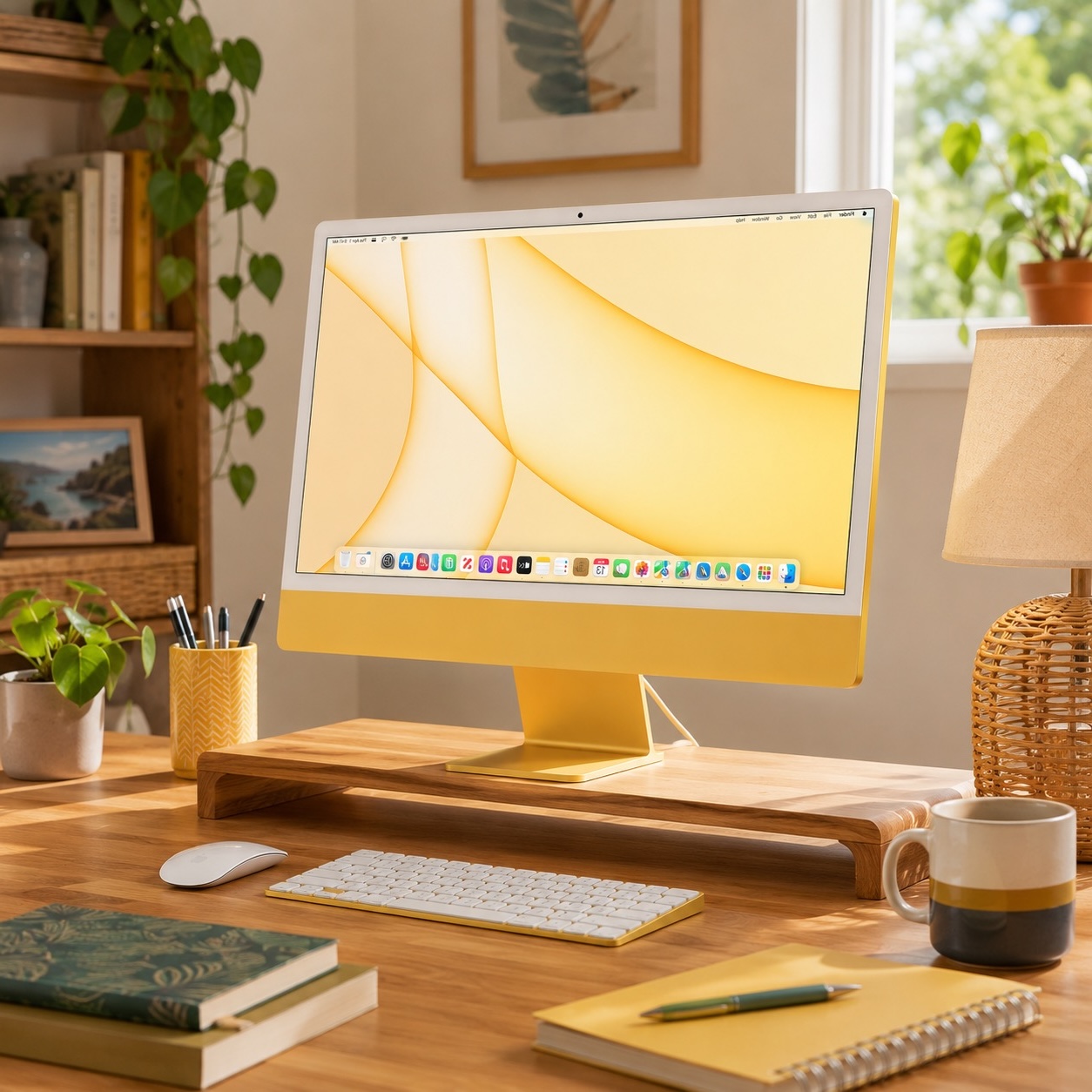
The current iMac uses Apple’s M4 chip, which handles everyday tasks with ease. It comes with at least 16 GB of unified memory and starts with 256 GB of storage. For most seniors, that is plenty for browsing the web, checking email, managing photos, video calling family, watching videos, and working on basic documents.
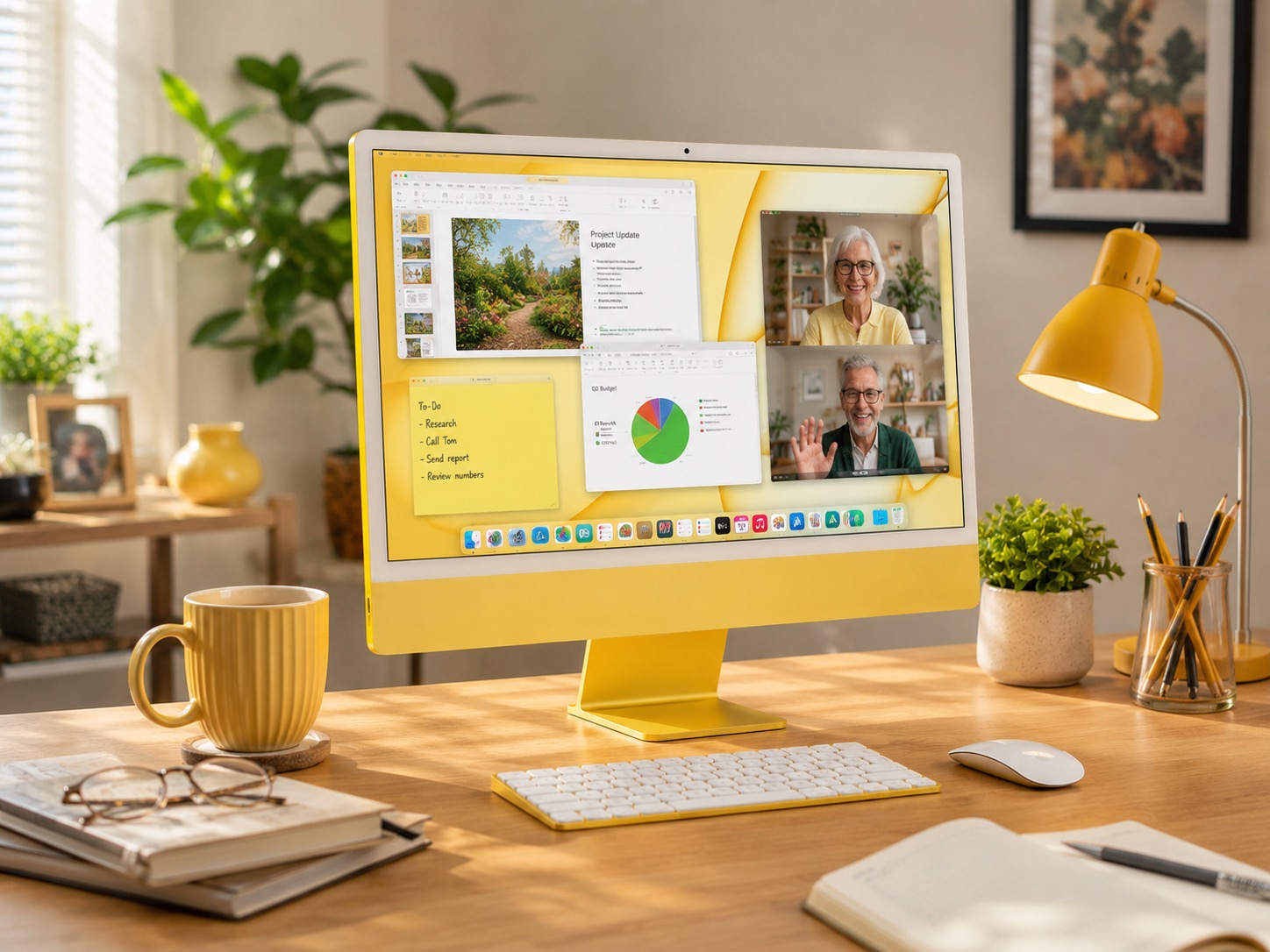
The iMac also includes a 12 MP Center Stage camera that helps keep you framed during video calls, studio-quality microphones that focus on your voice, and a six-speaker system with Spatial Audio for clear, full sound. Depending on the model, Thunderbolt / USB-C ports allow you to connect accessories like external storage, printers, memory card readers, or additional displays.
Ease of Use
As an all-in-one, the iMac is simple to set up. You take it out of the box, connect the power cable, turn on the wireless Magic Keyboard and Magic Mouse or Trackpad, and follow the on-screen steps. There is no tower or tangle of cables to hide.
The large display makes reading text comfortable, and macOS offers helpful accessibility features like Zoom, VoiceOver, increased contrast, and adjustable cursor size. Apple has a helpful overview of these tools on its accessibility features page. Because the iMac stays on a desk, there is no battery to worry about and no laptop to drop.
Pros
- Large, high-resolution screen: Ideal for seniors who need bigger fonts or want to enjoy photos and videos.
- Easy setup: One main power cable, with wireless keyboard and mouse included.
- Quality camera and audio: Great for video calls with family and telehealth appointments.
- Clean desktop setup: No separate tower, bulky monitor, or mess of cables.
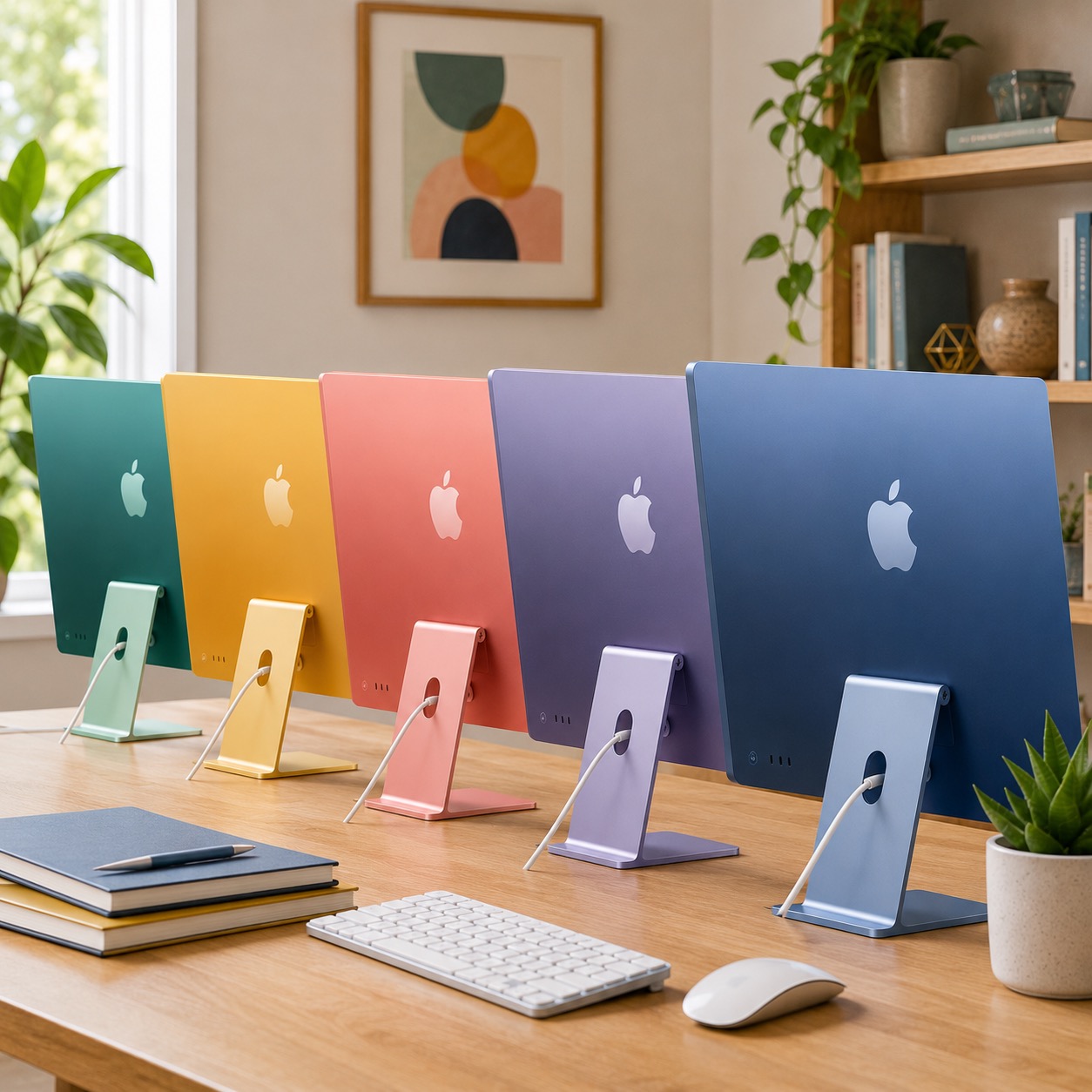
- Attractive design: Comes in multiple colors to match your home décor.
Cons
- No portability: The iMac is meant to stay in one spot. If you like to use a computer on the couch or while traveling, a laptop would be better.
- Higher cost: The iMac is more expensive than many entry-level laptops and Chromebooks.
- No built-in touch screen: Some seniors prefer tapping the screen, but the iMac relies on a mouse or trackpad.
- Not ideal for every user: If you only check email and browse a few websites, a less expensive option may be enough.
FAQs
Is the current iMac still a good buy?
Yes. The current 24-inch iMac is powerful enough for everyday use and should feel fast for typical home tasks like web browsing, email, video calls, writing documents, and organizing photos. If you need a computer now and want a simple desktop setup, it is a solid choice.
What if I need even more screen space?
You can make text larger in macOS, use accessibility settings, or connect an additional monitor if your setup supports it. For some seniors, a larger external monitor with a Mac mini or laptop may be a better fit, especially if screen size matters more than having an all-in-one design.
Can I use the iMac for gaming?
Light gaming works fine on the iMac, especially casual games, puzzle games, and Apple Arcade-style games. It is not the best choice for high-performance PC gaming. Seniors who enjoy simple games will likely be happy, but serious gamers should usually look at a Windows gaming PC.
Are the bright colors distracting?
Usually, no. The front of the iMac is subtle, while the brighter color is mostly on the back and stand. If you want the calmest look, silver is the safest choice. If you want something more fun, the blue, green, yellow, orange, pink, or purple models can make the room feel more personal.
Final Recommendation
The 24-inch iMac is an excellent desktop for seniors who want a large, crisp display in a clean and simple design. Its camera, microphones, and speakers make it great for staying connected with loved ones, and the all-in-one setup reduces the clutter and confusion that often comes with traditional desktop computers.
If you need a computer immediately, the current iMac is a strong choice. If you want the cheapest possible option, a Chromebook or basic Windows laptop may cost less. But if you want a beautiful desktop computer that is easy to use, easy to see, and easy to keep in one place, the 24-inch iMac is one of the best computers for seniors.
For help choosing, purchasing, or setting up an iMac, contact Help With My Tech. We offer friendly support to help you feel comfortable and confident using your new computer.