
In-Home Antivirus Setup and Virus Removal in Gilbert, AZ
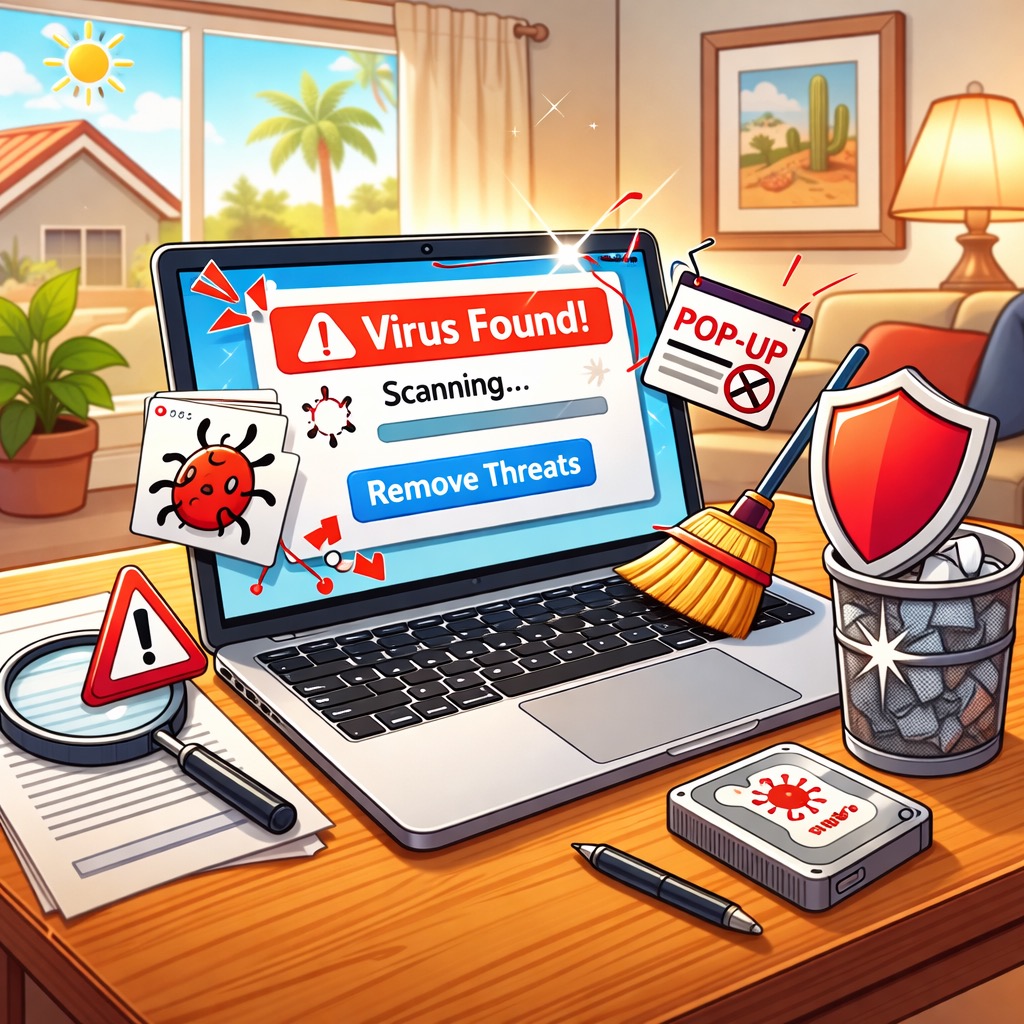
If your Mac is suddenly slowing down, showing annoying pop-ups, or taking you to strange websites, something may have slipped in that does not belong. Many people call it a virus. Sometimes it is. Often it is adware, a browser extension you did not mean to add, or a fake warning that pushed you into clicking the wrong button.
We provide in-home Mac help and we can travel to Gilbert, AZ. We keep it simple. We sit down with you, figure out what is going on, clean up anything suspicious, and set up protection so your Mac feels safe and predictable again.
Here are some common Mac security tasks we help with:
- Removing pop-ups, adware, and browser redirects
- Cleaning out unwanted extensions in Safari or Chrome
- Checking installed apps and startup items for anything suspicious
- Running a full scan and removing threats safely
- Helping you update macOS and security settings the right way
- Locking down browser settings to reduce tracking and scam prompts
- Explaining what happened so you feel confident going forward
Want help at home and you are in Gilbert? Contact us today to schedule a visit.
Why Bitdefender Is a Good Extra Layer
Macs usually need less antivirus work because Apple includes strong built-in protections like Gatekeeper and XProtect. That helps a lot. But modern scams are built around tricking people, not outsmarting the Mac. Fake login pages, fake invoices, and scary pop-ups are designed to get you to install something or type your password in the wrong place.
That is why an extra layer can still be helpful. We often recommend Bitdefender because it runs well on Macs, it is easy to use, and it can help block phishing sites and risky downloads before they turn into a bigger problem.
If you want a solid extra layer of protection, you can check it out here: Bitdefender for Mac. All of the options on that page are recommended, but the one we suggest most often for typical home use is “Bitdefender - Antivirus Plus Protect up to 3 devices.”
Here are a few ways Bitdefender can help protect a Mac:
- Helps detect malware, adware, and unwanted apps
- Helps block fake websites that look like real login pages
- Flags suspicious downloads before you open them
- Adds clear warnings when something looks risky
- Can help you cover a small set of devices with one plan
We can install it, configure it, and explain the alerts in plain language so it feels like support, not noise.
Want help setting it up for Gilbert? Click here to contact us.
Simple Steps to Avoid Viruses and Scams

Most Mac problems we see started with one small mistake. A message looked official, it sounded urgent, and someone clicked before double-checking. These rules are simple, but they prevent most infections and account theft.
- Do not click links in unexpected texts or emails. If it is a surprise, slow down and verify first.
- Do not open attachments you were not expecting. If a family member sends a file out of nowhere, call them and confirm it is real.
- Hover over links before you click (on a Mac). If an email claims it is from your bank, Amazon, or Apple, the link should go to the real domain. For example, apple.com is not the same as apple-account-support.com or secure-apple-login.com.
- If you get a “your account is locked” notice, do not use the link in the message. Go to the company website directly by typing it yourself.
- Be cautious with QR codes. If an email, letter, or PDF asks you to scan a QR code to “fix” something, treat that as suspicious unless you were expecting it.
- Only install software from trusted sources. If a website pushes a “cleaner” or “security update,” stop and ask first.
- Watch for pressure tactics. Scammers want you to feel rushed, scared, and embarrassed.
If you clicked something and now you are worried, do not panic. Close the tab, do not enter passwords, and do not call the phone number that popped up. If you want help, we can check your Mac, clean up anything unwanted, and help secure your accounts.
Need in-home Mac antivirus setup or virus removal near Gilbert, AZ? Visit our contact page to text or call us at 480-463-7030.