
In-Home Antivirus Setup and Virus Removal in Mesa, AZ
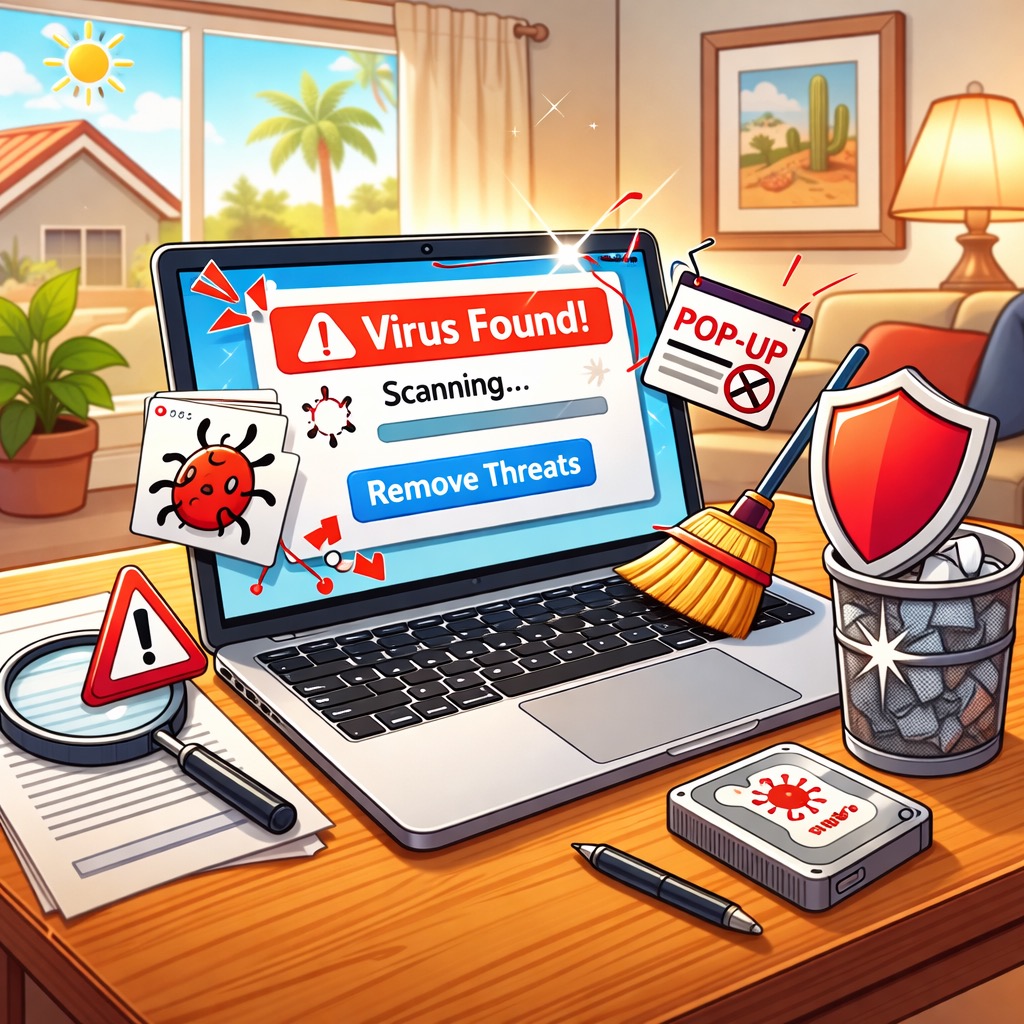
If your Mac is acting weird, running slow, popping up random messages, or constantly trying to “helpfully” send you to sketchy websites, you might be dealing with malware, adware, or a scammy browser add-on. A lot of people call it a virus. The name does not matter. The goal is the same: get your Mac cleaned up and keep it protected.
We provide in-home help in Mesa, AZ. That means you do not have to unplug everything and drive somewhere. We can sit down with you, look at what is happening, remove anything suspicious, and set up protection that makes sense for your daily life.
Common Mac security tasks we help with:
- Removing adware, pop-ups, and unwanted browser extensions
- Checking for suspicious apps and cleaning up login items
- Fixing “your computer is infected” scare messages and fake alerts
- Setting up antivirus the right way, including scheduled scans
- Helping you update macOS safely (without breaking your day)
- Locking down privacy settings and browser security basics
- Creating a simple plan so you know what to do next time
Want help at home in Mesa? Contact us today to schedule a visit or ask a quick question.
Why Bitdefender Is a Good Extra Layer
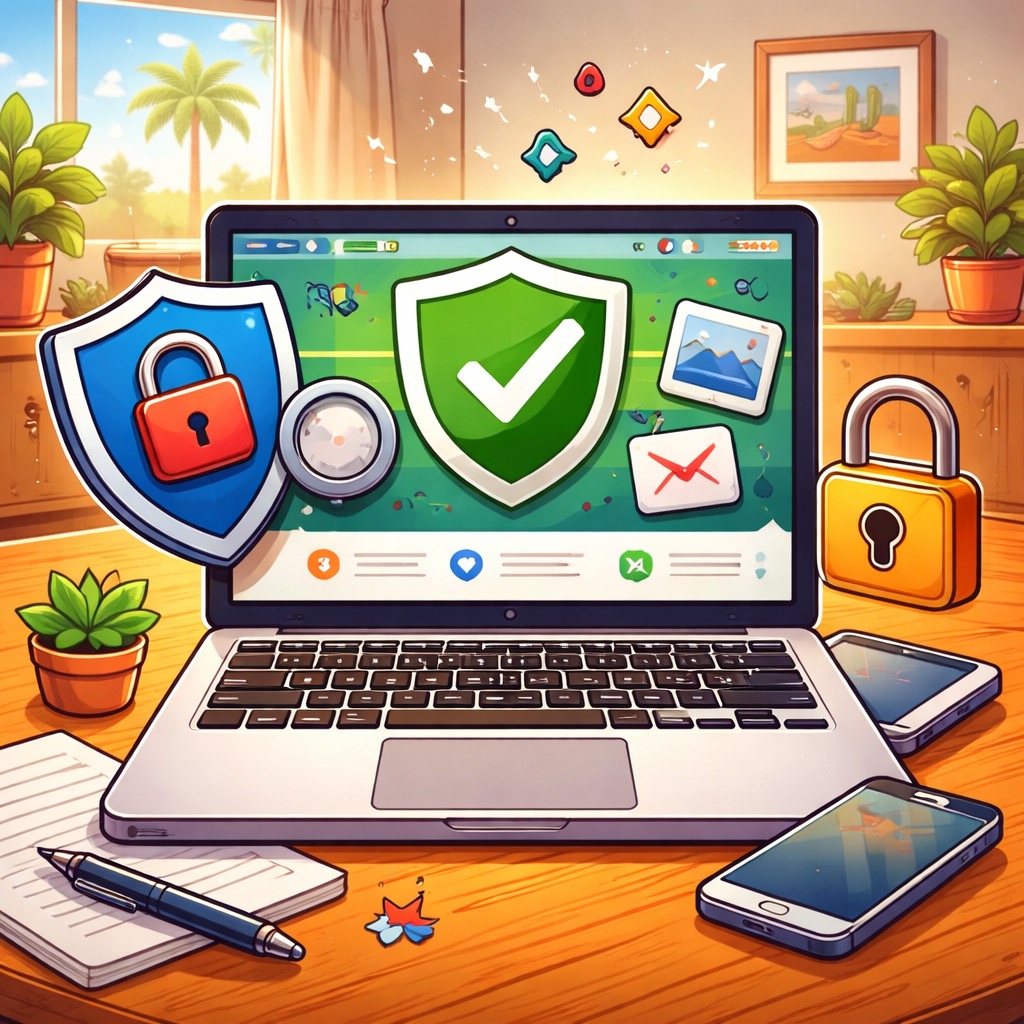
Macs usually need less antivirus help than some other computers because Apple builds in strong protections like Gatekeeper and XProtect. That is a real advantage. But in 2026, most “infections” do not happen because your Mac is weak. They happen because a scam message gets you to click, install, or type in a password.
That is why an extra layer can be worth it. We often recommend Bitdefender because it is designed for Mac, it is easy for non-technical people to use, and it can help block phishing sites and shady downloads before they become a problem.
If you want a solid extra layer of protection, you can check it out here: Bitdefender for Mac. All of the options on that page are recommended, but the one we suggest most often for typical home use is “Bitdefender - Antivirus Plus Protect up to 3 devices.”
Here are a few reasons Bitdefender can be helpful on a Mac:
- It can help catch malicious downloads and unwanted apps early
- It can help protect you from phishing websites that look real
- It can help remove adware that causes pop-ups and browser redirects
- It provides another set of warnings if you accidentally click something risky
- It helps if you share files between devices, like Mac and iPhone or Mac and iPad
We can set it up, explain what each alert means, and make sure it is not “beeping at you” all day. The point is peace of mind, not more confusion.
If you want us to install and configure antivirus in Mesa, click here to contact us.
Simple Steps to Avoid Viruses and Scams

The good news is that most Mac problems are preventable. The bad news is that scammers are very good at sounding urgent. If you follow these simple rules, you will avoid the majority of viruses and account takeovers.
- Do not click links in unexpected emails or texts. If you were not expecting it, treat it as suspicious.
- Do not open attachments unless you are expecting them. If a friend “sends a document” out of nowhere, call or text them first and ask if they really sent it.
- Hover over links before you click (on a Mac). Your browser or email app will show where the link actually goes. If the message says it is from eBay, you want to see a real domain like ebay.com. Be suspicious of look-alikes like ebay-support.com, ebay-account-help.com, or signin.ebay.verify-support.com.
- If you get a notification from a company that feels off, contact the company directly. Do not use the phone number in the message. Type the company website yourself, or use a number you already trust from a statement, the back of your card, or a saved contact.
- Watch out for QR codes. A growing scam is to include a QR code in a letter, email, or package and tell you to scan it to “fix a problem.” If you were not expecting that QR code, do not scan it. Go to the company website directly instead.
- Only install apps from trusted sources. If a website says you need a “special player” or “security update,” stop and ask first.
- When in doubt, slow down. Scams work best when you feel rushed, embarrassed, or pressured.
If you think you clicked something suspicious, do not panic. Close the tab, do not enter any passwords, and do not call any phone numbers that popped up on the screen. If you want help, we can check your Mac, clean up anything unwanted, and make sure your accounts are safe.
Need in-home Mac virus help in Mesa, AZ? Visit our contact page to text or call us at 480-463-7030.