
HELP WITH MY TECH RECOMMENDS
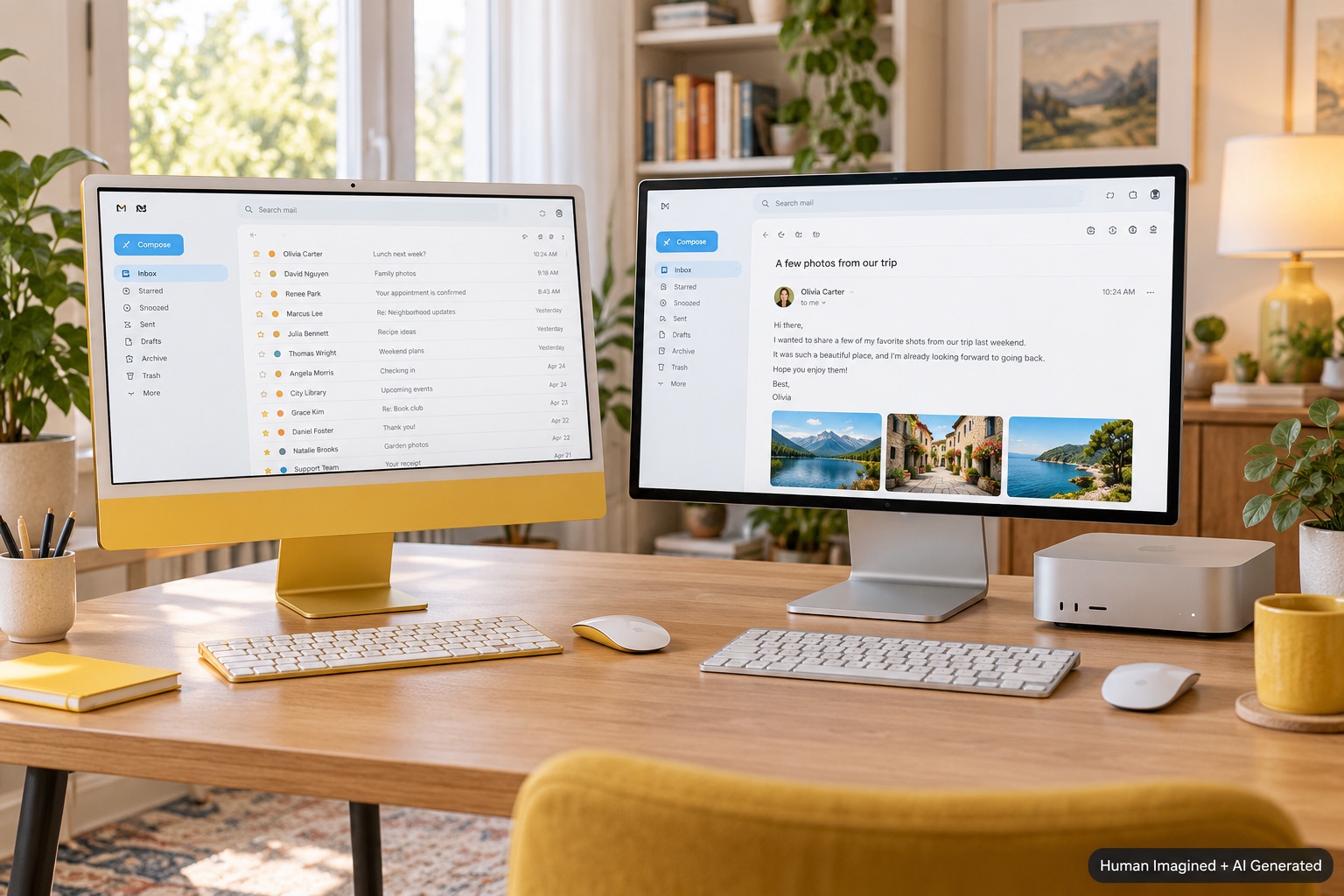
Compare complete desks, not just computer prices. The iMac is a straightforward all-in-one; the mini makes sense when you want to choose or reuse the surrounding equipment.
A Mac mini can look like the obvious bargain until you remember that the little box is only part of a computer setup. A monitor, keyboard, pointing device, camera, and speakers may still be needed.
The iMac takes the opposite approach: its display and computer live together. For a senior household choosing a dependable shared desktop, Help With My Tech recommends comparing the finished desk and the final bill.
What is included?
| Consideration | iMac | Mac mini |
|---|---|---|
| Display | Built in | Choose or reuse one |
| Desk setup | Fewer separate choices | More flexibility and decisions |
| Future changes | Computer and main screen together | Replace components separately |
The starting prices do not tell the whole story
Apple announced the M6 iMac starting at $1,499 and lists the M6 Mac mini starting at $899 in the U.S. That $600 difference is a starting comparison, not guaranteed savings on an equally equipped desk. Upgrades, accessories, and existing equipment change the result.
If you already own a monitor you comfortably read, a reliable keyboard, and the other equipment you need, the mini can be attractive. If you are buying everything, total the list before deciding. Check exactly which keyboard and features come with the iMac configuration too.
Do not buy a blurry big screen
A low-priced large monitor can have less crisp text than a smaller, sharper display. Screen size describes physical dimensions; resolution describes the number of pixels. How those pixels are spread over the panel affects fine detail.
For a mini setup, we would compare a good 27-inch 4K monitor as one starting option, then consider higher-density choices if sharper text is a priority. Test macOS scaling and your usual viewing distance. Brightness, reflections, and adjustable height can matter as much as diagonal size.
A shared computer needs a household plan
- Start with at least 512 GB of internal storage for more than one regular user.
- Check how much space each person’s current files and photos actually occupy.
- Consider 16 GB RAM capable for ordinary tasks; consider more for heavier multitasking.
- Create separate Mac users and personal Apple Accounts for different people.
- Include an independent backup plan, not just syncing.
Sharing a computer does not mean seven people are actively using the processor at once. Taking turns usually adds more pressure to storage than to processing power. Several sessions left running can increase memory use, so habits matter.
Our recommendation
A 24-inch iMac is a sensible first comparison for a household wanting a clean, consistent desk. Choose a mini when you have equipment worth reusing or a specific larger-screen plan. Neither household automatically needs a Pro-class chip. Help With My Tech can help compare the equipment and complete the setup.
Sources: Apple M6 iMac announcement; Mac mini announcement; Mac display resolution guidance. Details checked October 31, 2026; prices may change.
Images: Human Imagined + AI Generated. Illustrations are not official Apple product photography.