
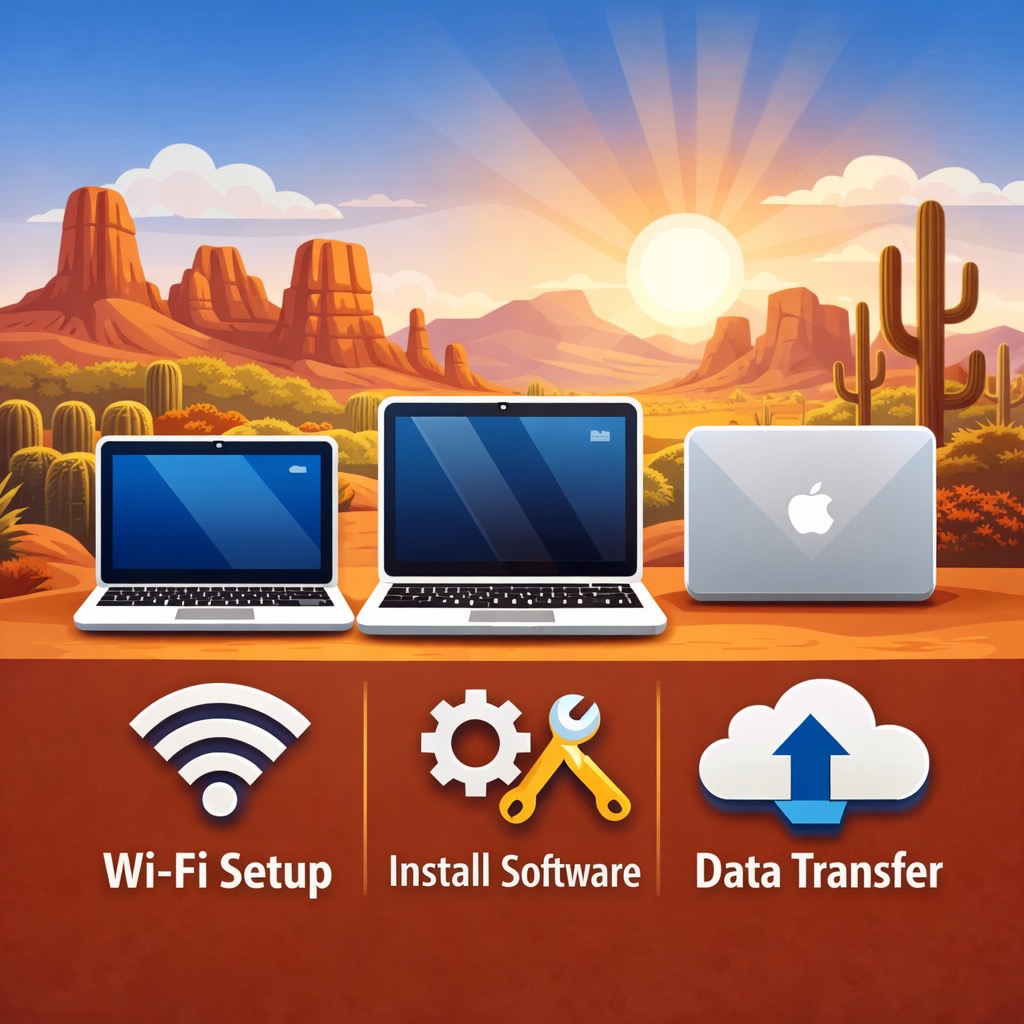
Laptops are often an important part of daily life in assisted living communities. Residents use them to stay connected with family, attend virtual appointments, manage personal tasks, and enjoy photos, email, and entertainment. At the same time, getting a new laptop set up can be confusing or frustrating without proper support.
We provide new laptop setup help for assisted living facilities across Arizona. Our service is designed to support residents, families, and staff by making sure laptops are set up properly, explained clearly, and ready for everyday use.
Some residents are using a laptop for the very first time. Others are replacing an older device that no longer works well. Each situation is different, and we take the time to adjust our setup approach based on the resident’s comfort level and experience with technology.
Our new laptop setup service often includes:
- Turning on and setting up a new laptop for the first time
- Connecting to Wi-Fi and checking internet settings
- Installing helpful apps and software
- Transferring files, photos, and documents from an older laptop
- Adjusting basic settings for comfort and visibility
We focus on Apple laptops, including MacBook Air, MacBook Pro, and MacBook. These devices are commonly chosen for their ease of use and reliability. Whether the laptop belongs to a resident or was provided by family, we make sure it is set up in a way that feels simple and manageable.
If your assisted living facility needs help setting up new laptops, contact us to discuss support options.
Apple MacBook “Helpline”

Our Apple MacBook “Helpline” is ideal for assisted living environments because it provides on-site, hands-on support. Instead of moving laptops off-site, we work directly within the facility so everything can be set up where residents actually use their devices.
This approach helps reduce confusion and limits disruption for residents. Wi-Fi, apps, and settings can all be tested in real time, helping prevent issues that often appear later.
The Apple MacBook “Helpline” works well for both first-time laptop users and residents who are adjusting to a newer device. We explain things clearly, move at a comfortable pace, and answer questions as they come up.
This service often includes:
- Making sure Wi-Fi works properly in resident rooms and common areas
- Setting up email, web browsers, and everyday apps
- Adjusting settings to meet accessibility and comfort needs
- Answering questions from residents or staff
Assisted living facilities across Arizona choose our Apple MacBook “Helpline” because it provides patient, reliable support without overwhelming residents or staff.
To arrange in-facility MacBook help, send us a message to get started.
Apple Customer Help At Home for Assisted Living Residents
Apple customer help at home is especially valuable in assisted living settings. Familiar surroundings help residents feel more relaxed while learning something new.
We focus on setting up each laptop so it fits the resident’s daily routine. That includes organizing files, placing apps where they are easy to find, and checking important settings so everything works as expected.
- Learning basic MacBook features step by step
- Organizing files and folders in a clear way
- Making sure important apps are easy to find
- Checking updates and backup settings
Whether a resident is using a laptop for the first time or transitioning from an older device, we explain everything in plain language and make sure they feel comfortable before we finish.
To schedule Apple customer help at home for an assisted living facility, visit our contact page to call or text us at 480-463-7030.