
Help With My Tech · Practical tech news
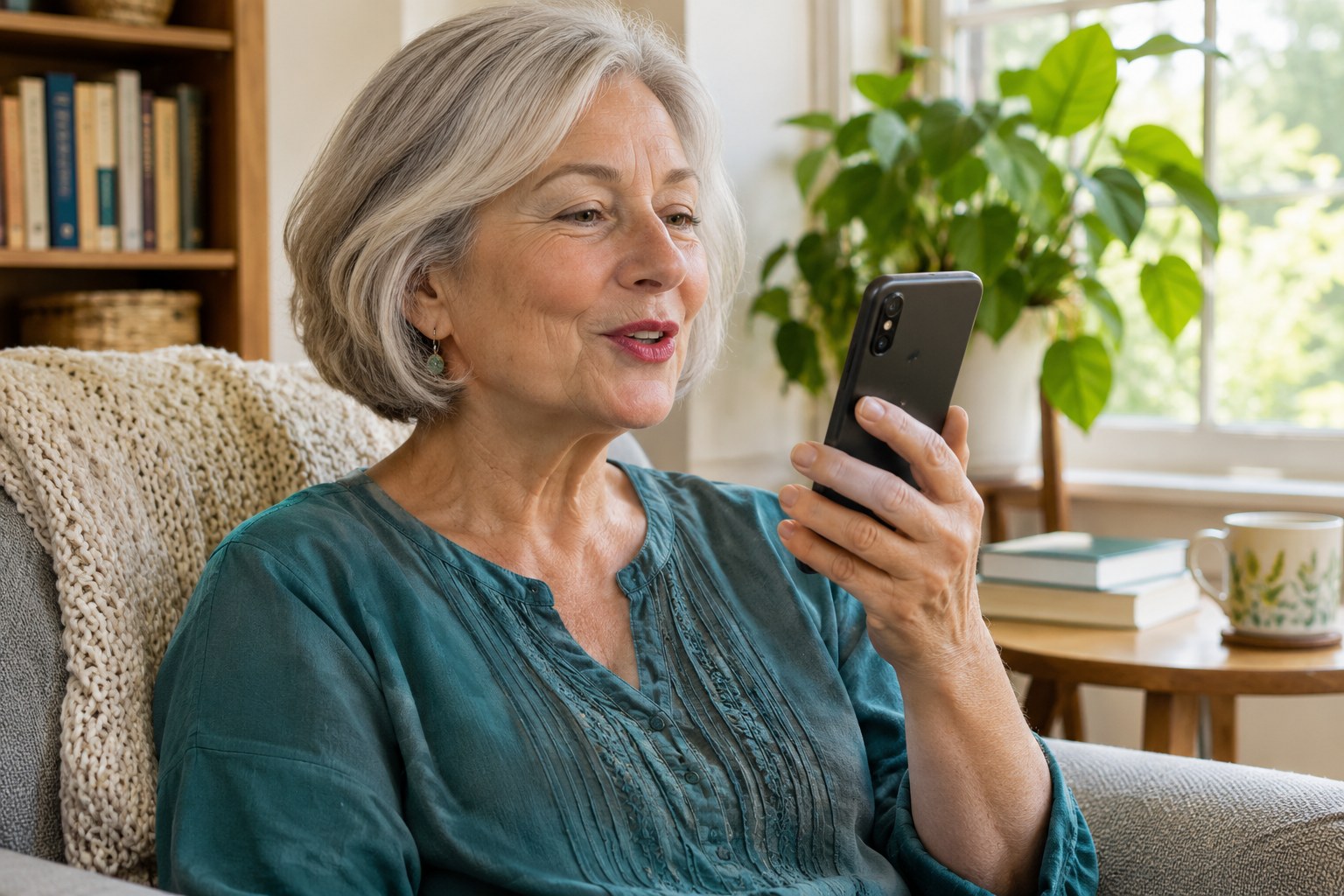
Speaking a message can be easier than typing it. Knowing why an unfamiliar person is calling can make answering less stressful. Google’s latest Pixel features aim to help with both tasks, but the phone model you own makes a difference.
Our advice: optional features worth trying. Explore them if your current phone supports them. These changes alone are not a reason to replace a working phone, and you do not have to learn every new AI tool at once.
Google announced its November Pixel Drop on November 10, 2026. A “Pixel Drop” is a group of new features delivered through software. This release began rolling out that day and will reach devices over several weeks. See Google’s November 10 announcement.
Speak, then review
Rambler helps turn spoken thoughts into cleaner text on supported Pixel 10 phones. It can remove filler words such as “um” and tidy the wording.
Read before answering
Updated Gemini Call Screen can ask an unknown caller why they are calling. You read a live transcript and decide whether to join the call.
Check the limits first. Google lists the new call-screening feature for Pixel 11 models in the United States. The broader Gemini Intelligence requirements exclude Pixel 10a. Country, language, setup, and feature rules also vary. A feature missing today may still be rolling out.
Make voice typing a small, useful lesson
Start with a harmless practice message, such as a lunch invitation. You can practice without sending it. Gboard, Google’s on-screen keyboard, supports voice typing on eligible devices. Its microphone control is different from making a voice call or recording an audio message. Google’s voice-typing guide explains its controls and requirements.
- Open a place to write. Tap a message box so the keyboard appears.
- Tap the keyboard’s microphone. Say one or two ordinary sentences, then stop the microphone.
- Read the result. Check names, dates, amounts, and words such as “not.” Those small details can change your meaning.
- Edit before sending. Correct anything that sounds wrong. Keep your own wording if it expresses your thoughts better.
For example, suppose you mean, “I can come Friday, but not Thursday.” Check that both days and the word “not” survived the edit. A polished sentence is only useful when it still says what you intended.
Call screening is like a receptionist: it asks why someone is calling while you decide whether to answer.
That receptionist still needs your judgment. A transcript tells you what the caller said; it does not prove their identity. If a caller claims to be your bank or another important service, verify the request through a contact method you already trust.
Three common questions
Does every Android phone get these features?
No. Pixel is Google’s phone brand, and individual features have their own requirements.
Why can’t I see a feature yet?
Check your model and wait for its rollout. Google’s update guide explains how to check Settings → System → Software updates. Use Wi-Fi and charge the phone first.
Do I need to turn everything on?
No. Choose one task that would save you effort. Practice it, decide whether it helps, and leave the rest for another day.
Sources checked November 11, 2026: Google Pixel announcement, published November 10; Google’s voice-typing and Pixel update guides, undated. Recommendations and practice examples are Help With My Tech’s assessment.
Want help with your own device?
Help With My Tech offers patient, in-home technology help. We can work through your questions at your pace, using the devices you already own.
Explore our computer lessons for seniors or contact us about a visit. Call or text 480-463-7030.
Featured image: Human Imagined + AI Generated for Help With My Tech. This is an illustrative scene, not a photograph of an actual customer or an exact app screen.