
Watching television should feel comfortable. When the wrong input, a confusing remote, or a streaming app gets in the way, a little patient help can make your setup easier to understand.
Help With My Tech provides in-home TV and streaming support for seniors. We can help with Roku, Apple TV, Fire TV, and smart TVs, using the equipment and services you already have as a starting point.
- Help with TV and streaming devices
- Understand the remotes you already own
- Discuss sound, captions, and everyday viewing
- Patient guidance in your own home
You do not need to know the name of every cable or app. Tell us what you want to watch and what happens when you try.
What TV and streaming problems can you help with?
A television setup may involve the TV itself, a streaming player, a cable box, a soundbar, and more than one remote. We can explain which part does what and help you find a useful viewing routine.
We can also discuss streaming apps, sign-in questions, sound controls, and captions. The aim is to make your existing setup more understandable and help you practice the steps you use most.
- Roku, Apple TV, and Fire TV
- Smart TV apps and input questions
- Remotes, sound, and caption settings
- Streaming sign-ins and everyday viewing routines
Available channels and programs depend on the services and subscriptions you choose. We can help with setup and navigation while explaining when a provider needs to handle an account issue.
What can I try when my TV will not cooperate?
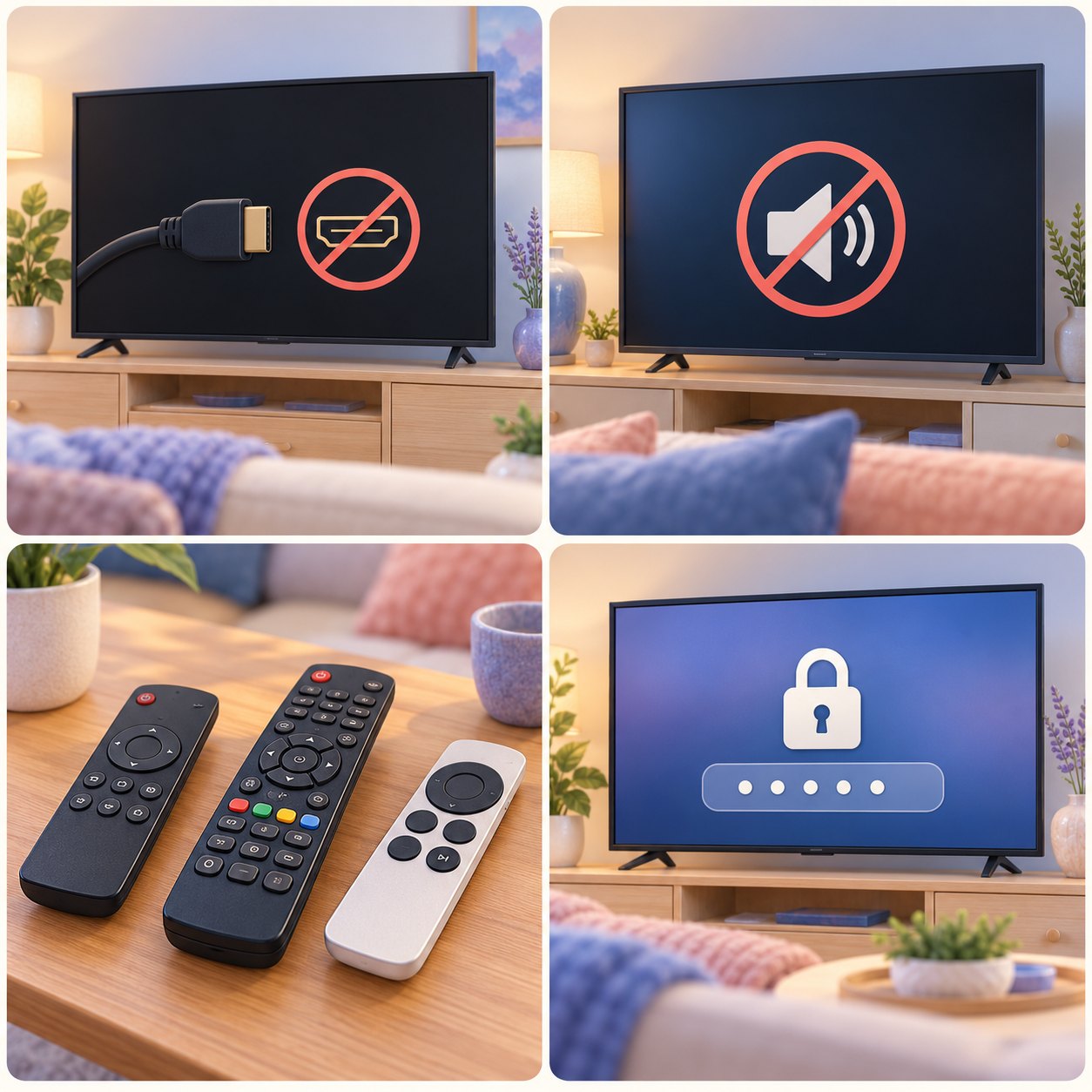
Before changing settings, notice what still works. Is there a picture but no sound, or is the screen blank? Does one app fail while others work? These details help identify a sensible starting point.
If you feel comfortable, try the matching check below. Keep the steps simple and leave hard-to-reach equipment in place. You can contact us at any point instead.
- Check the TV input you need
- Confirm power to the streaming player
- Check mute, volume, and audio devices
- Try another familiar app or channel
Change one thing at a time and see what happens. That makes it easier to explain what helped and what still needs attention.
What if the screen says there is no signal?
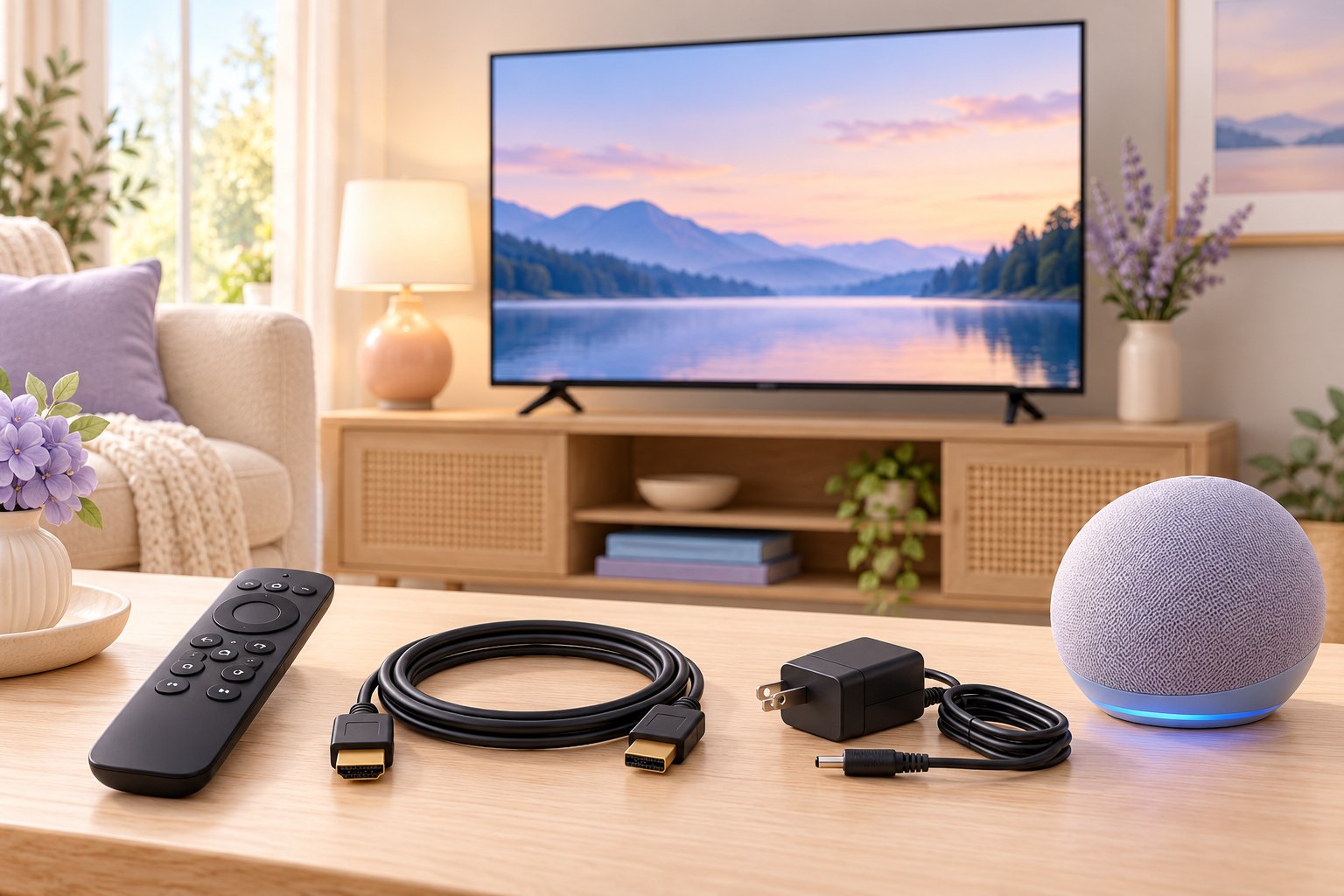
The TV may be on a different input from the connected cable box or streaming player. Use the TV’s input or source control to check the connection you normally watch.
If an HDMI cable is easy to reach, check that it is seated securely. Roku explains common picture and input checks. Leave heavy TVs and awkward connections for a visit.
What if the streaming player is not responding?
Check that the player has its required power connection. If it responds enough to open settings, a normal system restart may help. Follow the instructions for your device.
A restart is different from a factory reset. Roku provides restart guidance. Avoid reset options that remove your setup and sign-ins unless you understand the consequences.
Why is there a picture but no sound?
Check mute and volume on the TV and any soundbar or receiver you normally use. Headphones or another selected audio device may be receiving the sound.
Try another app or channel. If sound works there, the original program or app may need a different check. Roku’s sound guidance explains additional possibilities.
What if one app or remote stops working?
Try another familiar app to see whether the problem is limited to one service. For a remote, check its charge or batteries according to the manufacturer’s instructions.
If an app asks you to sign in again, use the provider’s own sign-in process. We can help you understand the choices without asking you to send passwords or verification codes by text.
Still stuck, or would you rather have help now? Tell us what is happening. We can discuss a useful next step.
Can you make my TV setup easier to use?
We can work through the steps you actually need, such as turning on the TV, choosing the correct input, opening a favorite app, and returning to a familiar screen. You can practice with your own remotes.
We can discuss available favorites, app arrangement, captions, and sound options when they fit your equipment. A useful setup depends on what you enjoy watching and which controls feel comfortable to you.
- Practice turning on your usual setup
- Find the apps you watch most
- Understand which remote controls each device
- Discuss available captions and sound options
The goal is a familiar viewing routine you can try again yourself. We explain the available choices without promising that every device can work with a single remote.
Can you help set up a streaming device or smart TV?
We can help you connect compatible equipment, discuss the apps you want, and work through available setup choices. That includes understanding how a Roku, Apple TV, Fire TV, or built-in smart TV app fits your television.
Before changing services, it helps to understand which account and subscription provides a program. You choose any purchases or subscriptions, and you enter your own passwords and verification codes.
- Discuss your existing TV and connections
- Set up compatible streaming devices
- Find the apps you actually use
- Understand accounts before choosing paid services
Compatibility, subscriptions, internet service, and device condition affect what is possible. We can explain those limits and help you decide on a practical next step.
Can I arrange TV help for a parent?
Tell us what your parent wants to watch and what has become frustrating. A short description such as too many remotes, missing sound, or a confusing sign-in screen gives us a useful starting point.
We can discuss the visit with you while keeping the viewer involved. Their preferences should guide the setup, including which apps matter and which controls they want to practice.
- Describe the viewing problems they notice
- Include their favorite apps and programs
- Keep the viewer involved in choices
- Discuss how family members can participate
Patient explanations and practice can help make the equipment more familiar. The visit should be shaped around the person who will use the TV each day.
How do I arrange TV & Streaming support?
Contact Help With My Tech and describe what you would like help with. Mention the device or setup involved and what happens when you try the task. Everyday language is fine.
We can discuss your goals, service options, and appointment availability. For current service rates and visit details, visit our pricing page. Ask about help in your neighborhood or beyond; we’ll confirm availability when you contact us.
- Tell us what equipment you use
- Describe the help you are seeking
- Ask about a suitable home visit
- Confirm the details before booking
You do not have to work through every problem alone. Text or call 480-463-7030, or send a request so we can discuss the help you need.
Original illustrations are conceptual, not actual customer visits, diagnostic results, or software screenshots. Help With My Tech provides independent assistance and is not affiliated with the device manufacturers or service providers. For manufacturer guidance, use Roku support, Apple TV support, and your device manufacturer’s support resources.