
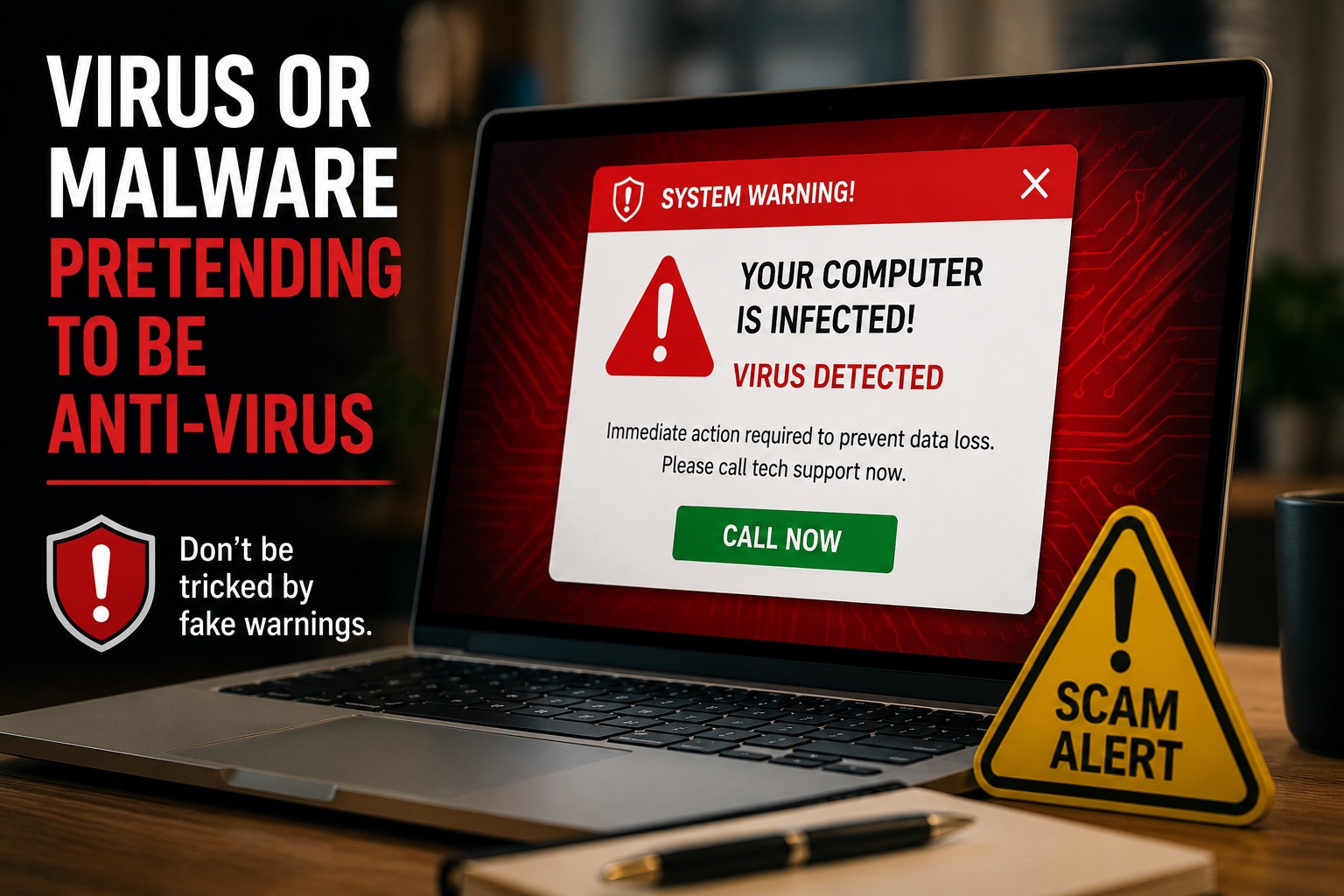
If a random website says your computer has a virus, do not panic.
That scary warning may look official. It may say “virus detected,” “your computer is infected,” or “call support now.” It may even use bright red colors, warning sounds, or a fake countdown timer.
But most of the time, that warning is not protecting you. It is trying to trick you. 🚨
A normal website cannot fully scan your computer for viruses just because you visited the page. Real antivirus protection runs on your computer. A random pop-up in your browser is usually just trying to scare you into clicking, calling, downloading, or giving someone remote access.
Fake Virus Warnings Are Designed to Scare You
Scammers know that fear works.
If a message says your computer is infected, your bank account is at risk, or your files will be deleted, it can make you feel like you need to act fast. That is exactly what they want.
The goal is usually to get you to do one of these things:
- Click a button
- Call a fake support number
- Download a program
- Pay for fake protection
- Give someone remote access to your computer
- Type in personal or payment information
That is why these warnings often look urgent. They are not trying to help you think clearly. They are trying to make you react quickly.
Websites Do Not Normally Test Your Computer for Viruses
This is one of the most important things to understand.
A website can show you a warning. A website can play a sound. A website can open a pop-up. A website can pretend to know something about your computer.
But that does not mean it actually scanned your computer.
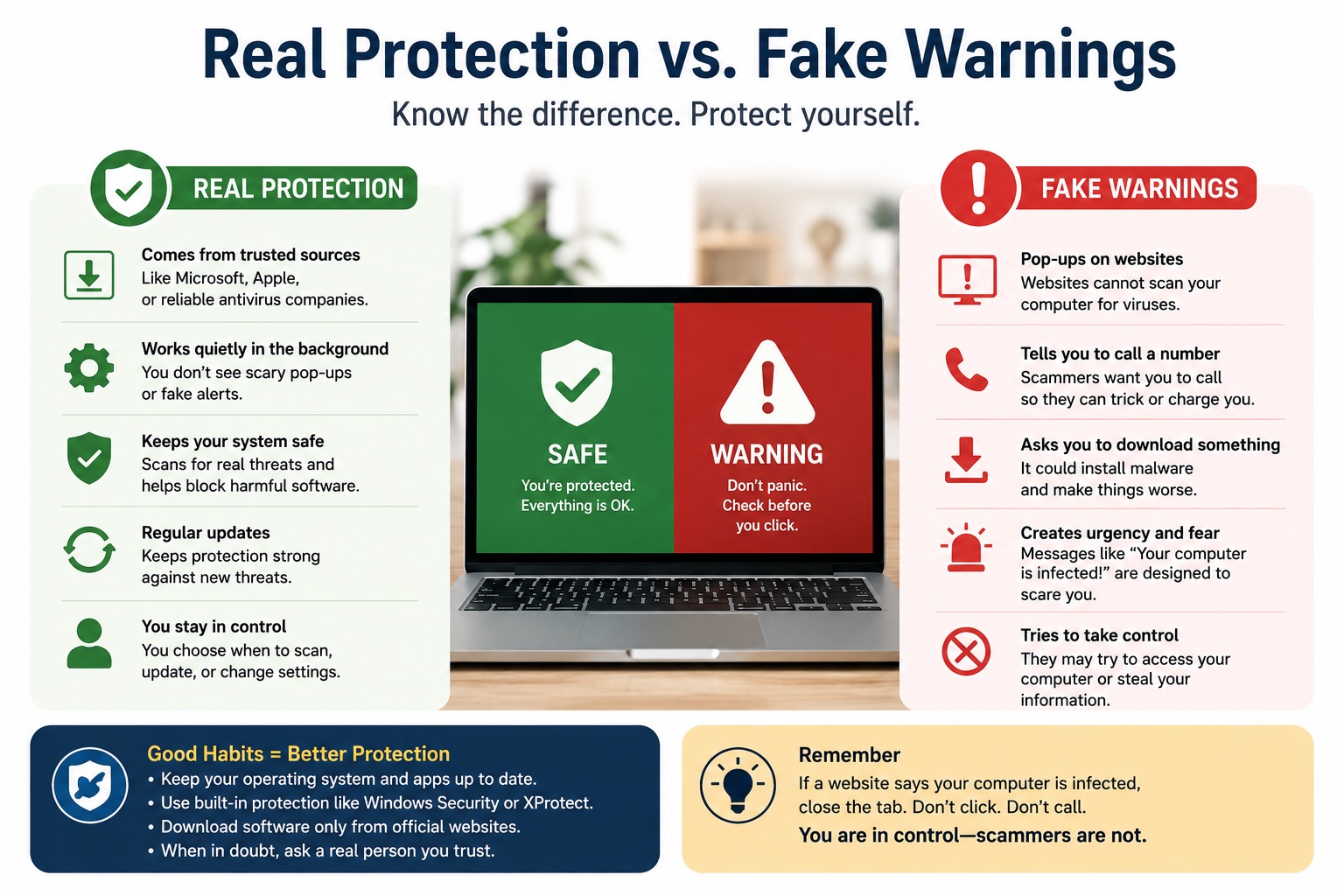
Real security tools, like Microsoft Defender on Windows or built-in protections on Mac, run from your computer’s operating system. They do not usually appear as a random website saying, “Call this number now.”
Microsoft warns people not to call phone numbers shown in pop-up warnings and not to give personal information to those messages. The FTC also warns that fake security messages can lead to tech support scams. You can read more from Microsoft’s guide to tech support scams and the FTC’s advice on avoiding tech support scams.
Do Not Do This
- Do not click the warning.
- Do not call the phone number on the screen.
- Do not download software from the pop-up.
- Do not give anyone remote access.
- Do not enter your credit card information.
- Do not believe it just because it looks official.
Do This Instead
- Close the browser tab if you can.
- Quit the browser if the tab will not close.
- Restart the computer if it feels stuck.
- Run your real antivirus or built-in security scan.
- Update your computer and browser.
- Ask someone you trust before clicking anything.
What Fake Warnings Often Look Like
Fake virus warnings can look different, but they often use the same tricks.
They may say your computer has several viruses. They may show a fake scan running on the screen. They may claim your files are being stolen. They may say your computer will be locked if you close the window.
Some even pretend to be from Microsoft, Apple, Google, or a well-known antivirus company.
Here are common warning signs:
- The message appears inside a website or browser window.
- It tells you to call a phone number.
- It says you must act immediately.
- It asks you to download something.
- It will not let you close it easily.
- It uses scary sounds, flashing colors, or countdown timers.
- It asks for payment to “fix” the problem.
If you see these signs, slow down. The warning itself may be the danger.
Real Protection Usually Does Not Act Like That
Real computer protection is usually calmer.
It may warn you about a risky file or block a dangerous website, but it usually does not scream at you from a random browser page. It does not demand that you call an unknown phone number. It does not ask you to pay through a pop-up before your files are “destroyed.”
Real protection also comes from trusted places, like your computer’s built-in security tools or antivirus software you intentionally installed from the official company website.
On Windows, many people already have Microsoft Defender built in. On Mac, Apple includes security features such as Gatekeeper and XProtect. These tools are not perfect, but they are real protections built into the system.
What If You Cannot Close the Warning?
Sometimes fake warnings are aggressive. They may keep popping back up. They may make your browser feel frozen. They may try to stop you from leaving the page.
If that happens, do not call the number on the screen.
Try this instead:
- Press Command + Q on a Mac to quit the browser.
- Press Alt + F4 on Windows to close the window.
- If that does not work, restart the computer.
- After restarting, do not reopen the same tabs if your browser asks.
- Run your real security scan after the computer starts again.
If you already clicked, downloaded something, paid someone, or gave remote access, it is a good idea to get help quickly. The sooner you act, the better.
A Simple Rule to Remember
If a website says your computer is infected, do not trust it right away.
Close the page. Do not click. Do not call. Do not download. Then check your computer using real security tools or ask a trusted tech person for help.
How to Stay Safer Going Forward
You do not need to become a computer expert to stay safer. A few simple habits can help a lot.
- Keep your computer updated.
- Keep your browser updated.
- Use built-in security tools or trusted antivirus software.
- Only download software from official websites.
- Be careful with pop-ups that create fear or urgency.
- Never give remote access to someone from a random warning.
- Ask for help before paying for computer support online.
Most scams depend on rushing you. When you slow down, you take away their biggest advantage. 👍
Final Recommendation
Fake antivirus warnings are common, and they can be scary. But remember this: a random website is not your computer’s doctor.
If a website suddenly says your computer is infected, it is often trying to trick you. The warning may be the scam. It may be trying to get you to click, call, download malware, or give a stranger control of your computer.
The safest response is simple. Do not panic. Do not call the number. Close the page. Restart if needed. Then use real security tools or ask someone trustworthy for help.
Need help checking your computer or removing a suspicious pop-up? Contact Help With My Tech. We can help you figure out what is real, what is fake, and what to do next.