
When Apple releases new software, it can sound like a long list of features. Most people do not need to know every item. The important question is simpler: will the update make your iPhone, iPad, Mac, or Apple Watch easier, safer, or more useful?
Major updates often improve communication, privacy, accessibility, and the way your devices work together. They can also change the appearance of familiar settings. That does not mean you must learn everything at once. Start with the changes that help you most.

Why updates matter
Updates do more than add new buttons. They frequently fix security issues, improve reliability, and help your favorite apps keep working. That is why it is wise to install updates eventually, especially the smaller security updates. Apple explains the current update process in its software update guidance.
Before any major update, make a backup and make sure you have enough free storage. Connect to dependable Wi-Fi and power. If the update is large, do it when you do not need the device for an hour or two.
The changes most people notice
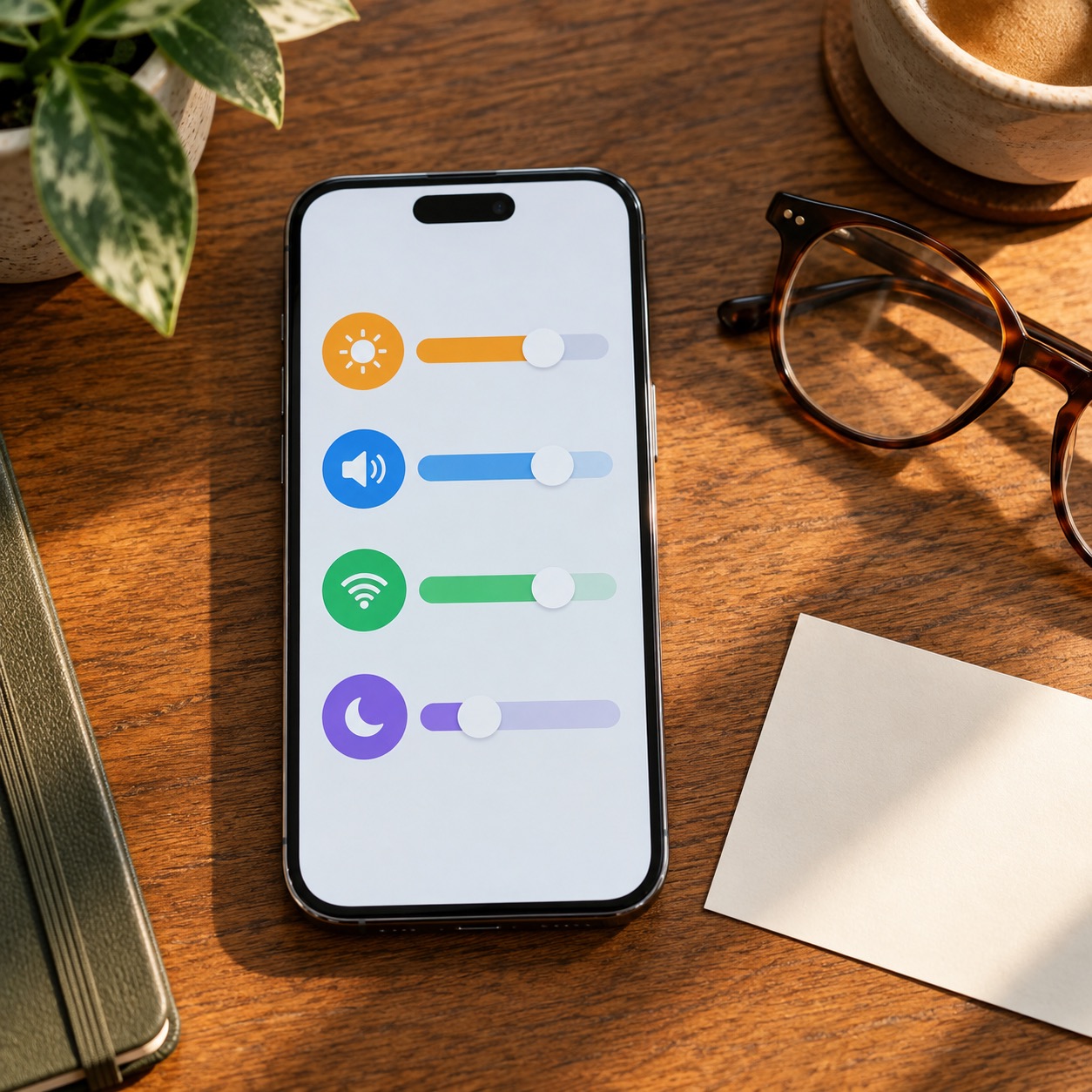
Apple often refines the Lock Screen, Control Center, Messages, Photos, and settings menus. You may see new ways to organize information, make text easier to read, or adjust notifications. Accessibility tools are also updated regularly, making it easier to use a device with vision, hearing, mobility, or memory needs.
Do not worry if a setting looks different after an update. Search within Settings, use the built-in Help pages, or ask someone you trust to walk through it with you. The goal is to keep the device comfortable to use, not to chase every new feature.
Use new AI features carefully
Some current software features can summarize, rewrite, organize, or help you find information. These tools can save time, but they should still be checked. Never let a summary replace the original message when the details matter. Do not share passwords, verification codes, banking information, or private health details with any AI tool.
Apple’s privacy resources are a helpful place to learn how its features handle personal information.
A safe update routine
Set aside time, back up first, use Wi-Fi and power, and update one device at a time if that feels easier. Afterward, make a quick call, send a message, open your email, and check any app you use for banking or health care. This confirms the everyday parts of your device are working normally.

Software changes are meant to support your day, not interrupt it. If a new update feels confusing or something stops working the way you expect, Help With My Tech can help in your home with backups, updates, settings, and patient guidance. Contact Help With My Tech when you would rather not sort it out alone.