
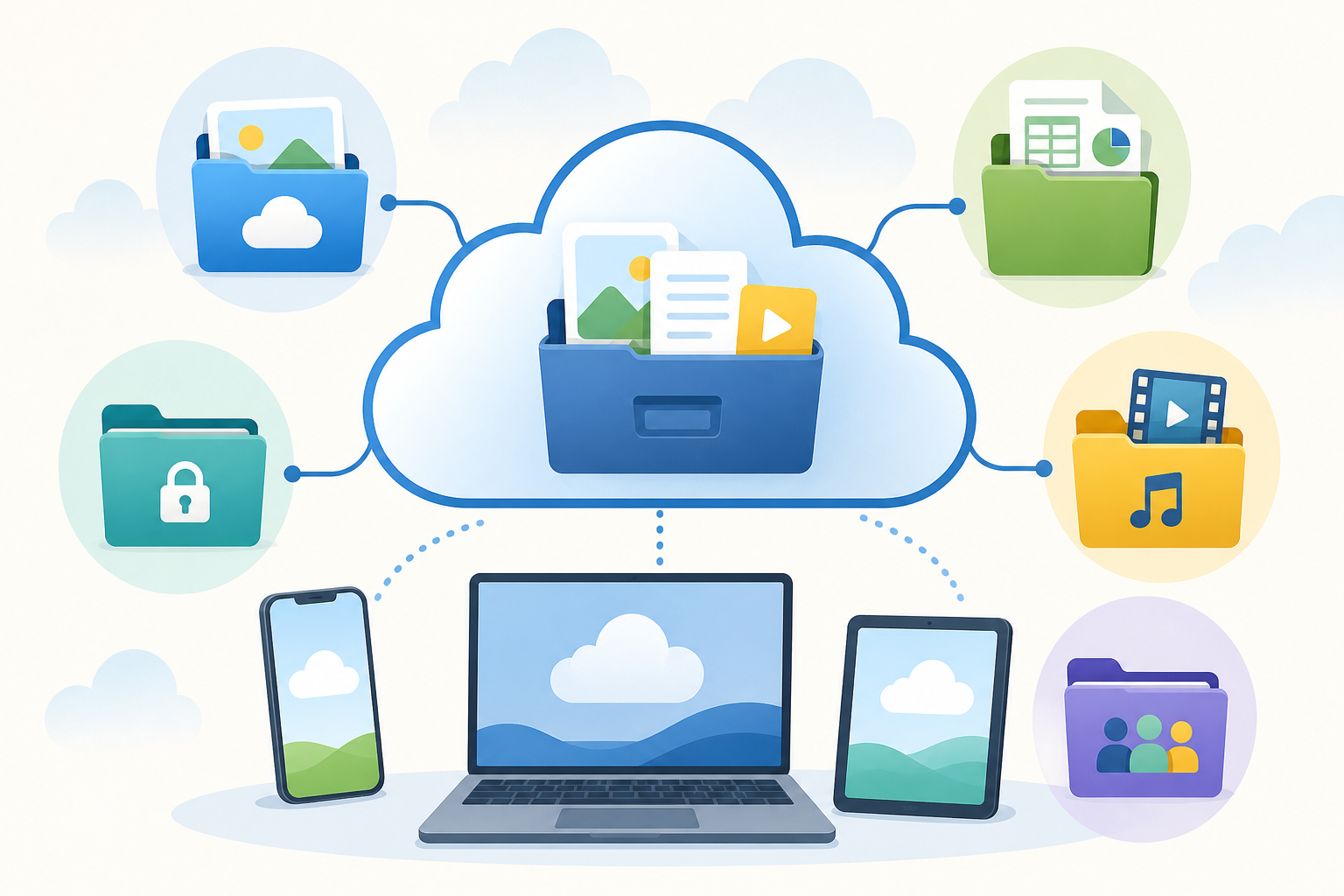
Cloud storage is supposed to make life easier. Then you discover iCloud, Google Drive, Dropbox, OneDrive, Box, and several other services all asking to store your files. Suddenly the “cloud” feels less like one convenient place and more like five closets in five different houses.
Here is the good news: you probably do not need all of them. The best cloud storage service is usually the one that already fits the devices and programs you use every day.
First, what is cloud storage?
Cloud storage keeps files on computers operated by a company such as Apple, Google, Microsoft, Dropbox, or Box. You can reach those files over the internet from your phone, tablet, or computer.
Most cloud services also sync your files. If you edit a document on your laptop, the updated version appears on your phone. If you move or delete a synced file on one device, that change may appear on your other devices too.
iCloud: best for people who mostly use Apple devices
iCloud is Apple’s cloud service. It helps an iPhone, iPad, and Mac work together. It can sync photos, contacts, calendars, notes, passwords, app information, and files. The file-storage portion is called iCloud Drive, and you see those files in the Files app on an iPhone or iPad and in Finder on a Mac.
Best for: Someone whose main devices are an iPhone, iPad, and Mac and who wants everything to stay connected with as little setup as possible.
Not the best fit when: You mainly use Windows computers, regularly collaborate in Google Docs, or need to share folders with a group using many different systems. iCloud can work on Windows and the web, but it feels most natural inside Apple’s world.
Google Drive: best for sharing and working together
Google Drive stores regular files and also holds documents created with Google Docs, Sheets, Slides, and Forms. Its biggest advantage is collaboration. You can invite someone to view, comment on, or edit a file, and several people can work on the same document without emailing different copies back and forth.
Best for: Gmail users, families sharing documents, clubs and volunteer groups, students, and anyone who works with Google Docs or needs simple collaboration.
Not the best fit when: Nearly everything you do is already inside Apple or Microsoft programs and you rarely collaborate through Google. Drive can store almost any file, but its special strength is the Google workspace around it.
OneDrive: best for Windows and Microsoft Office
OneDrive is Microsoft’s cloud storage service. It is built into Windows and works closely with Word, Excel, PowerPoint, Outlook, and Microsoft 365. Files can appear directly in Windows File Explorer, just like ordinary folders.
OneDrive also offers Files On-Demand. You can see an online file on your computer without using hard-drive space until you open it, or you can mark important files so they remain available without an internet connection.
Best for: Windows users, Microsoft 365 subscribers, and anyone who spends most of the day working in Word, Excel, or PowerPoint.
Not the best fit when: You do not use Microsoft programs and want the simplest possible service for sharing files across many kinds of devices.
Dropbox: best for straightforward cross-platform file sharing
Dropbox is not tied to one kind of phone, computer, or office program. It became popular because it made a folder on one computer appear on another computer, then kept the contents synchronized.
Dropbox remains useful when people use a mixture of Windows computers, Macs, iPhones, and Android phones. It also makes it easy to send a view-only link or share an editable folder. The person receiving a view-only link does not necessarily need a Dropbox account.
Best for: People who want a neutral file cabinet that works across different devices, photographers or professionals exchanging large folders, and anyone who frequently sends files to clients or family members.
Not the best fit when: You already have enough storage included with Apple, Google, or Microsoft and do not want another app or account. Dropbox is often excellent, but it may duplicate something you already have.
Box: best for organizations with stricter rules
Box sounds similar to Dropbox, but its main audience is businesses and organizations. It focuses on controlling who can access company files, managing shared links, approving documents, keeping records, and meeting security or compliance requirements.
Best for: A company, medical office, legal team, nonprofit, school, or other organization that chooses Box for its employees and needs strong administrative controls and document workflows.
Not the best fit when: You simply want a place for personal photos, recipes, and household documents. Box can store those files, but it is usually more service than a typical home user needs.
My practical recommendation
- Mostly iPhone, iPad, and Mac? Start with iCloud.
- Use Gmail and Google Docs or frequently collaborate? Choose Google Drive.
- Use Windows and Microsoft Office? OneDrive is usually the natural choice.
- Share files among people using many different devices? Dropbox is often the cleanest neutral option.
- Your employer or organization requires Box? Use Box for that work.
Try to choose one main home for your files. Having some documents in iCloud, others in Google Drive, a few in Dropbox, and old photos in OneDrive makes it harder to remember where anything lives. You can still use a second service for a special purpose, but decide which one is your everyday file cabinet.
Cloud syncing is not always a complete backup
This is the part many people miss. A synced folder gives you convenient access to the same files on multiple devices. But if a file is deleted, damaged, or replaced, that change can also sync. Many services offer a trash folder or version history, but recovery rules and time limits vary.
Important photos, financial records, legal documents, and irreplaceable family files should also have a separate backup. A good simple rule is to keep one copy on your computer, one copy in the cloud, and another copy on an external drive or a separate backup service.
The short answer
There is no single cloud service that is best for everyone. Pick the one that matches the technology you already use, keep your folders organized, and avoid scattering files across more accounts than you can comfortably manage. The best cloud storage is not the one with the longest feature list. It is the one where you can reliably find your files when you need them.