
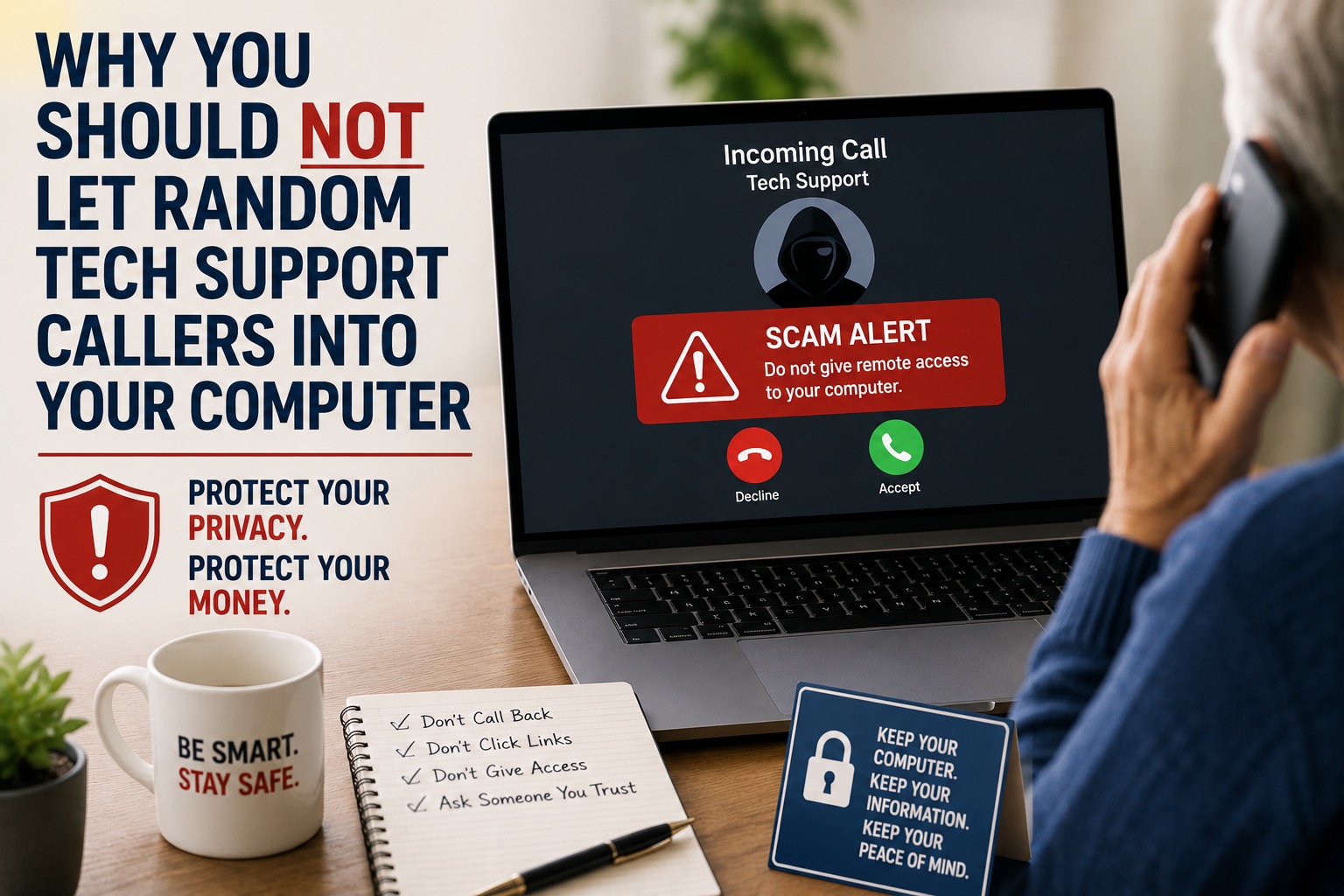
If someone calls and says they are from tech support, Microsoft, Apple, your internet company, or a security company, be careful.
Real support usually does not randomly call you and ask to get inside your computer. If a stranger wants remote access, that should be a major warning sign. 🚨
Remote access means they can see your screen and control your computer. In the right hands, that can be helpful. In the wrong hands, it can be dangerous.
Why Random Tech Support Calls Are So Risky
Scammers often pretend to be helpful. They may say your computer has a virus, your bank account is at risk, your internet has been hacked, or your computer is sending out errors.
Then they ask you to install a program so they can “fix” the problem.
Once they are connected, they may try to scare you, charge you money, steal information, install unwanted software, or trick you into logging into sensitive accounts.
Even worse, they may sound calm and professional. That is what makes these scams work. They do not always sound like obvious criminals.
Do Not Give Access Just Because They Sound Official
A scammer may know your name. They may know your city. They may use official-sounding words. They may even mention well-known companies like Microsoft, Apple, Google, Norton, or your internet provider.
That does not mean they are real.
A good rule is this: if they contacted you first, do not let them into your computer.
If you think the call might be real, hang up. Then contact the company directly using a phone number from their official website, your bill, or your account paperwork.
What You Should Do Instead
- Do not give remote access to a random caller.
- Do not install software because someone on the phone tells you to.
- Do not read passwords, codes, or banking information over the phone.
- Do not pay for “support” from someone who scared you into calling or answering.
- Hang up if you feel pressured, confused, or rushed.
- Ask a trusted family member, friend, or local tech professional before taking action.
What If You Already Let Someone In?
Do not panic, but do act quickly.
Disconnect from the internet if you are worried they may still have access. Restart your computer. Change important passwords from a different trusted device if possible. Watch your bank and credit card accounts closely. If you paid them, contact your bank or card company.
It is also smart to have your computer checked by someone you trust.
Final Recommendation
Never let a random tech support caller into your computer. If they called you first, pressured you, scared you, or asked for remote access, slow down and hang up.
Help With My Tech is BBB accredited and maintains a high rating on Google. If you need help checking your computer, removing suspicious software, or figuring out whether something is real or fake, contact us. We are here to help you feel safer and more confident with your technology.