
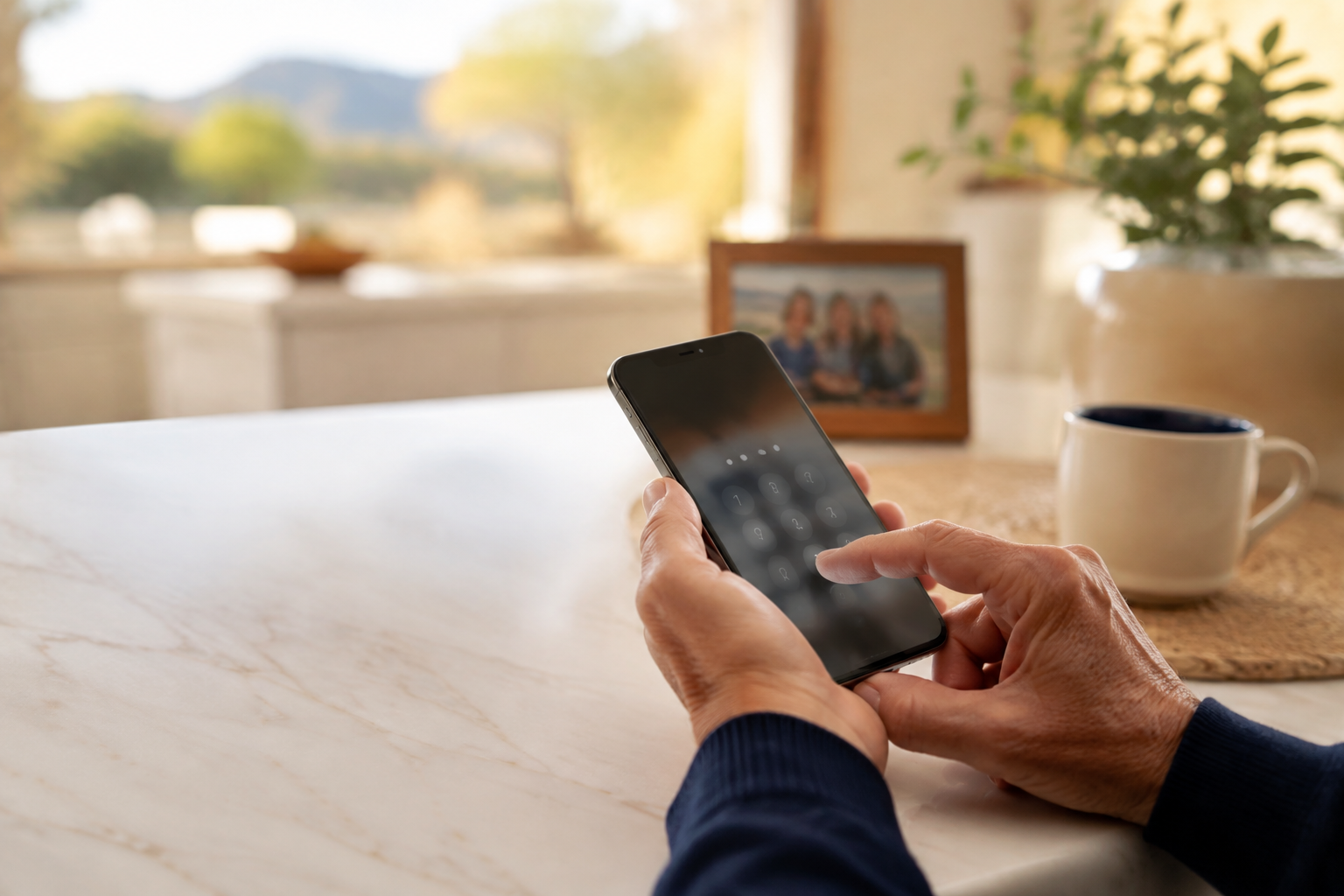
Your phone probably knows more about you than your wallet does. It may hold family photos, text messages, saved passwords, banking apps, medical information, email, and the keys to resetting other accounts. A simple PIN code is one of the easiest ways to put a real lock on all of it.
The quick win: If your phone does not require a PIN, passcode, password, fingerprint, or Face ID to unlock, turn one on today. A six-digit PIN is a great place to start.
This applies whether you use an iPhone or an Android. The menu names vary a little, but the idea is the same: when your phone is locked, other people should not be able to pick it up and browse through your life.
“But I Use Face ID or My Fingerprint”
That is excellent, and you should keep using it. Face ID, Touch ID, and fingerprint unlock make your phone convenient. But they work with a PIN, not instead of one. Your PIN is the backup key your phone needs after a restart, after certain security events, and whenever the biometric unlock does not recognize you.
On an iPhone, Apple requires a passcode to help protect your data. On Android, Google recommends a six-digit PIN or longer and explains that a secure screen lock also helps encrypt backups. Apple’s guide and Google’s Android guide both show how to turn one on.
What a PIN Helps Protect
- Your private conversations. Text messages and email often contain personal information, appointment details, and password-reset links.
- Your money. Many banking, payment, shopping, and investment apps stay signed in for convenience.
- Your photos and contacts. A locked phone makes it much harder for someone to scroll through your memories or impersonate you to people you know.
- Your other accounts. Your email account can often be used to reset passwords for many other services.
A PIN will not make a phone invincible, and it does not replace being careful about scams. It does make an opportunistic person’s job much harder if your phone is misplaced, left on a restaurant table, or picked up by someone else.
Choose a PIN You Can Remember, but Others Cannot Guess
The best PIN is not a code you have to keep written on a sticky note. It should be memorable to you but not obvious to someone who knows you.
Try not to use 1234, 0000, your birth year, your address number, or the last four digits of your phone number.
A six-digit PIN provides much more protection than four digits while still being easy to enter.
If remembering numbers is difficult, ask someone you trust to help you create a code based on a private pattern or two unrelated numbers you can remember. Just do not put the code in a note labeled “Phone PIN.”
How to Turn It On
On iPhone
Open Settings → Face ID & Passcode (or Touch ID & Passcode on some models) → Turn Passcode On. Apple will guide you through choosing a six-digit passcode. You can then set up Face ID or Touch ID so you do not need to type the code constantly.
On Android
Open Settings → Security → Screen lock, then choose PIN. On some Android phones, the wording or location may be a little different, so use the Settings search bar and type “screen lock” if you do not see it right away.
If You Lose Your Phone
A PIN buys you time and protects your information, but do not stop there. Use Find My on iPhone or Find Hub on Android to locate, lock, or erase the device if necessary. If you are unsure what to do, take a breath and get help before making a rushed decision.
Security does not have to be complicated.
A good PIN is a small habit that can protect a lot of your personal life. Set it once, use Face ID or your fingerprint for convenience, and enjoy a little more peace of mind.
Need a Hand Setting It Up?
Help With My Tech can help you set up a PIN, Face ID, fingerprint unlock, and the other security settings that make sense for your phone. We will explain it in plain English and make sure you feel comfortable using it afterward. Contact Help With My Tech when you would like patient, one-on-one help.